


AI Video Cropper
Transform any video into platform-perfect content with our AI-powered video cropping tool. Upload once, crop for TikTok, Instagram, YouTube, and everywhere else - no editing skills required.








Get platform-ready videos in seconds
Automatically crop one video into Instagram Stories, TikToks, YouTube Shorts, and feed posts instantly.

Empower every team to work like pros
Anyone can crop videos like a seasoned editor, no post-production background required.

Save both time and budget
Skip outsourcing and keep workflows in-house while reducing creative production costs.
Perfect video dimensions for every platform
Choose from 1:1, 9:16, 16:9, or custom sizes optimized for feed, story, or ad placements. Easily switch between portrait and landscape to match any platform's posting requirements.

Crop without losing quality
Smart cropping algorithms preserve 4K and HD quality with zero pixelation or frame distortion. Your cropped videos maintain the same crystal-clear resolution as your original footage.
Easy-to-use interface
An intuitive cropping tool with preset sizes for every platform, plus a real-time preview so you know exactly how your video will look before export.
How to crop a video on LTX Studio?
BOOK A DEMO- 01
Upload Video
Select Resize from the menu on the left and upload your video.
- 02
Choose Format
Choose your desired output formats.
- 03
Preview
Preview your new cropped versions.
- 04
Export
Download your platform-ready videos.
Explore more powerful features that take your vision from concept to final cut.
Discover more features
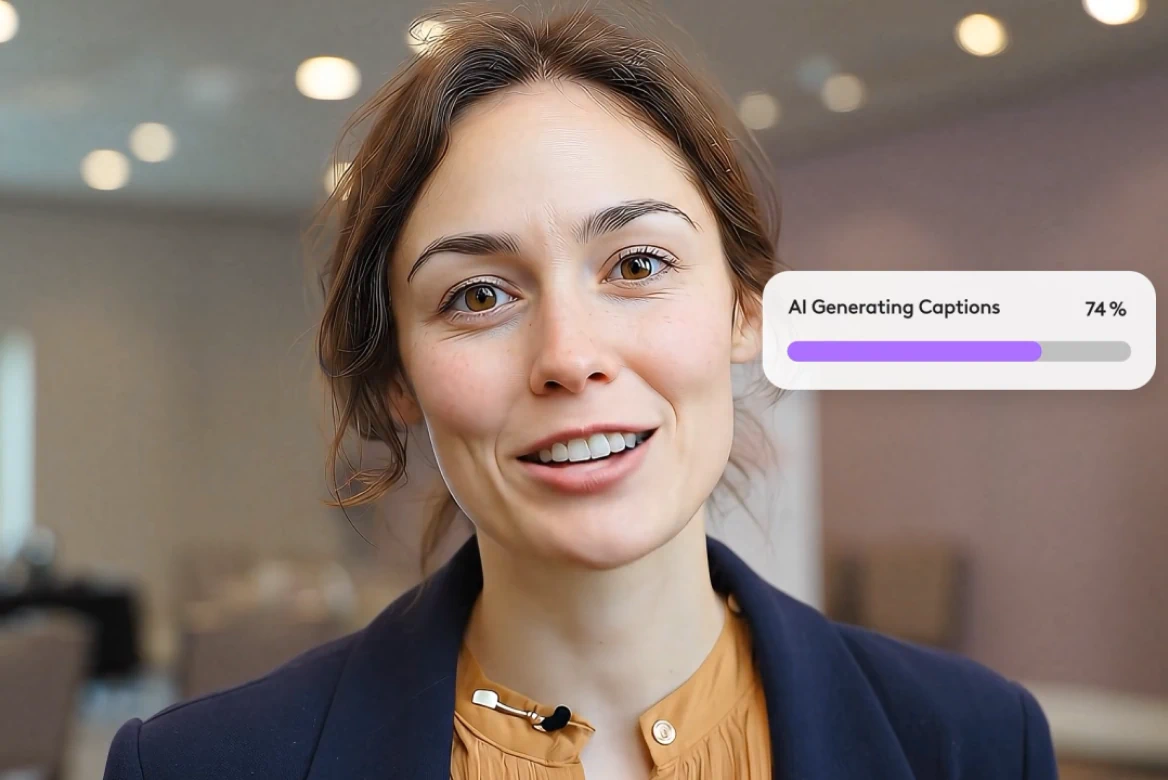
Subtitle editor
Professional subtitle editor for editing subtitles and video captions.
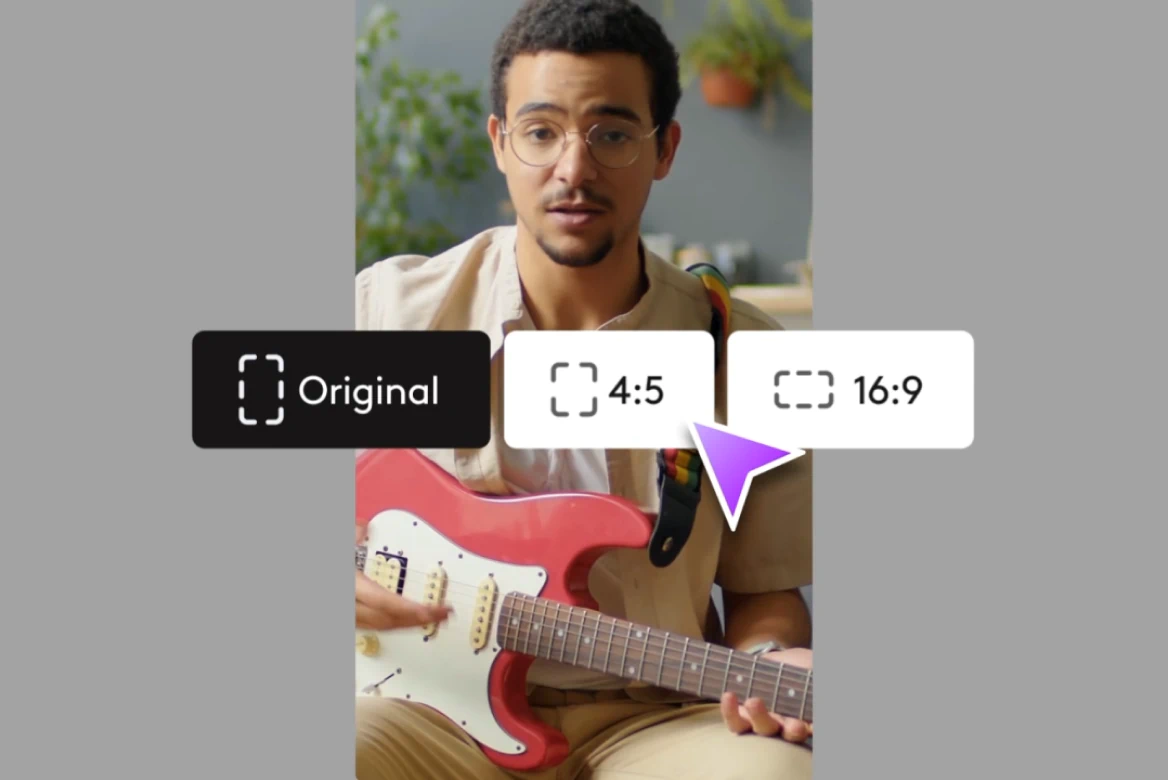
Resize
Resize videos for Instagram, Reels, TikTok, YouTube Shorts & more.
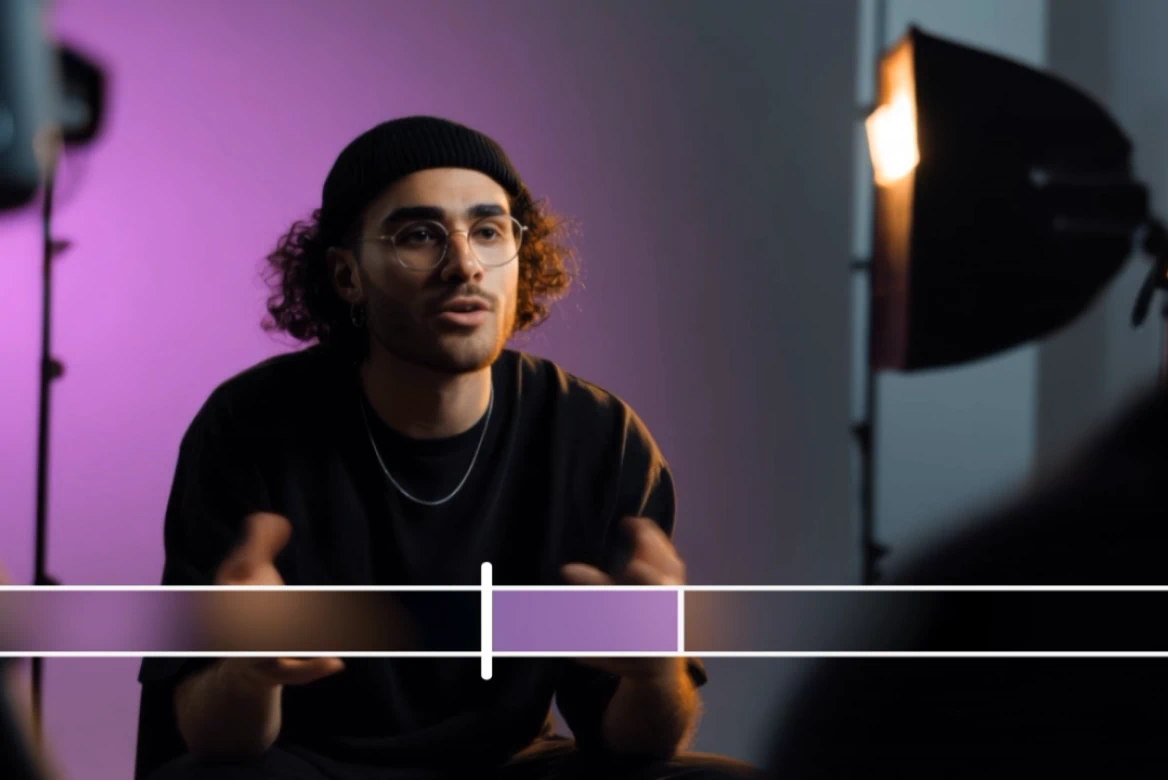
Rescript
Edit video scripts, preserve voice tone, and sync lips - without reshoots.
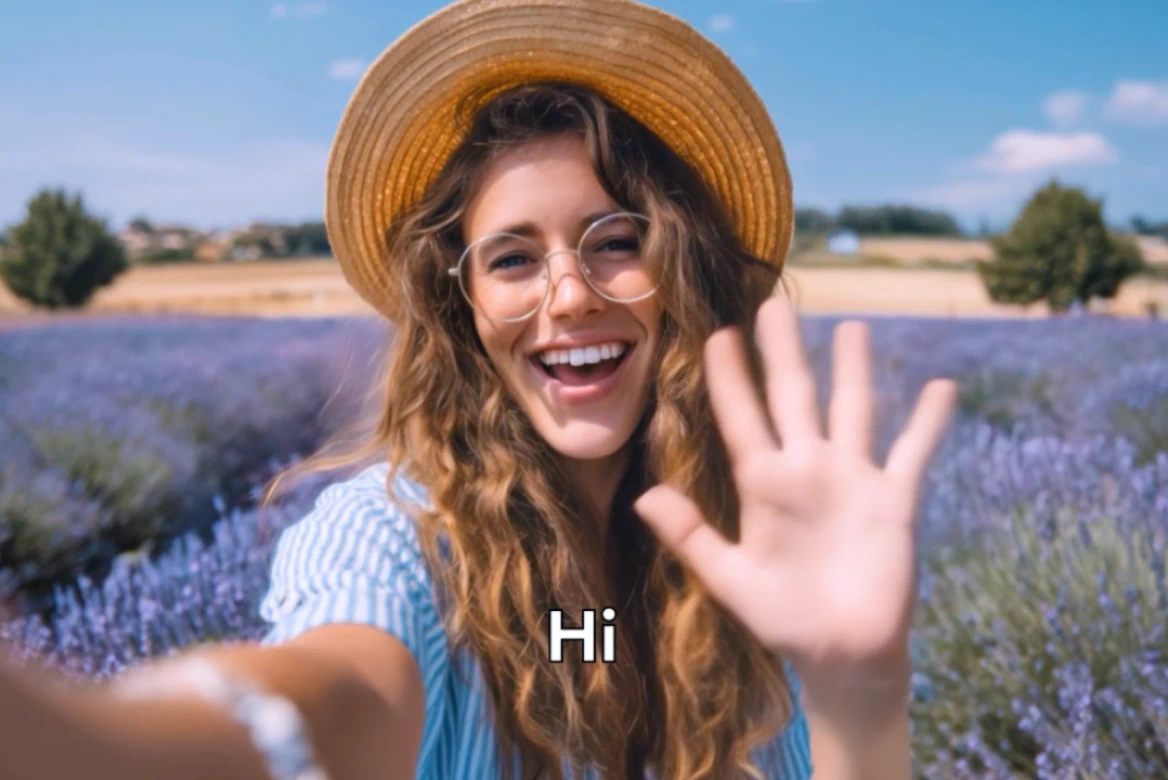
Localize videos
Professional video localization with AI tools. Localize videos for global markets instantly.
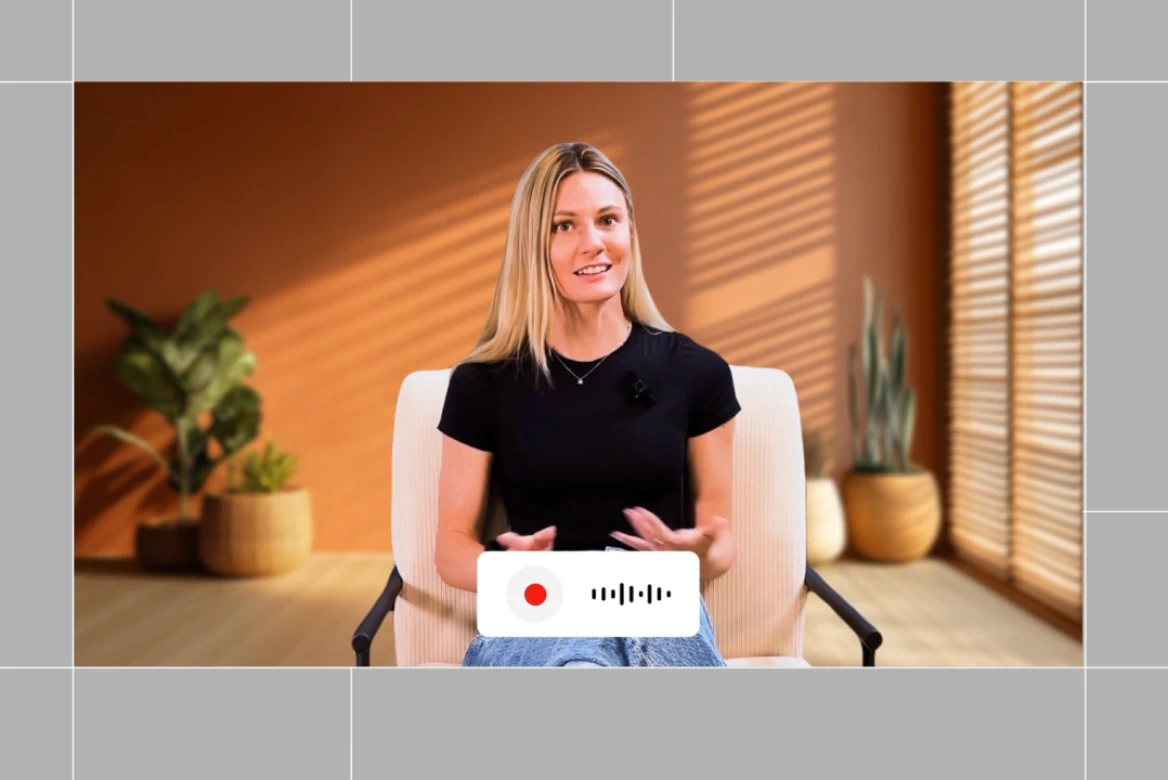
Dubbing
Localize your videos with AI dubbing. Instantly translate videos, voiceover, and lip-sync content in multiple languages.
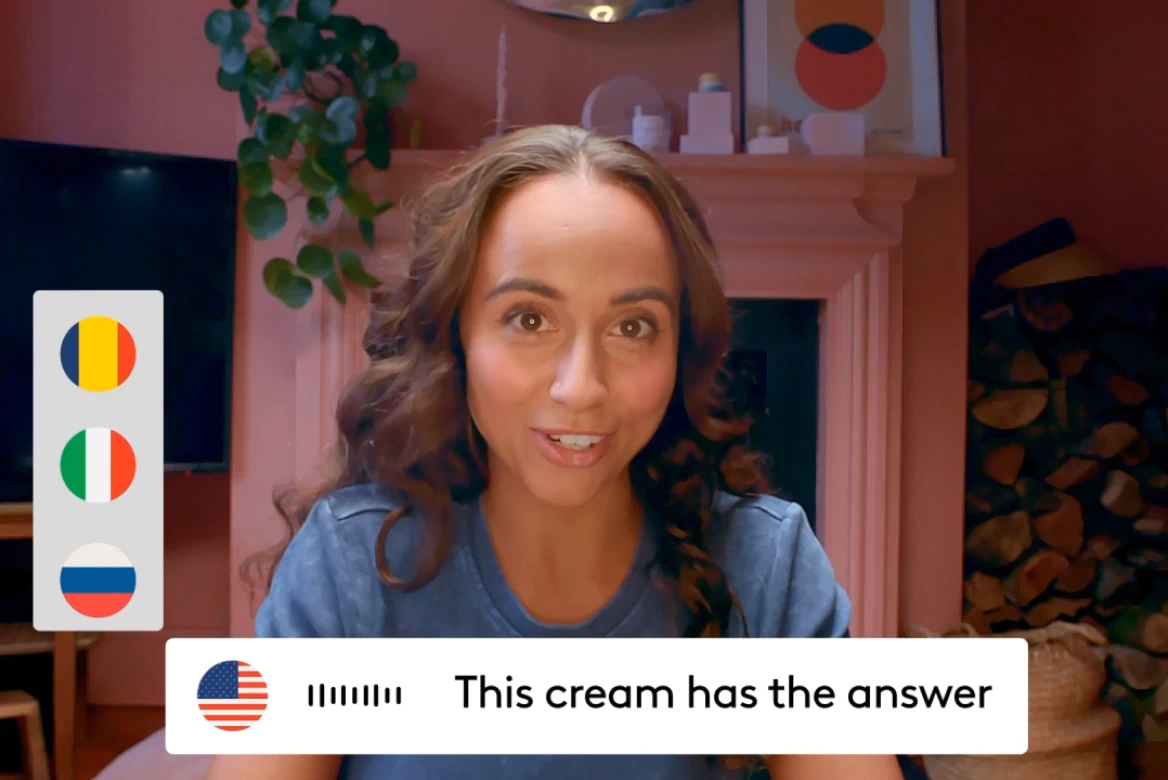
AI Video Translator
Voice cloning, lip sync, and 175+ languages— no agencies needed.
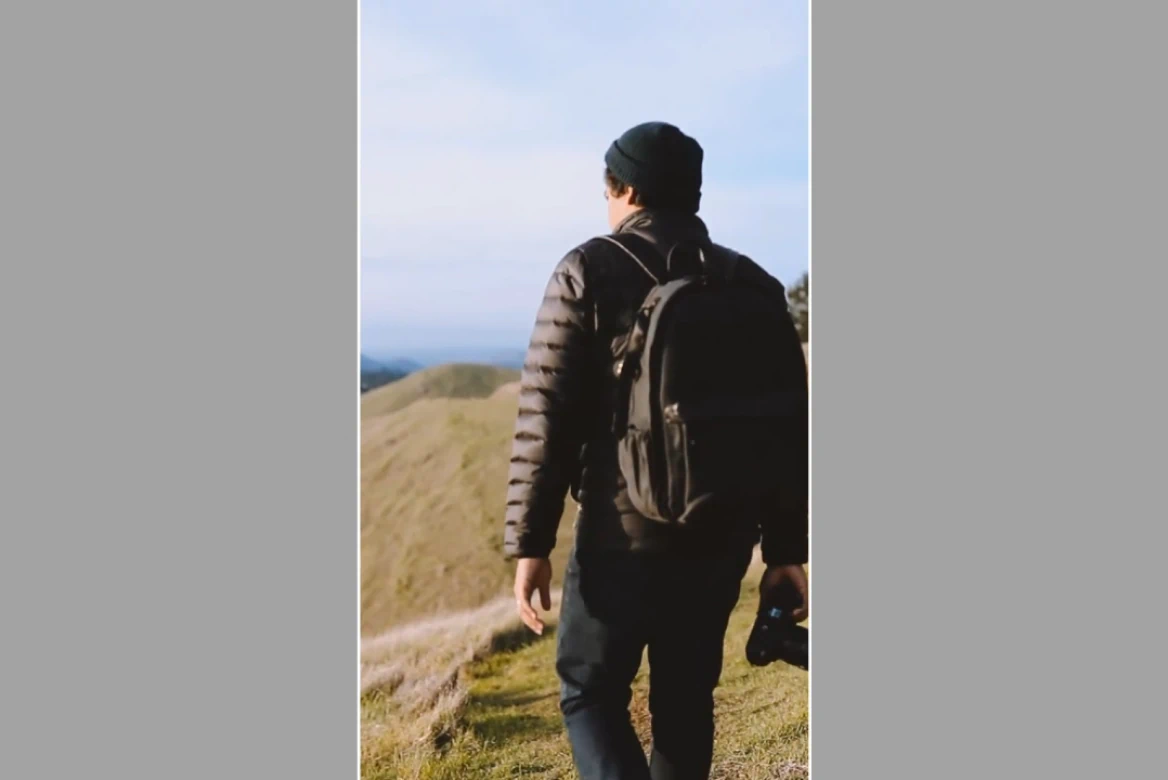
AI Video Extender
Transform vertical videos to widescreen, add overlays, and resize for any platform.
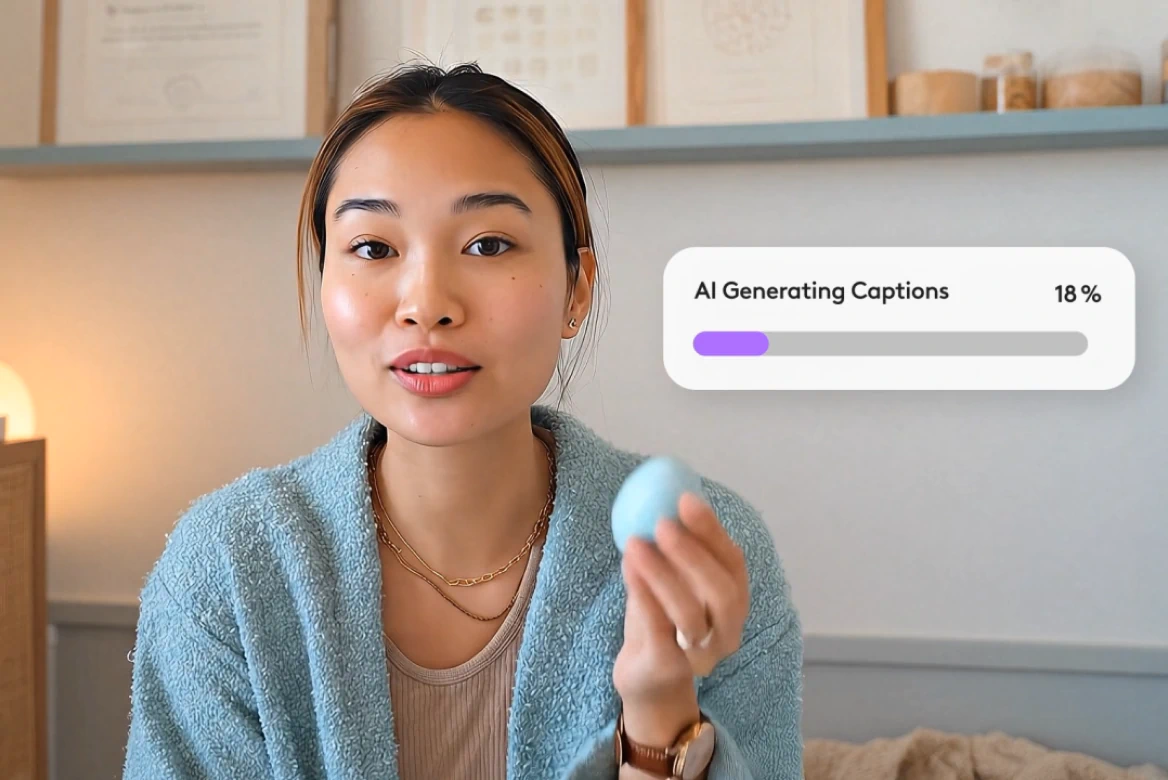
AI Subtitle Generator
Generate subtitles in 100+ languages with smart editing tools.
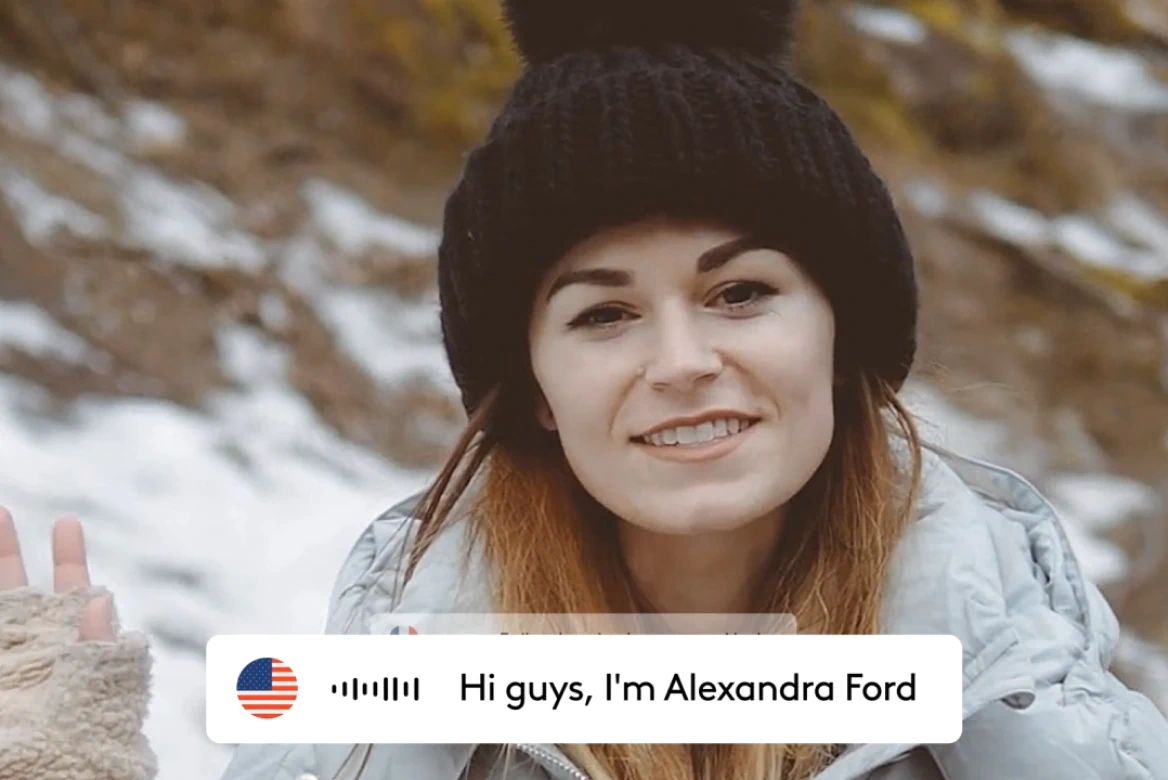
AI Lip Sync
Create realistic lip sync videos in 175+ languages.
AI Avatars
Generate AI avatars for videos with custom voices.
Related blog posts
.png)
Short-Form Video: Strategy, Formats, And AI Creation Guide (2026)
Master short-form video strategy for TikTok, Reels, and YouTube Shorts. Covers formats, production workflows, and AI-powered creation at scale.
.jpeg)
How To Make Explainer Videos With AI In 2026 (Complete Guide)
Learn how to make explainer videos with AI in 2026. A complete step-by-step production guide covering scripting, storyboarding, tools, and cost breakdowns.

Best Image To Video AI Tools In 2026
Compare the best image to video AI tools in 2026. Covers features, pricing, motion control, and how to turn images into video with AI.
.png)
How To Use Seeds In AI Video
Learn how seeds work in AI video and image generation for consistent, reproducible results across LTX Studio, Midjourney, and more.
FAQs
Can I crop by aspect ratio like 1:1, 16:9, or 9:16?
Definitely! You can crop videos to 1:1 for Instagram, 16:9 for YouTube, or choose your own aspect ratio. Perfect when you need to crop a video for Instagram Stories or TikTok.
Can I crop a video without losing quality?
Absolutely! Our tool lets you crop video without losing quality, whether you crop a 4k video or standard HD footage. You'll get cropped video results with zero pixelation or distortion.
Can I crop multiple videos at once?
Yes! You can crop multiple videos at once using our batch crop feature. Process several files together efficiently with the same or different settings.
Can I crop part of the screen or a specific object in a video?
Yes! You can crop just part of your video content, focusing on a section that matters most or crop out anything you don't need. Perfect for trimming borders, removing elements, or focusing in on your subject.
Do I need to download software to crop videos?
Not at all! Our video cropping tool is hosted online and works entirely in your browser.
Does your crop tool support all file formats like MP4, MOV, AVI, and WebM?
Absolutely. You can instantly crop MP4, MOV, AVI, and WebM videos. Our video editor supports all popular formats without requiring conversion.
How does the AI video cropper work?
Our AI analyzes your video dimensions and intelligently resizes while preserving key elements. Whether you crop a video for YouTube Shorts or another video format, it maintains your video's original quality.
Enterprise AI Video, Built for Scale
LTX Studio is an enterprise-grade AI video production platform that helps teams develop, produce, and deliver across modern, scalable workflows.
.png)



