


AI subtitle generator for instant captions
You're losing 85% of viewers who watch without sound. Automatically generate captions for videos with perfect timing to keep every viewer engaged.









Never lose another viewer to silent scroll
Smart formatting ensures your key messages land even in muted environments.

Reduce caption creation time by 95%
Skip agency delays and per-minute fees. Generate professional captions instantly.

Boost search rankings instantly
Feed search engines the caption data they crave for better discoverability.
Auto captions that actually understand context
Our AI handles industry jargon, accents, and background noise for highly accurate, ADA-compliant subtitles that enhance your professional credibility.

Translate and style captions into 25+ languages
Instantly translate captions into 25+ languages. Customize fonts, colors, and positioning to match your brand's visual style.
Advanced export tools for every workflow
Export captions as SRT files or add them directly into your video. Automatically adapt caption styles for Instagram, TikTok, YouTube, and more.
How to add subtitles to videos
BOOK A DEMO- 01
Upload Video
Upload your video and select Subtitles.
- 02
Choose Language
Choose your language and caption style.
- 03
Review
Review and customize timing or text.
- 04
Download
Download your captioned video or captions file.
Explore more powerful features that take your vision from concept to final cut.
Discover more features
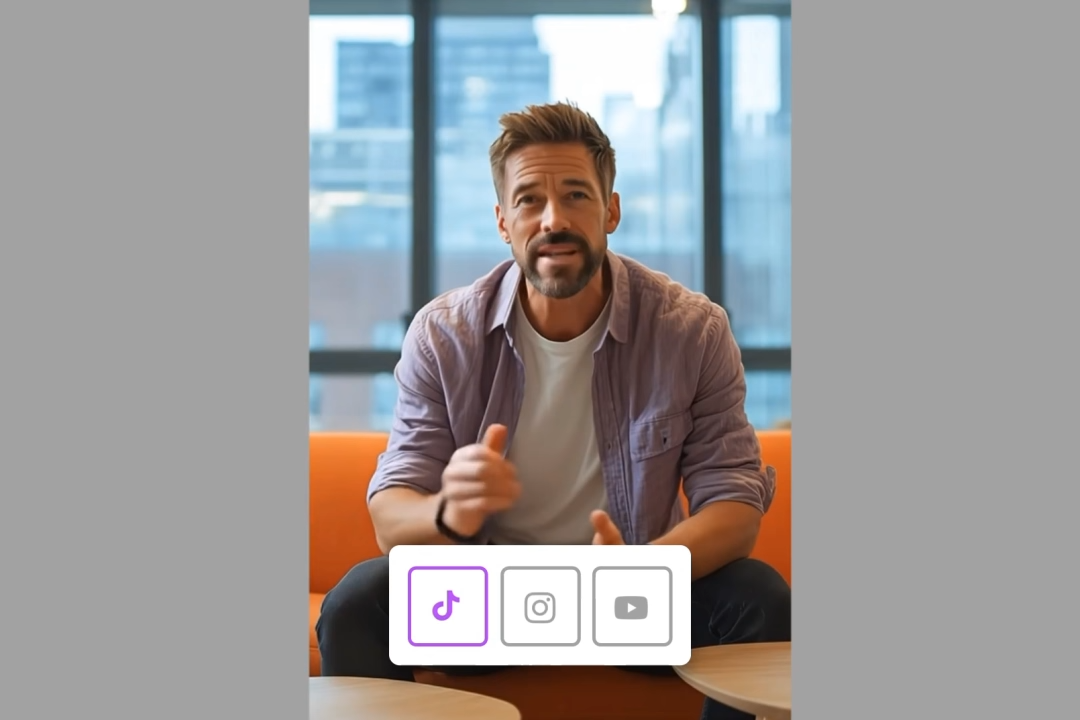
Video Cropper
Crop video online for any platform with Ltx Studio's AI-powered video cropping tool.
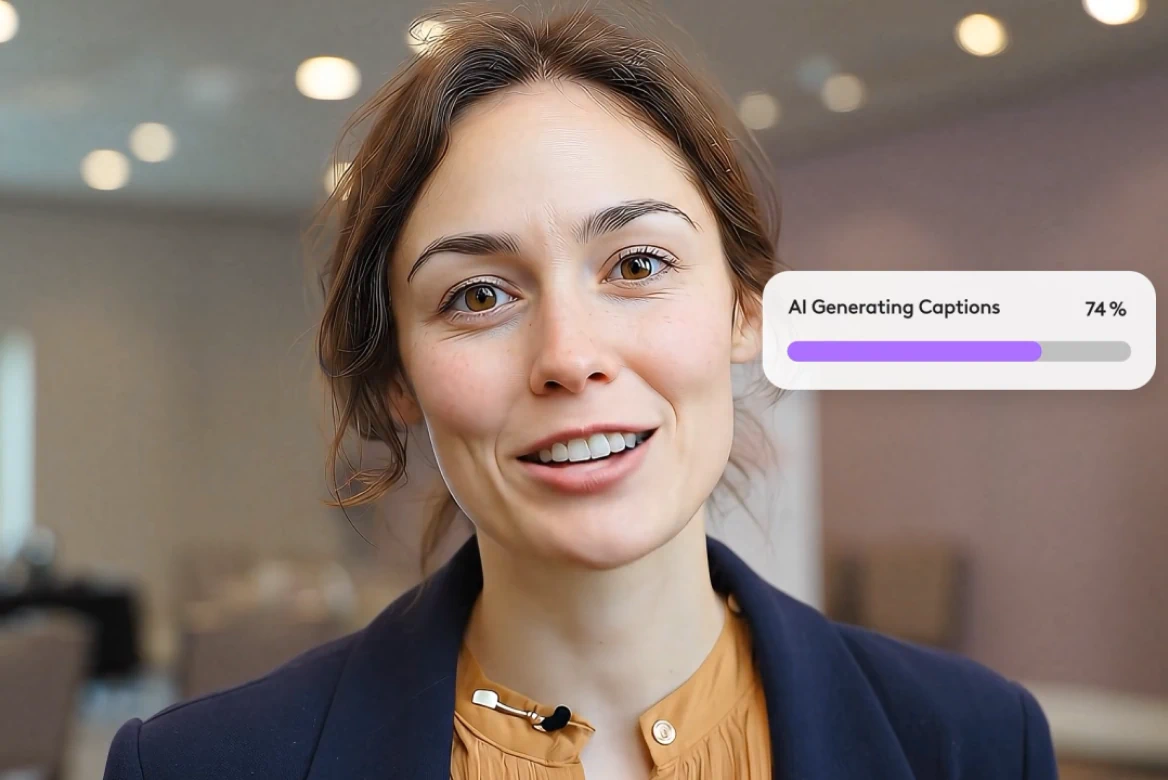
Subtitle editor
Professional subtitle editor for editing subtitles and video captions.
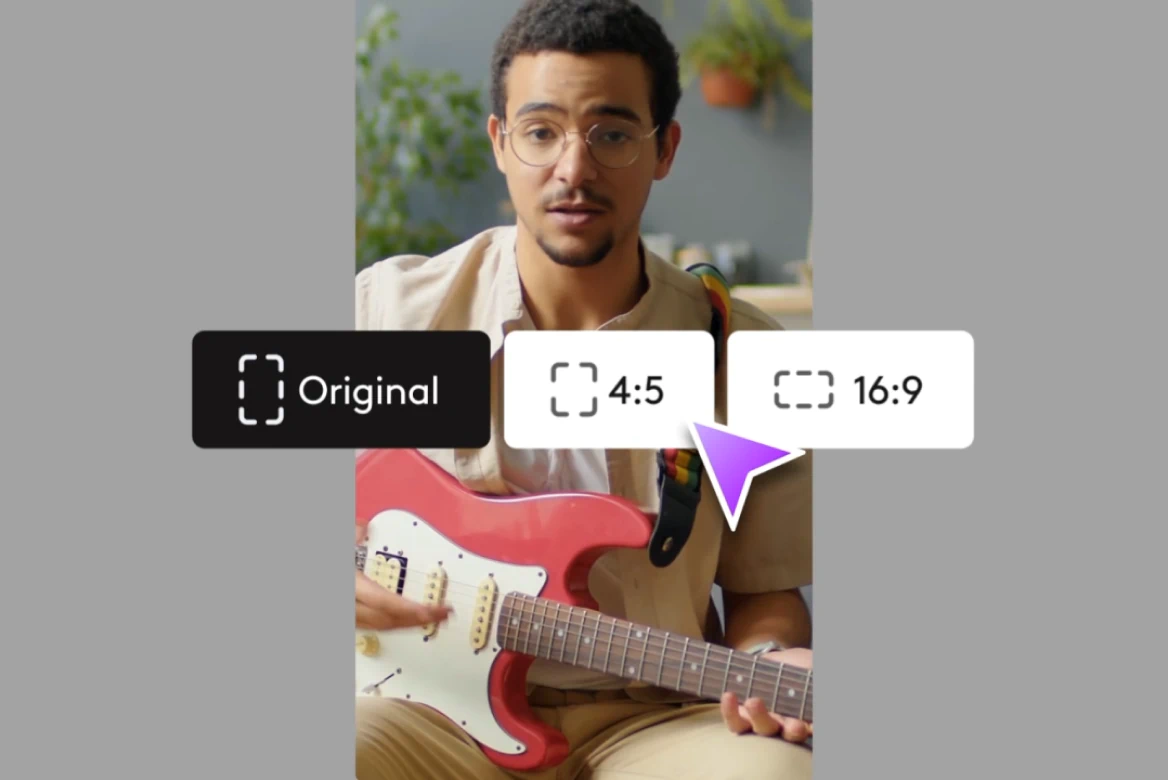
Resize
Resize videos for Instagram, Reels, TikTok, YouTube Shorts & more.
Rescript
Edit video scripts, preserve voice tone, and sync lips - without reshoots.
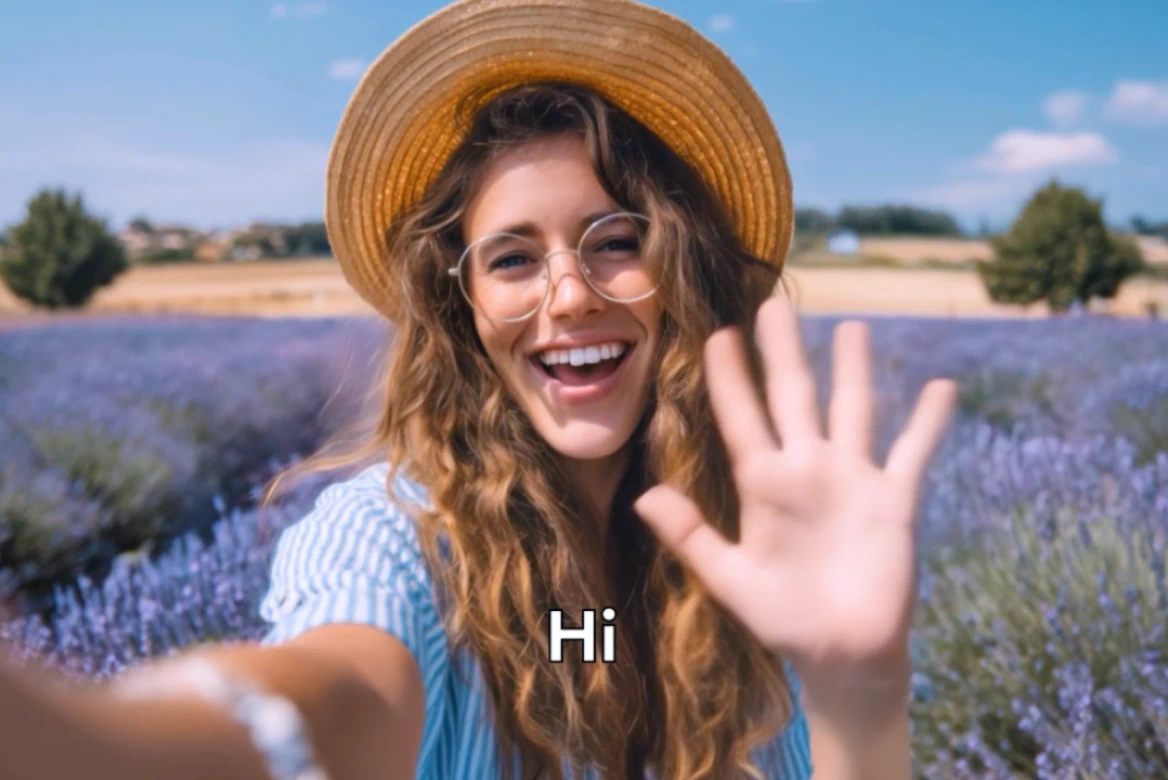
Localize videos
Professional video localization with AI tools. Localize videos for global markets instantly.
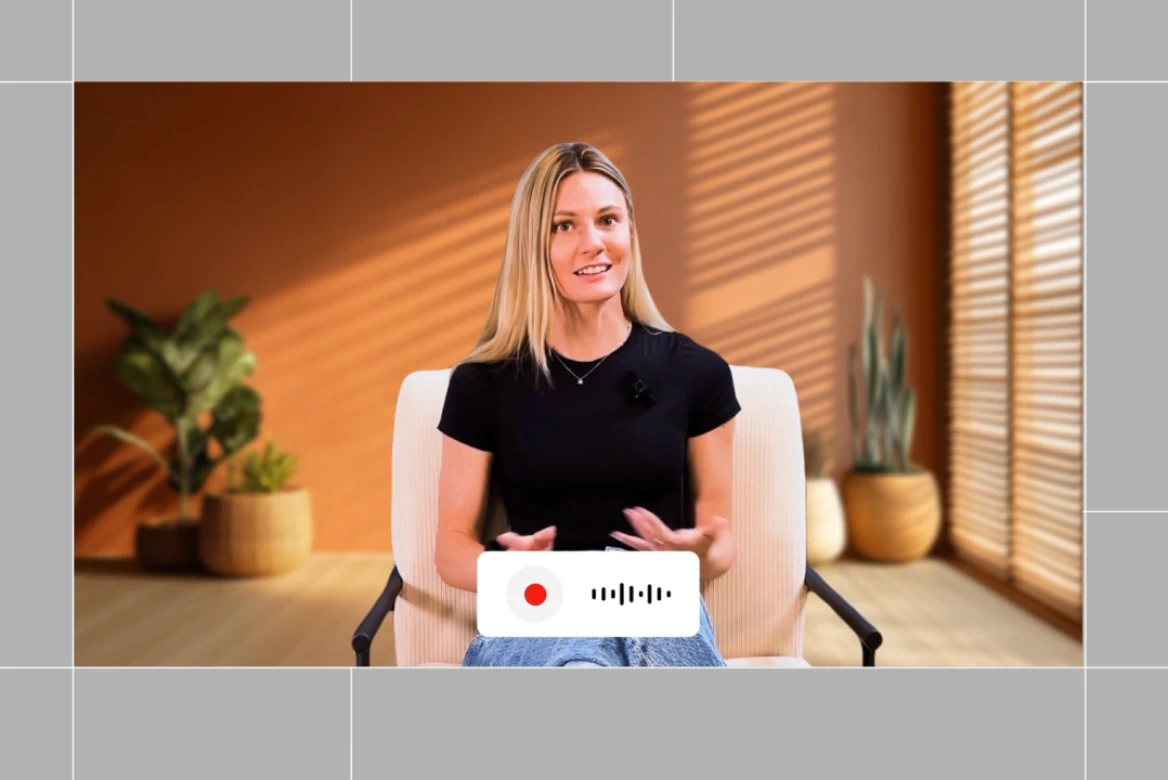
Dubbing
Localize your videos with AI dubbing. Instantly translate videos, voiceover, and lip-sync content in multiple languages.
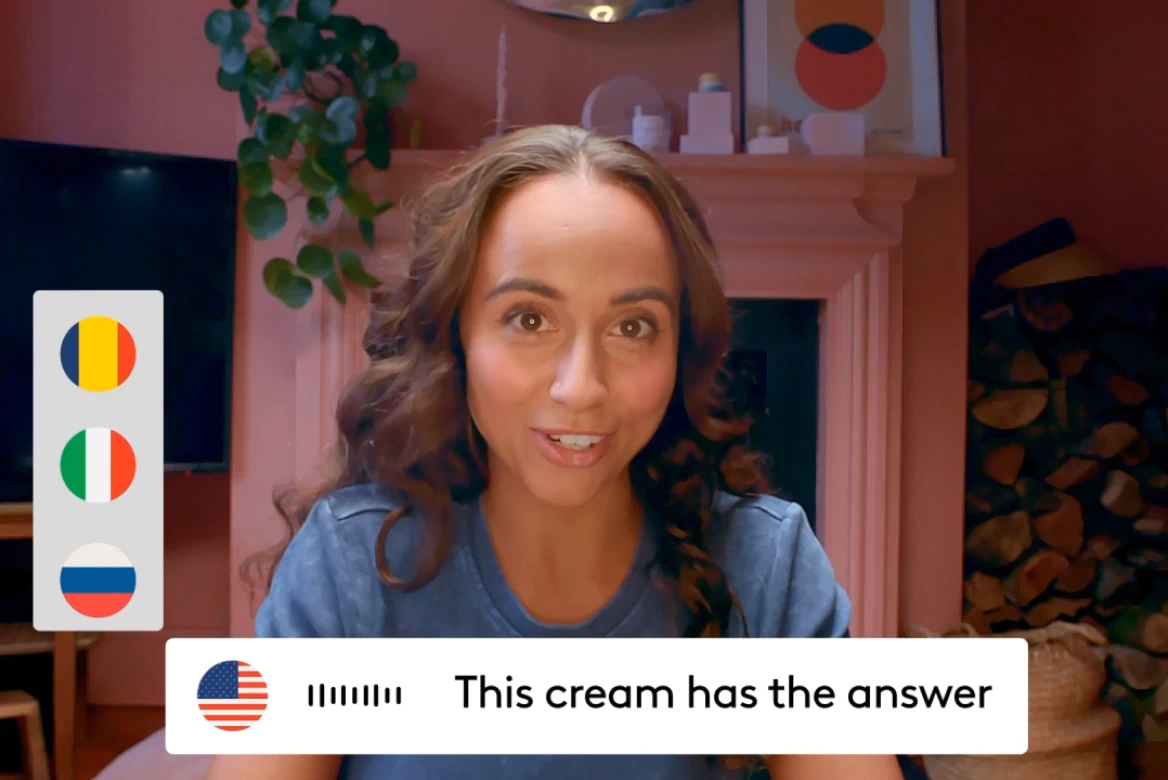
AI Video Translator
Voice cloning, lip sync, and 175+ languages— no agencies needed.
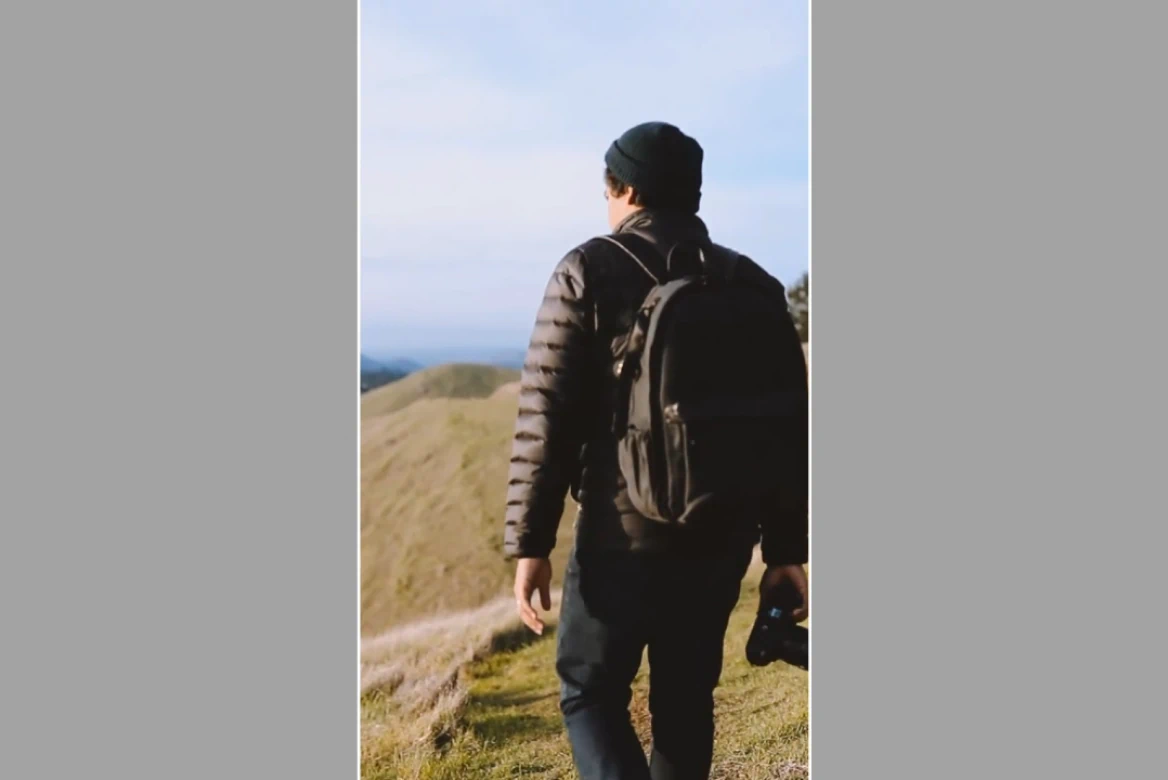
AI Video Extender
Transform vertical videos to widescreen, add overlays, and resize for any platform.
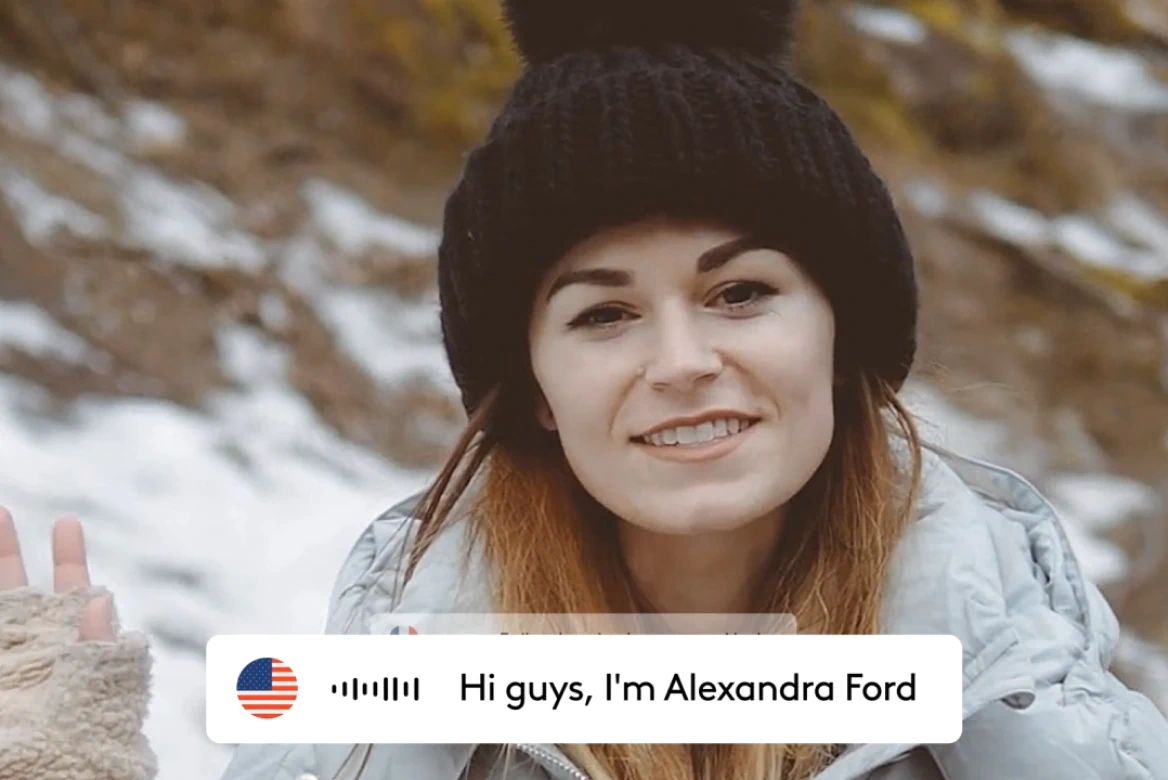
AI Lip Sync
Create realistic lip sync videos in 175+ languages.

AI Avatars
Generate AI avatars for videos with custom voices.
Related blog posts

How To Add AI Voiceovers & Dialogue To Videos
Learn how to add AI voiceovers and character dialogue to your videos in LTX Studio. This step-by-step guide covers narration, multi-speaker scenes, lip sync, and audio-to-video workflows.

Audio-to-Video: Syncing Sound with AI Video Generation
Master audio-to-video generation with LTX Studio. Learn how to sync sound, control lip sync, add dialogue and music, and build complete audio-visual workflows in one platform.

How To Generate Video From Audio In LTX
Tired of inconsistent AI voices? Audio-to-Video keeps your dialogue stable across every generation. Here's how to use it.
Lightricks Launches Audio-to-Video Generation with Exclusive ElevenLabs Partnership
Lightricks introduces audio to video generation with LTX, launching exclusively with ElevenLabs to let sound drive video from the first frame.
FAQs
Can I edit the generated subtitles before finalizing?
Yes. Adjust text, timing, and styling with our intuitive editor.
Can I generate auto captions online?
Everything happens in your browser. No downloads, no setups. Upload and export instantly.
How long does it take to add subtitles to my video?
Most videos are processed in under 2 minutes. Upload, generate, and download instantly.
Is the AI subtitle generator accurate?
Our AI handles complex audio scenarios like background music and multiple speakers that break other tools.
Will the caption generator work for all social media platforms?
Absolutely. Export as hardcoded captions or download separate files for any platform.
Enterprise AI Video, Built for Scale
LTX Studio is an enterprise-grade AI video production platform that helps teams develop, produce, and deliver across modern, scalable workflows.
.png)



