


Convert text to speech and Rescript video dialogue with AI
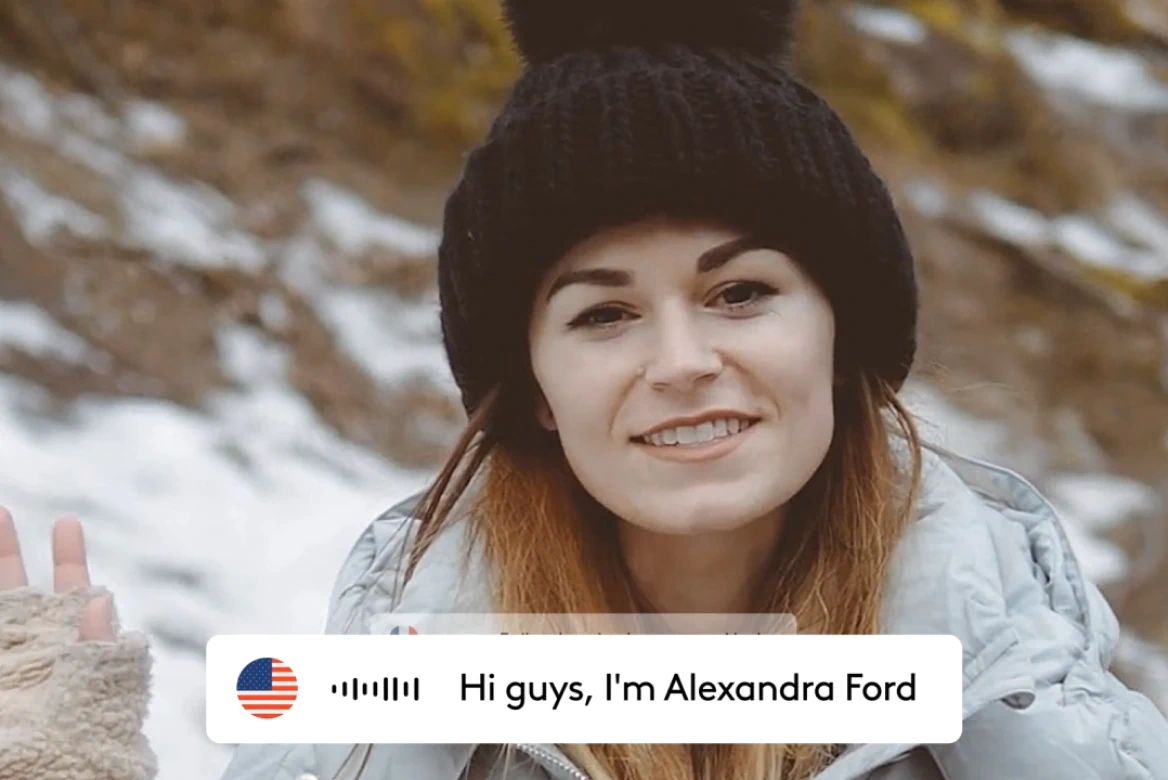
Change your speaker's speech without changing who said it. Edit your video’s script in minutes with synced voice and lips. No reshoots, no studio time needed.








Streamline post-production
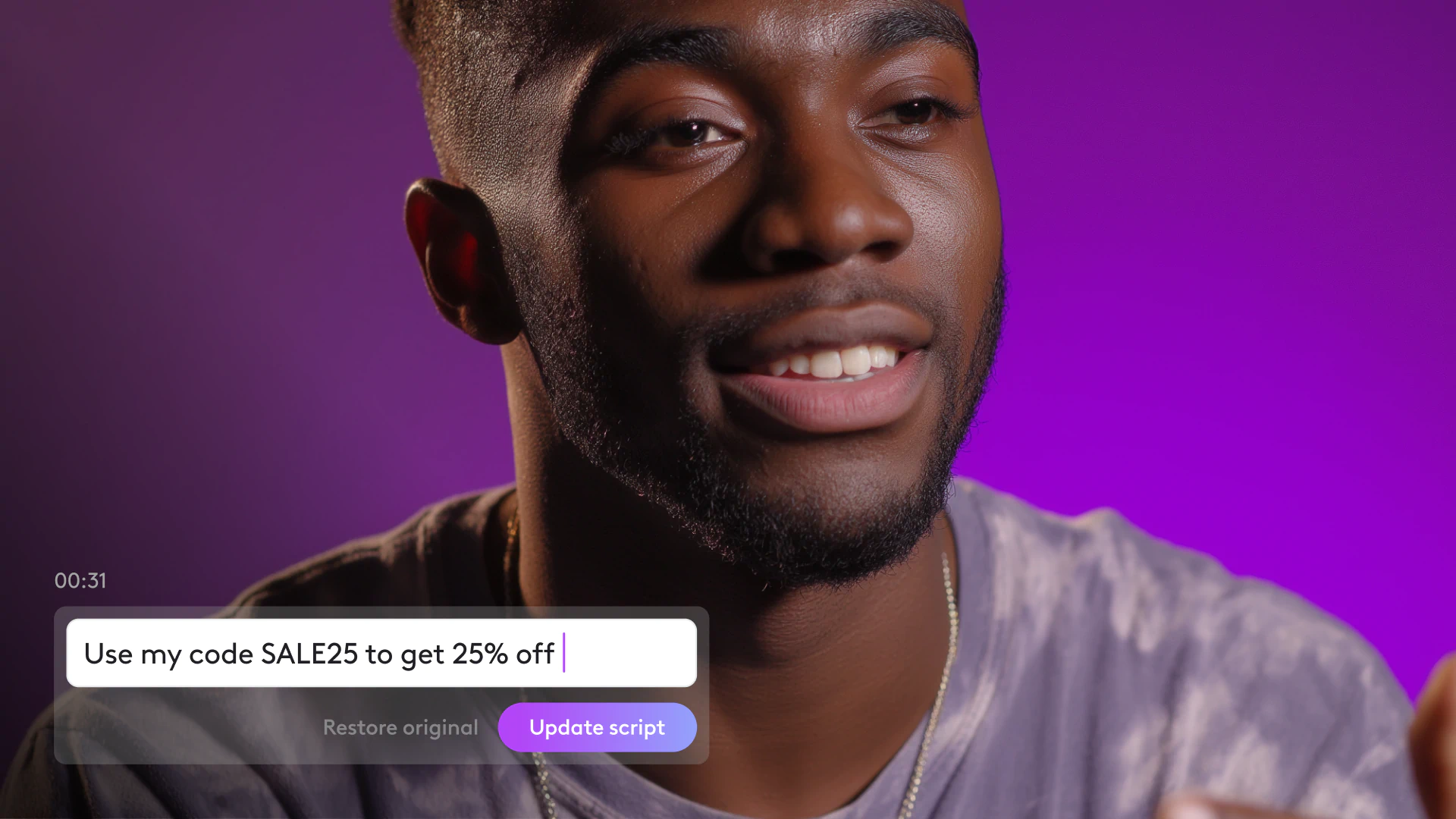
Make script edits directly from the transcript. No actors and no studio time required.

Revitalize dated content
Update videos to reflect current brand guidelines and positioning without creating from scratch.

Scale your performance pipeline
Create multiple ad variants from one video to test and iterate without extra production.
Modify video scripts in real-time
Need to change a line? Just update the transcript. Our AI turns text edits into speech, perfectly syncs the lips, and keeps your video seamless—like the new line was always there.


Same voice, new message
Our technology preserves the speaker's unique tone and delivery while changing what they say. Your video stays authentic—even with completely new wording.
Repurpose content without starting over
Fix a script in minutes, not days. No actors, no mics, no timelines blown. Perfect for A/B testing, product refreshes, seasonality updates, and always-on content.
How to edit speech in a video with AI
BOOK A DEMO- 01
Upload Video
Select Rescript and upload your video.
- 02
Edit Script
Make any edits needed to the auto-generated transcript.
- 03
Preview
Preview the changes, complete with with AI-powered lip sync.
- 04
Download
Download your updated video.
Explore more powerful features that take your vision from concept to final cut.
Discover more features
Video Cropper
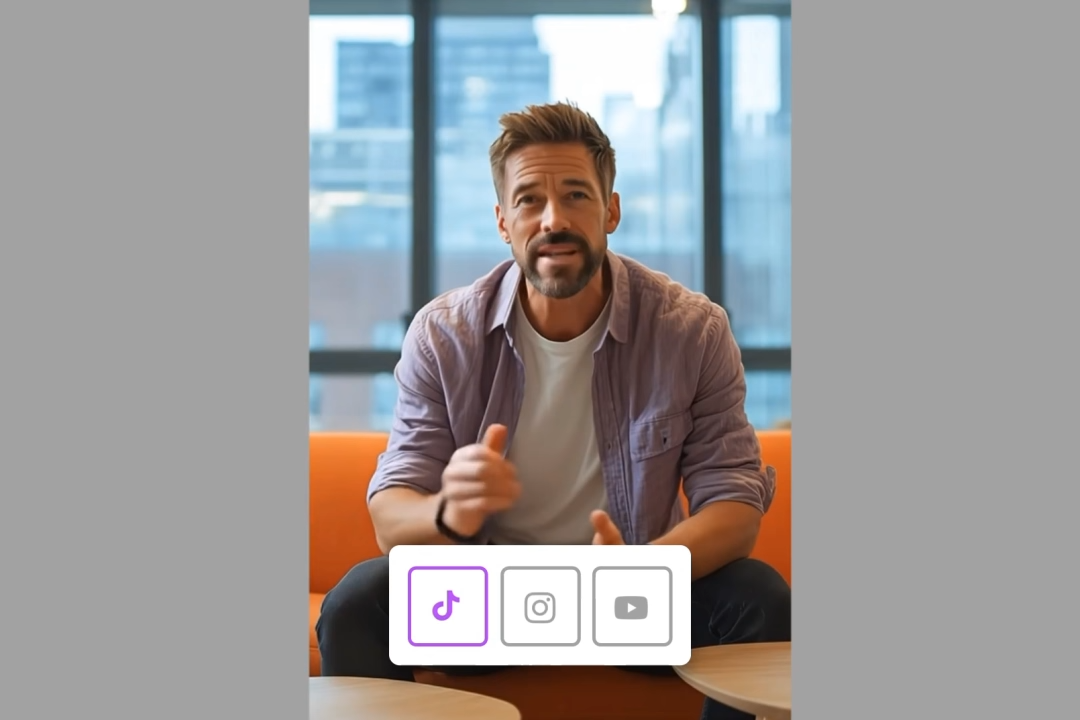
Crop video online for any platform with Ltx Studio's AI-powered video cropping tool.
Subtitle editor
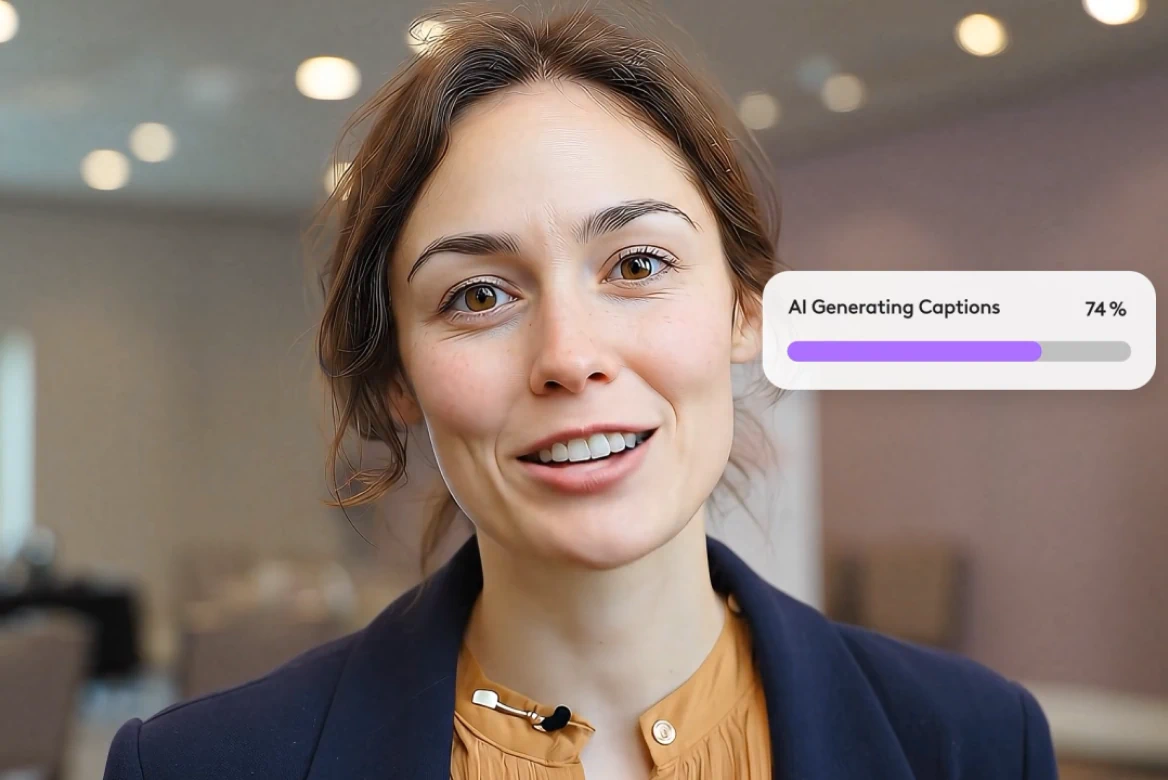
Professional subtitle editor for editing subtitles and video captions.
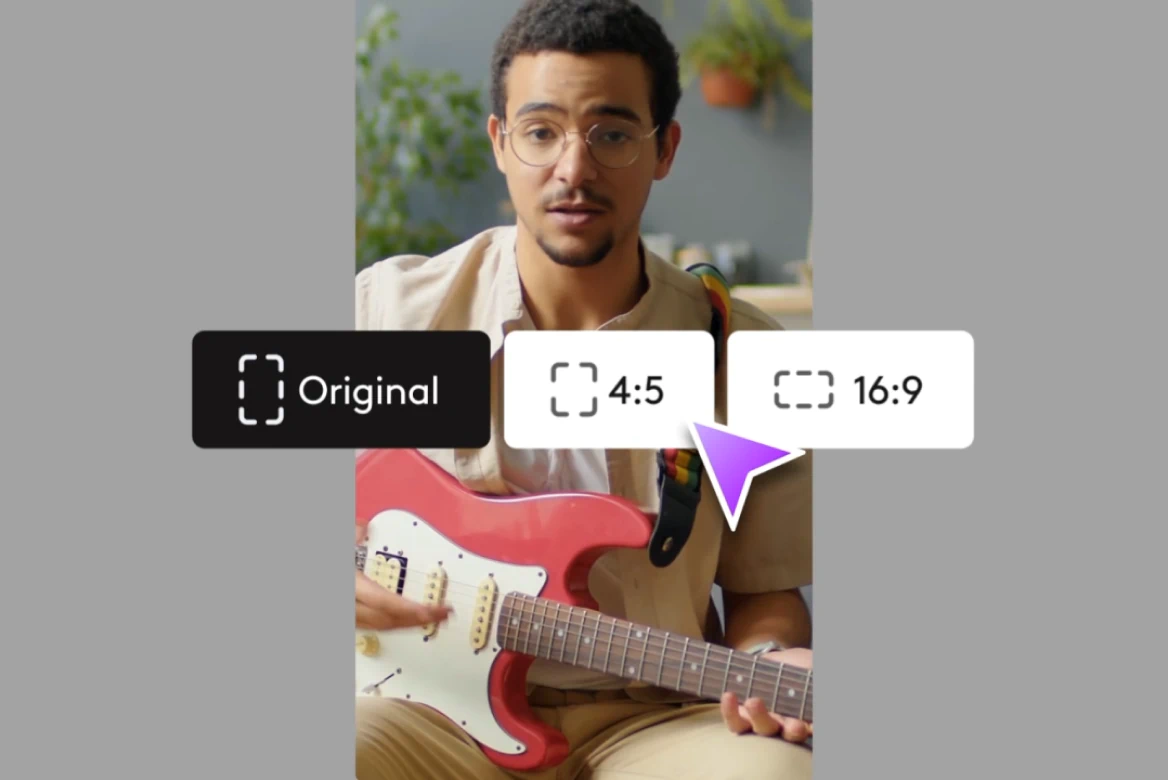
Resize
Resize videos for Instagram, Reels, TikTok, YouTube Shorts & more.

Localize videos
Professional video localization with AI tools. Localize videos for global markets instantly.
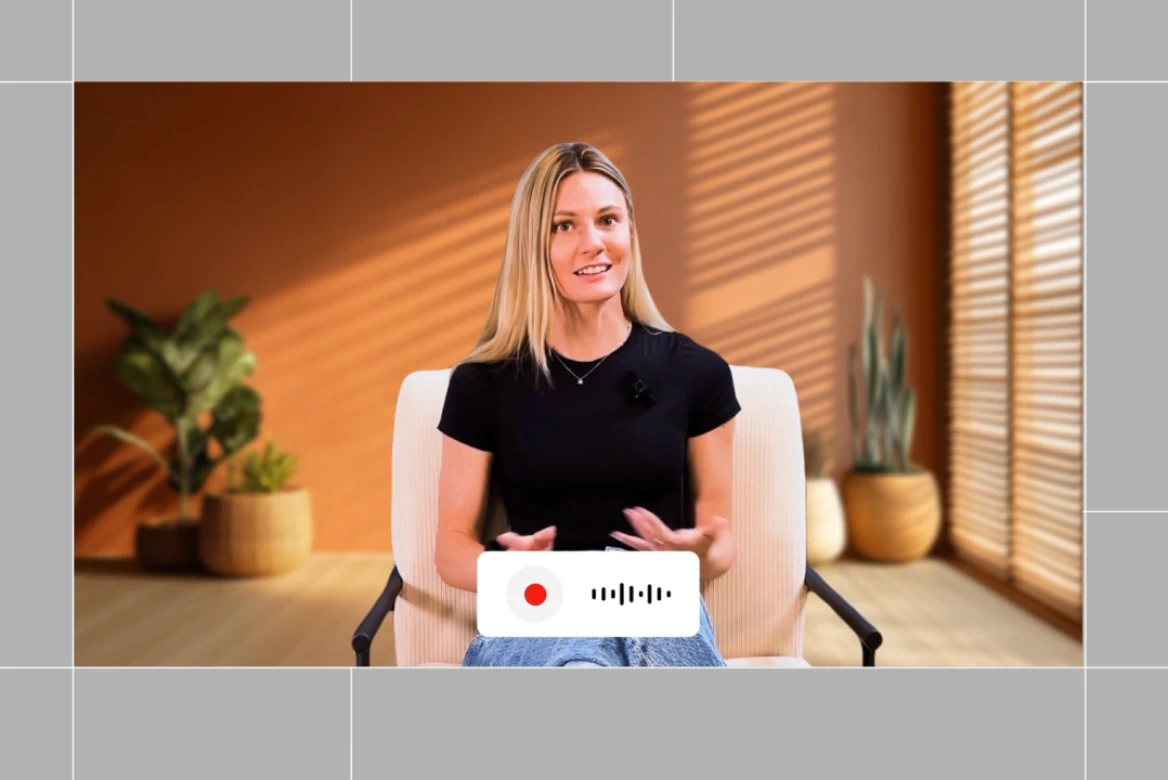
Dubbing
Localize your videos with AI dubbing. Instantly translate videos, voiceover, and lip-sync content in multiple languages.
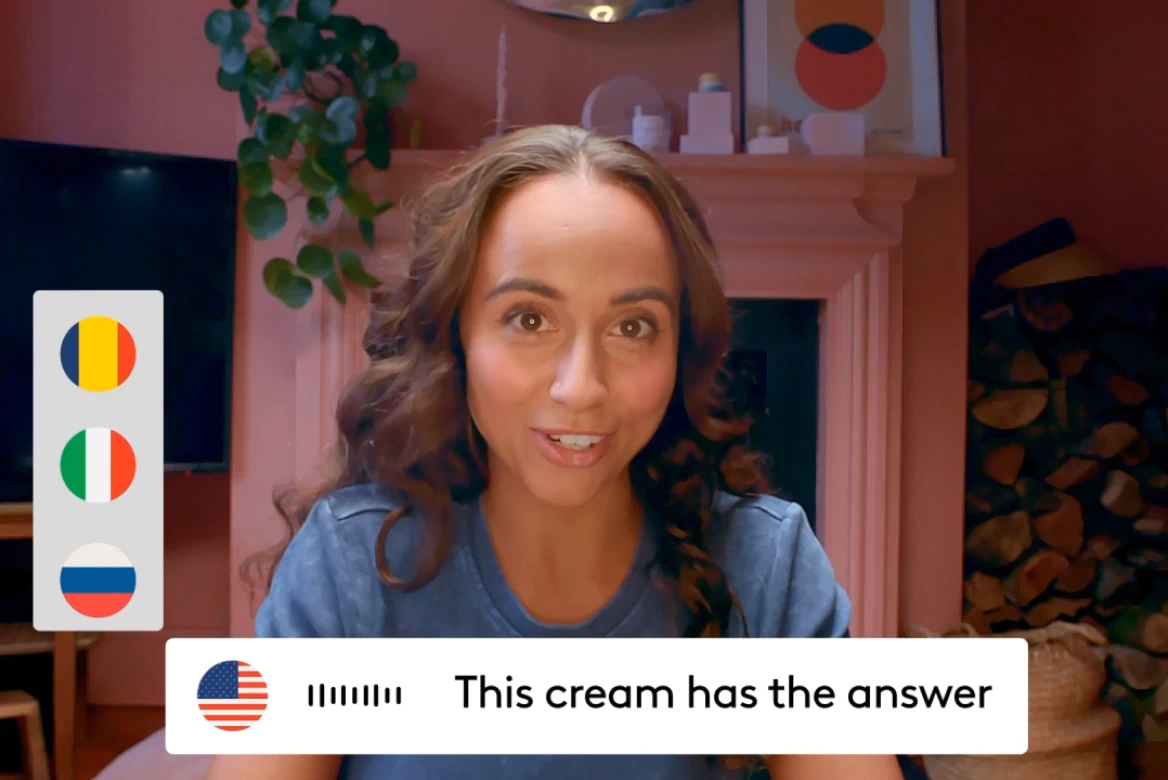
AI Video Translator
Voice cloning, lip sync, and 175+ languages— no agencies needed.

AI Video Extender
Transform vertical videos to widescreen, add overlays, and resize for any platform.
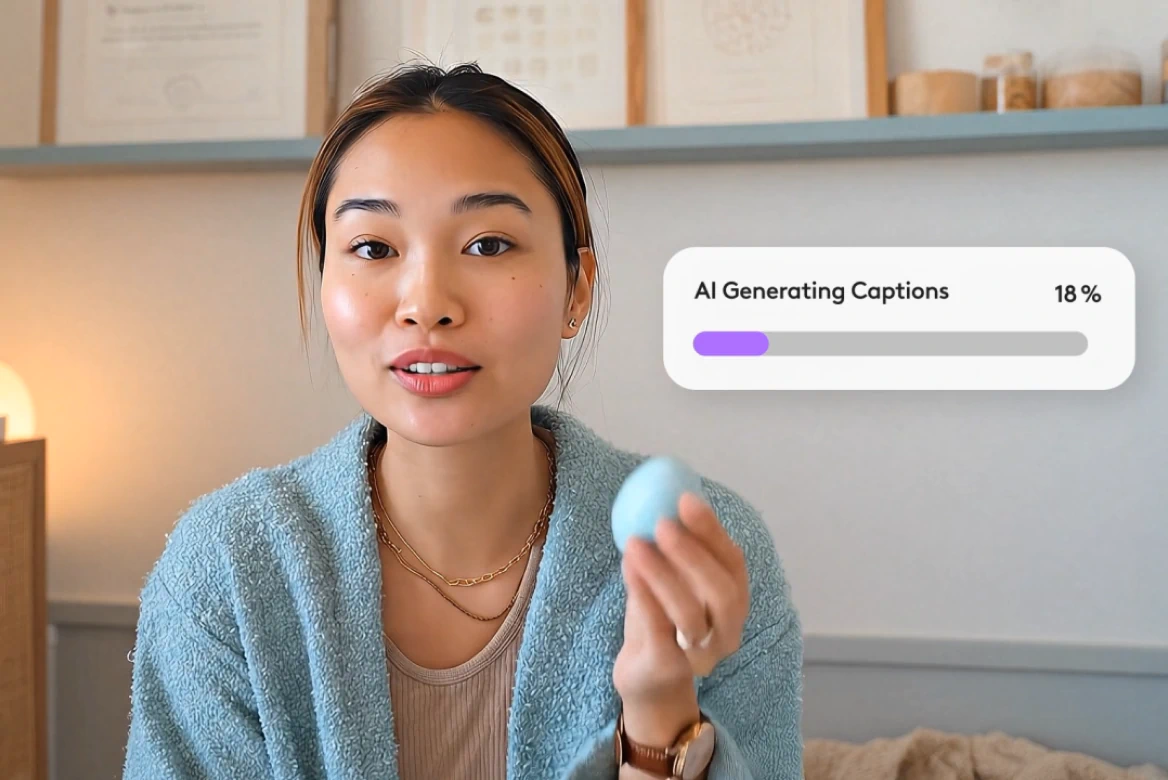
AI Subtitle Generator
Generate subtitles in 100+ languages with smart editing tools.
AI Lip Sync
Create realistic lip sync videos in 175+ languages.

AI Avatars
Generate AI avatars for videos with custom voices.
Related blog posts

How To Add AI Voiceovers & Dialogue To Videos
Learn how to add AI voiceovers and character dialogue to your videos in LTX Studio. This step-by-step guide covers narration, multi-speaker scenes, lip sync, and audio-to-video workflows.

Audio-to-Video: Syncing Sound with AI Video Generation
Master audio-to-video generation with LTX Studio. Learn how to sync sound, control lip sync, add dialogue and music, and build complete audio-visual workflows in one platform.

How To Generate Video From Audio In LTX
Tired of inconsistent AI voices? Audio-to-Video keeps your dialogue stable across every generation. Here's how to use it.

Lightricks Launches Audio-to-Video Generation with Exclusive ElevenLabs Partnership
Lightricks introduces audio to video generation with LTX, launching exclusively with ElevenLabs to let sound drive video from the first frame.
FAQs
Can I use text-to-speech online without downloading anything?
Absolutely. LTX Studio runs entirely in your browser, so you can convert text to voice, edit scripts, and sync video and audio online, no software download required.
Can I use Rescripting my video to fix or change just one sentence in a video?
Absolutely. You can update a single line of dialogue or the entire script. It's ideal for replacing outdated CTAs, correcting product names, or testing new versions of a message.
Do I need a voice actor or voice recording to use this tool?
No. The AI clones the original voice and generates new speech based on your script edits—no re-recording or studio time required.
What makes this different from other text-to-speech tools?
Unlike generic voice generators, this tool allows you to edit the script of an actual video while preserving the speaker’s voice and syncing lips to the new audio. It’s made for enterprises, not just creators.
Enterprise AI Video, Built for Scale
LTX Studio is an enterprise-grade AI video production platform that helps teams develop, produce, and deliver across modern, scalable workflows.
.png)



