


AI video to video generator
Each control mode extracts a different structural signal from your reference video. Choose the one that fits your creative goal.








Edit inside the shot
Change dialogue, emotion, or action at a specific moment without regenerating the whole video.

Reuse motion and structure
Carry the movement, layout, or composition from any reference video into a completely new visual.

Transform without starting over
Turn any video into a new version — different look, same foundation — without rebuilding from scratch.
Pose Control: Keep the motion. Change everything else.
Extract body pose and movement from any reference video and apply it to a new subject, style, or environment. The character moves exactly the same way — the visual is entirely yours to define.
Available on LTX 2.3, Kling 2.6, and Kling 3.0.

Depth Control: Same structure. New world.
Preserve the original depth and spatial layout from a reference video while fully transforming the look, setting, and style around it.
Available on LTX 2.3.
Edges Control: Hold the lines. Reinvent the look.
Retain the edges and contours of a reference video while generating an entirely new scene or style. The shape stays consistent — the visuals are completely reimagined.
Available on LTX 2.3.
Retake: Same scene. Better take.
Create multiple versions of the same shot for A/B testing, client reviews, or localization. Same performance, different messaging. No reshoots, no full regenerations.
Available on LTX 2.3.
How to use Video to Video AI
Start for Free- 01
Upload your control video
Select any video between 2 and 10 seconds to use as your structural reference. The output aspect ratio will match your input.
- 02
Choose a control mode
Select Pose, Depth, or Edges based on what you want to carry over. Each mode extracts a different structural signal to guide the generation.
- 03
Add an image and prompt
Provide an image to anchor the visual style and set the direction of the first frame. Add a text prompt to describe the output in more detail.
- 04
Select your model and generate
Choose from LTX 2.3, Kling 2.6, or Kling 3.0 depending on your control mode and quality needs. Set your audio preference — keep the original track or generate new audio to match the scene — and generate.
Explore more powerful features that take your vision from concept to final cut.
Discover more features

Reference to AI Video
Create consistent AI videos from any reference in seconds with our AI video generator.
Audio to Video
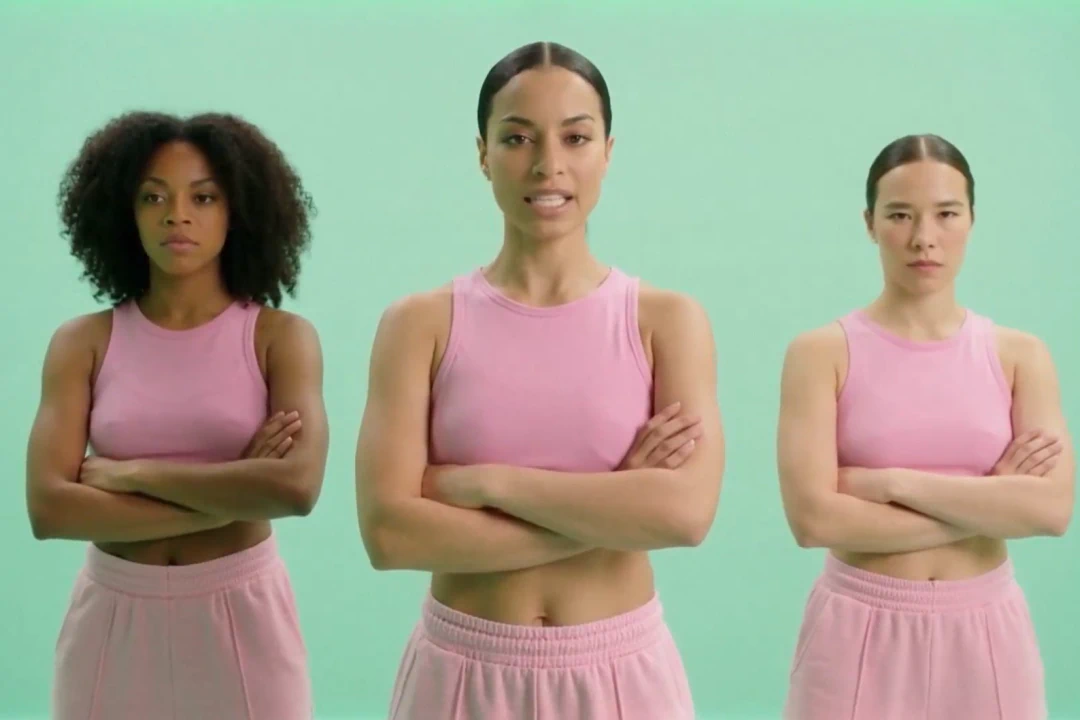
AI-powered tools transform your music, podcasts, and voice recordings into professional visual content.

AI Video Generator
Generate videos instantly with AI. Transform text, images, or scripts into professional-quality videos in seconds.

AI Script Generator
Save time and enhance creativity with AI generated scripts and visuals.

AI Timeline Editor
Edit your videos with AI-driven tools designed for cutting, trimming, and enhancing your project.

AI Image Generator
Learn how LTX Studio can help you turn text into images, streamlining your content creation workflow.

Add Sound to Video
Bring your videos to life by adding music, audio effects, and clear voiceovers.

Animation Generator AI
Use LTX Studio to create customized animations generated by AI.

Movie Pitch Deck Generator
Generate polished pitch decks for movies and tv shows to easily visualize your creative idea.

AI Storyboard Generator
Discover how to create your own storyboard with AI and scale your pre-production process.

Animatics Maker
Make an animatic for your next creative project using the power of AI.

Video Shot Editor
Edit your video, shot by shot, for the utmost control over your project.

Script to Video
Starting a project has never been easier with LTX Studio’s script to video generator, just upload your text to get started.

AI Image to Video
Turn images into videos to captivate your audience and tell your story.

AI Character Generator
Create characters with AI and build out your dream cast for each and every project.
AI Text to Video
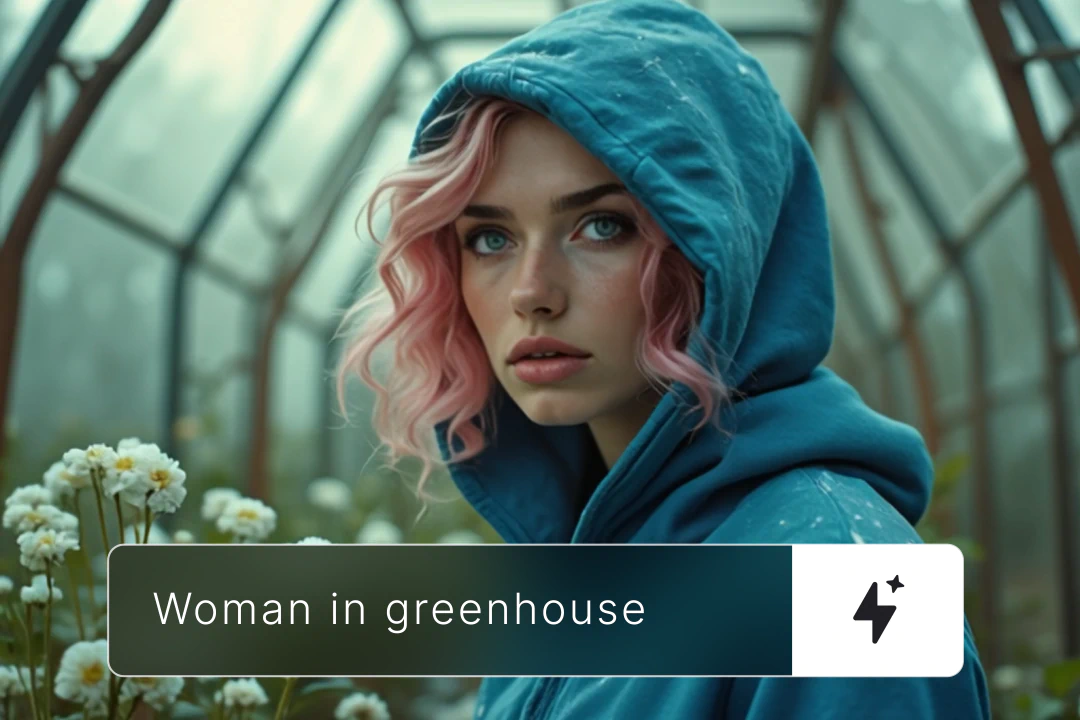
Learn how you can generate video from text prompts with ease using AI.
Related blog posts
.png)
Short-Form Video: Strategy, Formats, And AI Creation Guide (2026)
Master short-form video strategy for TikTok, Reels, and YouTube Shorts. Covers formats, production workflows, and AI-powered creation at scale.
.jpeg)
How To Make Explainer Videos With AI In 2026 (Complete Guide)
Learn how to make explainer videos with AI in 2026. A complete step-by-step production guide covering scripting, storyboarding, tools, and cost breakdowns.

Best Image To Video AI Tools In 2026
Compare the best image to video AI tools in 2026. Covers features, pricing, motion control, and how to turn images into video with AI.
.png)
How To Use Seeds In AI Video
Learn how seeds work in AI video and image generation for consistent, reproducible results across LTX Studio, Midjourney, and more.
FAQs
Can I update video messaging or CTAs after a video is already finished?
Yes. LTX’s Retake tool allows you to update dialogue, messaging, or CTAs inside an existing video without reshooting or regenerating the entire clip. It's built for post-production flexibility.
Can I edit a specific moment in a shot without regenerating the whole scene?
Yes. LTX's Retake is a video to video AI tool designed for segment-level editing. You can modify a precise moment while keeping the rest of the scene intact, with motion, lighting, and continuity preserved.
Can I change dialogue after a scene is already rendered?
Yes. You can rewrite or adjust dialogue while preserving the original voice, timing, and performance. No re-recording, no reshoot. Just a new take on what's being said.
Can video to video AI adjust emotion or performance?
Yes. LTX's Retake tool enables you to modify emotional expression, reactions, or performance within a selected moment while maintaining visual and narrative continuity throughout the shot.
Can we create multiple video variations from one original shot?
Yes. Teams can generate multiple versions of a video—changing dialogue, tone, or structure—for A/B testing, client approvals, or localization. It's faster than traditional AI video editing workflows and doesn't require starting from scratch.
Can I change how a scene starts or ends without breaking continuity?
Yes. LTX's Retake tool allows you to modify scene openings or endings, such as entrances, exits, or final beats, without regenerating the full video. Alternate endings, updated intros, same shot.
Does video to video AI preserve motion, lighting, and continuity?
Yes. LTX's Retake tool attends to surrounding frames to ensure edits blend naturally with existing motion, lighting, and camera movement. The model understands context, not just the isolated segment.
Is video to video AI suitable for professional filmmaking and agency workflows?
Yes. LTX's Retake tool is built for AI post production, enabling faster iteration, fewer reshoots, and greater creative control. It's not a trim tool or a generator, it's a directing tool for professionals who need to refine what happens within a shot. Think stable diffusion video to video, but optimized for continuity and professional creative workflows.
What's the difference between Pose, Depth, and Edges?
Each mode extracts a different structural signal from your reference video. Pose captures human body movement and skeleton data. Depth preserves 3D spatial relationships and camera perspective. Edges retains contours, silhouettes, and line structure. Choose the mode based on what you want to carry into the new generation.
Do I need to provide an image?
No — the starting image is optional. You can generate using only a control video and a text prompt. Adding an image gives you more control over the visual direction of the first frame.
How long can the control video be?
Between 2 and 10 seconds. The output video will match the aspect ratio of your input.
Which models support Video to Video?
Pose control is available on LTX 2.3, Kling 2.6, and Kling 3.0. Depth and Edges control are available on LTX 2.3.
What are the best practices for optimal performance?
Start with the same initial frame, use a maximum resolution of 1080p for the first frame, pay close attention to edges as they are highly sensitive, and prefer human subjects over animals since the system is optimized for human pose and form detection.
Enterprise AI Video, Built for Scale
LTX Studio is an enterprise-grade AI video production platform that helps teams develop, produce, and deliver across modern, scalable workflows.
.png)



