


Expand videos seamlessly with our AI video extender
Extend your video’s background using AI. No cropping, no black bars, and no reshooting needed. Perfect for repurposing content across any platform.









Add background expansion
Generate seamless backgrounds that blend naturally with your original footage, no green screen required.

Get effortless aspect ratio conversion
Resize vertical, square, or cropped content for Meta, TikTok, YouTube, and any platform specs instantly.

Make space for captions, CTAs, and branding
Expand the frame to add overlays without blocking your subject or cluttering the composition.
Social media resizing for any platform
Have TikTok content that needs to work on YouTube? Transform vertical videos into horizontal formats that look professionally shot for each platform.

Fill 4K and wide screen formats perfectly
Transform vertical footage into cinematic widescreen with crystal-clear AI background expansion. Perfect for YouTube, presentations, and full-screen social delivery.
Create space for branding and overlays
Use AI to expand the background while keeping the hero of your video front and center. Perfect for branded content, tutorials, or social posts with on-screen CTAs that don't crowd your talent.
How to extend a video with AI
BOOK A DEMO- 01
Upload Video
Select Reframe and upload your video.
- 02
Choose Aspect Ratio
Choose your target aspect ratio (16:9, 4:5, 1:1, etc.).
- 03
Preview
Preview the expanded background and adjust if needed.
- 04
Download
Download your resized video, ready for any platform.
Explore more powerful features that take your vision from concept to final cut.
Discover more features
Video Cropper
Crop video online for any platform with Ltx Studio's AI-powered video cropping tool.
Subtitle editor
Professional subtitle editor for editing subtitles and video captions.
Resize
Resize videos for Instagram, Reels, TikTok, YouTube Shorts & more.
Rescript
Edit video scripts, preserve voice tone, and sync lips - without reshoots.
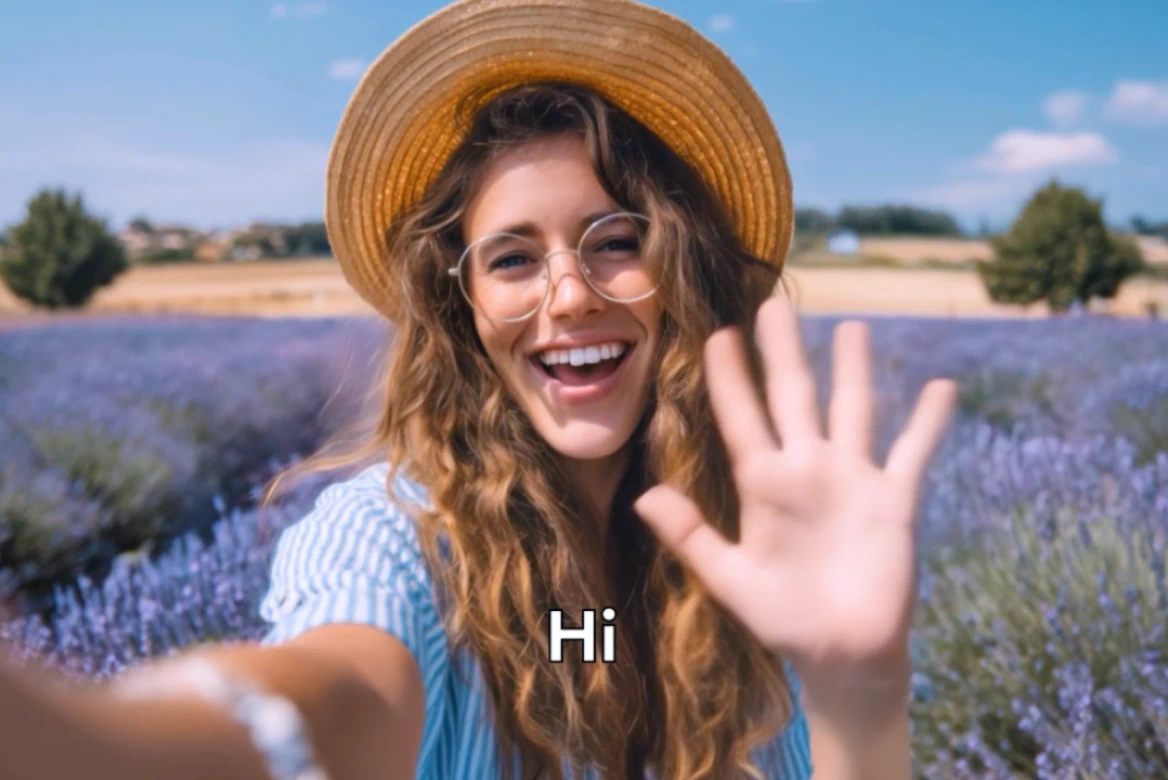
Localize videos
Professional video localization with AI tools. Localize videos for global markets instantly.
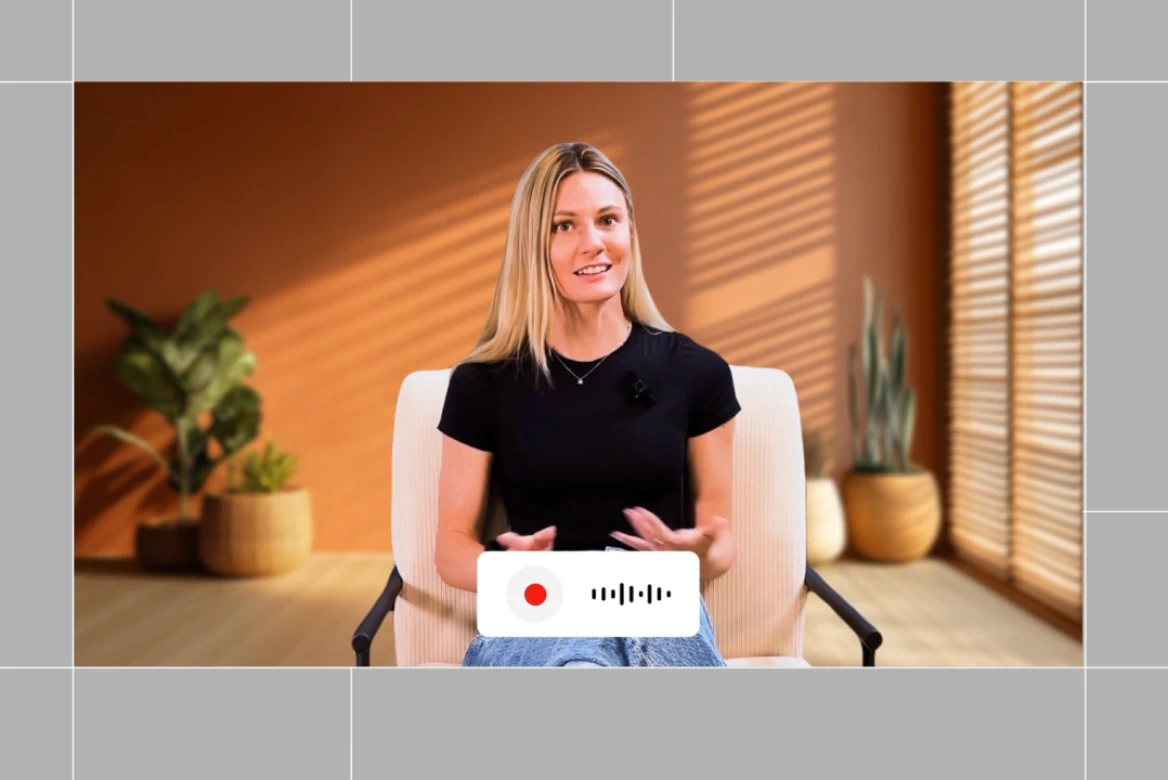
Dubbing
Localize your videos with AI dubbing. Instantly translate videos, voiceover, and lip-sync content in multiple languages.
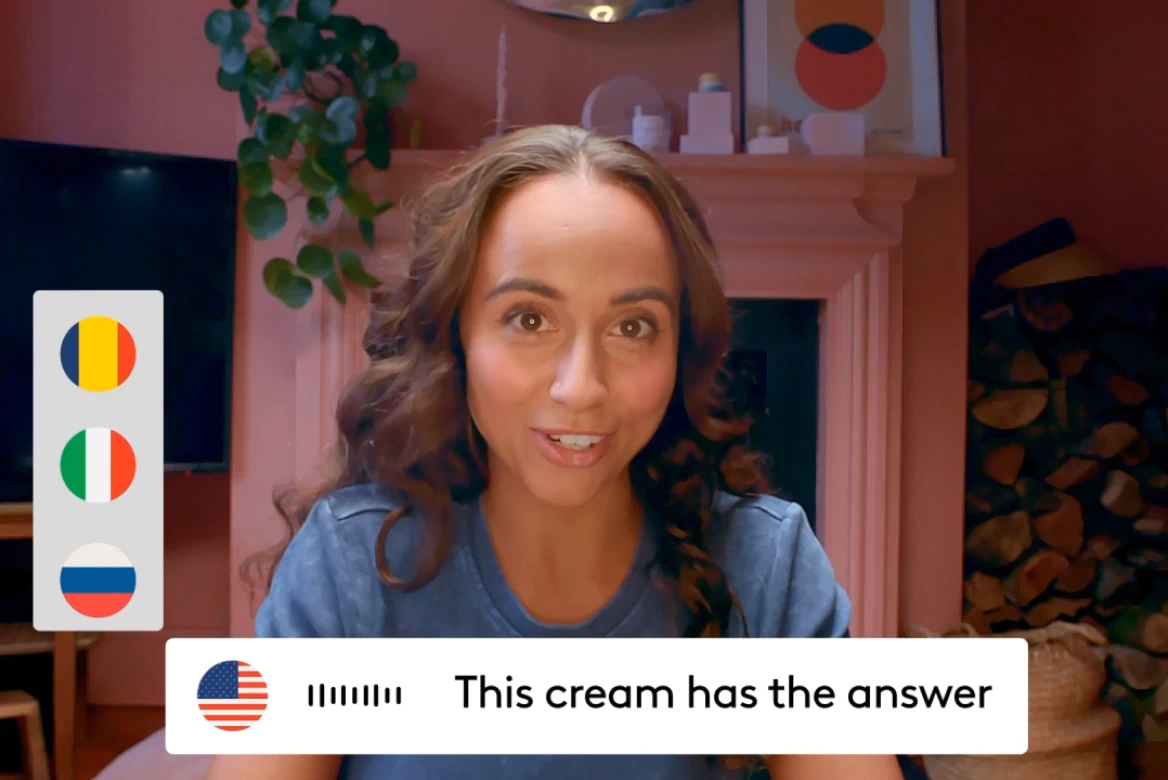
AI Video Translator
Voice cloning, lip sync, and 175+ languages— no agencies needed.
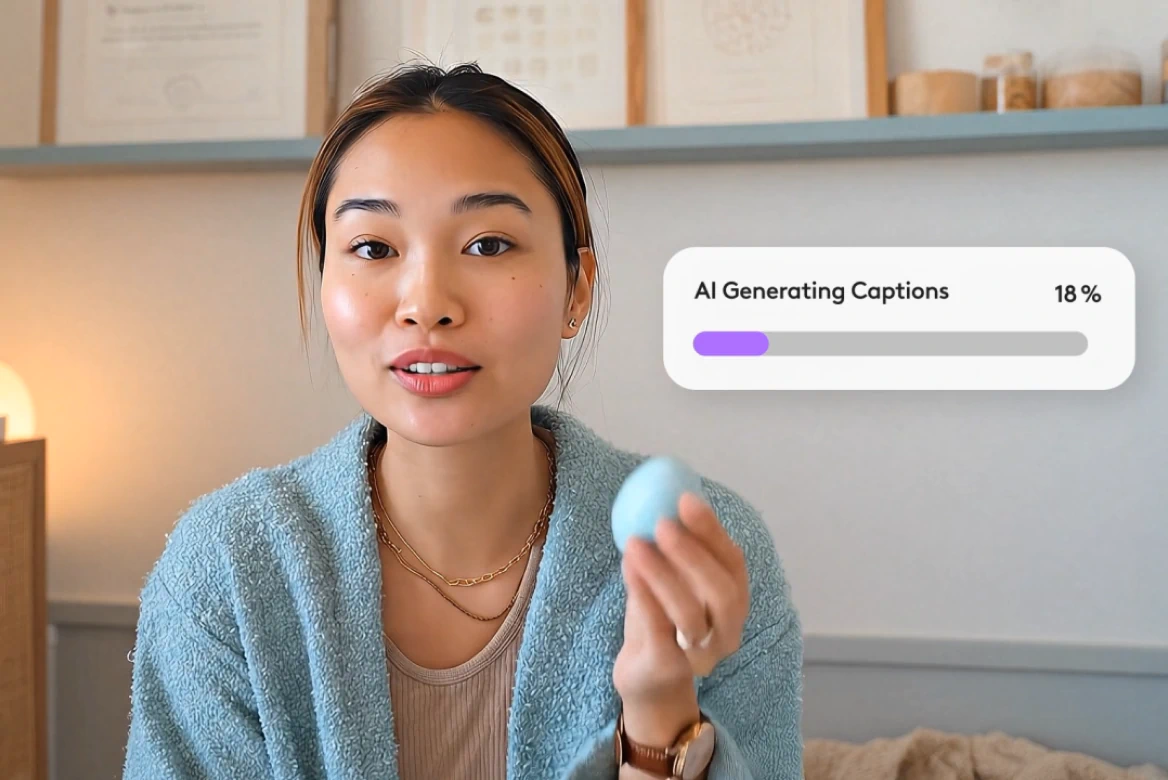
AI Subtitle Generator
Generate subtitles in 100+ languages with smart editing tools.
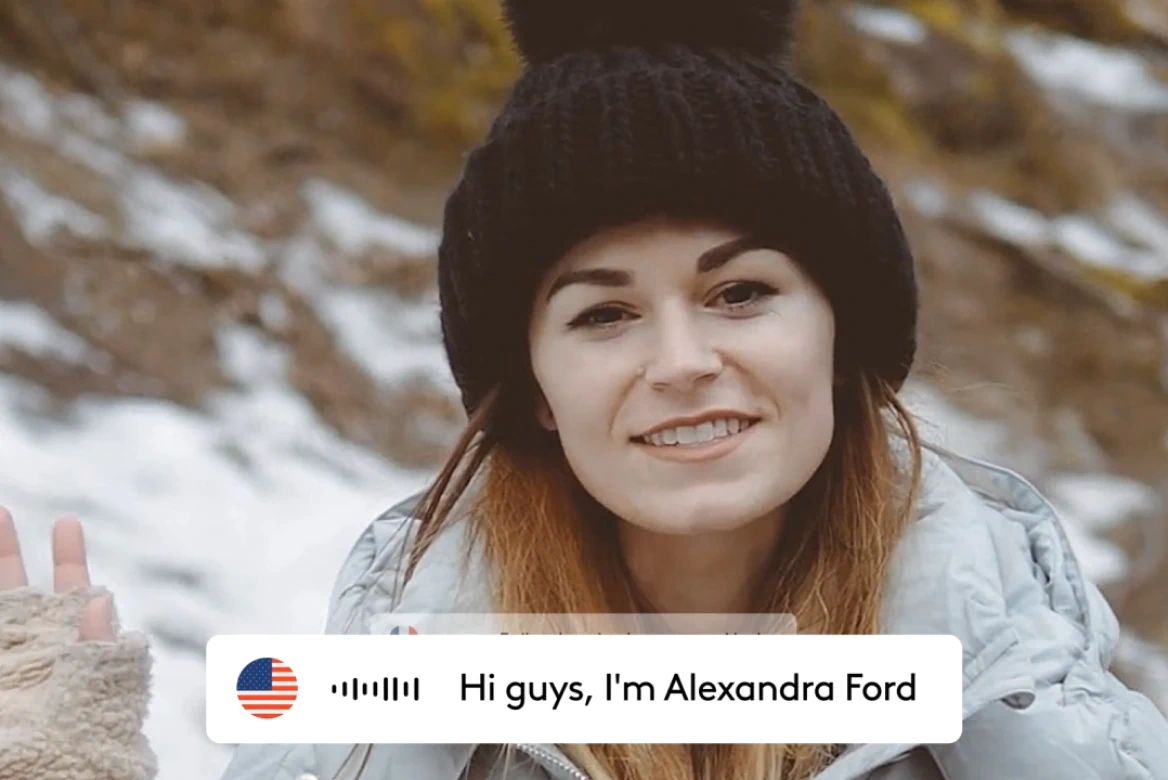
AI Lip Sync
Create realistic lip sync videos in 175+ languages.
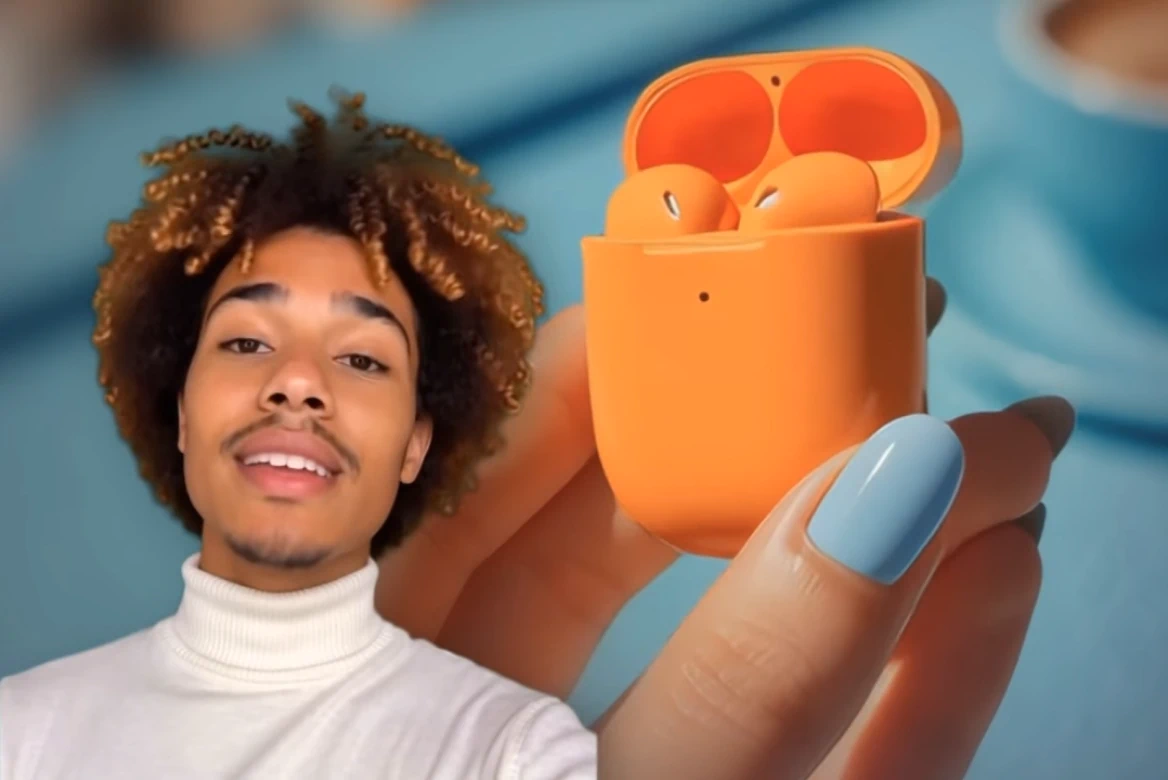
AI Avatars
Generate AI avatars for videos with custom voices.
Related blog posts
.png)
Short-Form Video: Strategy, Formats, And AI Creation Guide (2026)
Master short-form video strategy for TikTok, Reels, and YouTube Shorts. Covers formats, production workflows, and AI-powered creation at scale.
.jpeg)
How To Make Explainer Videos With AI In 2026 (Complete Guide)
Learn how to make explainer videos with AI in 2026. A complete step-by-step production guide covering scripting, storyboarding, tools, and cost breakdowns.

Best Image To Video AI Tools In 2026
Compare the best image to video AI tools in 2026. Covers features, pricing, motion control, and how to turn images into video with AI.
.png)
How To Use Seeds In AI Video
Learn how seeds work in AI video and image generation for consistent, reproducible results across LTX Studio, Midjourney, and more.
FAQs
Can I add text or logos without covering the subject?
Yes! Our tool lets you add overlays to video content while expanding the background to create space for captions, subtitles, branding, or call-to-action elements. You can expand video layout without cluttering the main subject.
Can I use this to repurpose vertical content for YouTube or desktop?
Yes! The AI extends the sides of vertical or square videos to full screen, horizontal formats like 16:9. Perfect for social media resizing when you need to crop vertical to landscape—adapting TikToks or Instagram Reels to YouTube, presentations, or website content.
Can this tool make my video longer in time?
No, the AI video expander does not extend the duration of your video. It enlarges the visual background only - ideal for resizing your video to fit different screen dimensions.
Does it add black bars or stretch the video?
No. Our video background generator intelligently fills in empty space with AI-generated background content, so you get natural-looking results with no black bars and no distortion to your subject.
What does the AI video extender actually do?
The AI video extender expands your video's background using AI-generated content. It doesn't crop or stretch the subject—it simply expands the canvas to fit wider or taller formats seamlessly.
What formats does it support?
You can expand MP4, MOV, and other common video formats using our online video background expansion tool. Our AI video resizer works automatically, regardless of resolution or aspect ratio.
What is AI UGC and how does it work?
AI UGC uses realistic avatars and voice cloning to create user-generated content style videos without hiring creators. The technology generates authentic-looking testimonials, reviews, and product demonstrations that match the organic feel of real UGC.
Enterprise AI Video, Built for Scale
LTX Studio is an enterprise-grade AI video production platform that helps teams develop, produce, and deliver across modern, scalable workflows.
.png)



