


Subtitle editor that perfects every caption
Edit timing, refine text, and enhance styling all from your browser.






Save hours on caption refinement
Edit timing, fix errors, and polish text in minutes. No clunky software or manual adjustments required.

Match subtitles to your brand instantly
Apply consistent fonts, colors, and animations across all your videos to keep content on-brand.

Edit once, export everywhere
Create one perfect version, then export as burned-in captions, SRT, VTT, or platform-specific formats.
Advanced subtitle editor interface
Inline editing with spell-check, multi-speaker labeling, and real-time preview. Professional subtitle software that transforms rough captions into polished, broadcast-ready content.

Online SRT editor built for speed
Edit SRT subtitles with batch processing and flexible format exports. Our SRT editor handles multiple files at once so you can edit faster and maintain consistency across entire content libraries.
Generate subtitles before editing
Start with AI-generated captions, then refine every detail with our caption editor. Customize fonts, colors, animations, and positioning to match your brand.
How to Edit Subtitles
BOOK A DEMO- 01
Upload Video
Upload your video or subtitle file.
- 02
Generate Captions
Generate or edit captions.
- 03
Customize
Customize timing and styling.
- 04
Export
Export in any format.
Explore more powerful features that take your vision from concept to final cut.
Discover more features
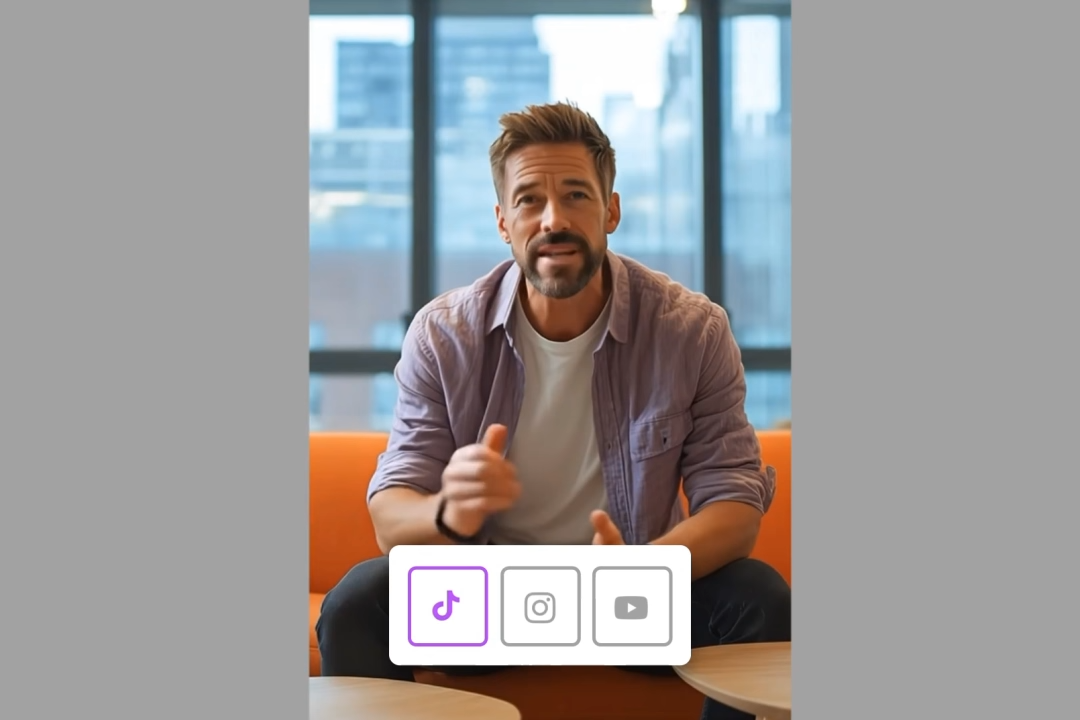
Video Cropper
Crop video online for any platform with Ltx Studio's AI-powered video cropping tool.
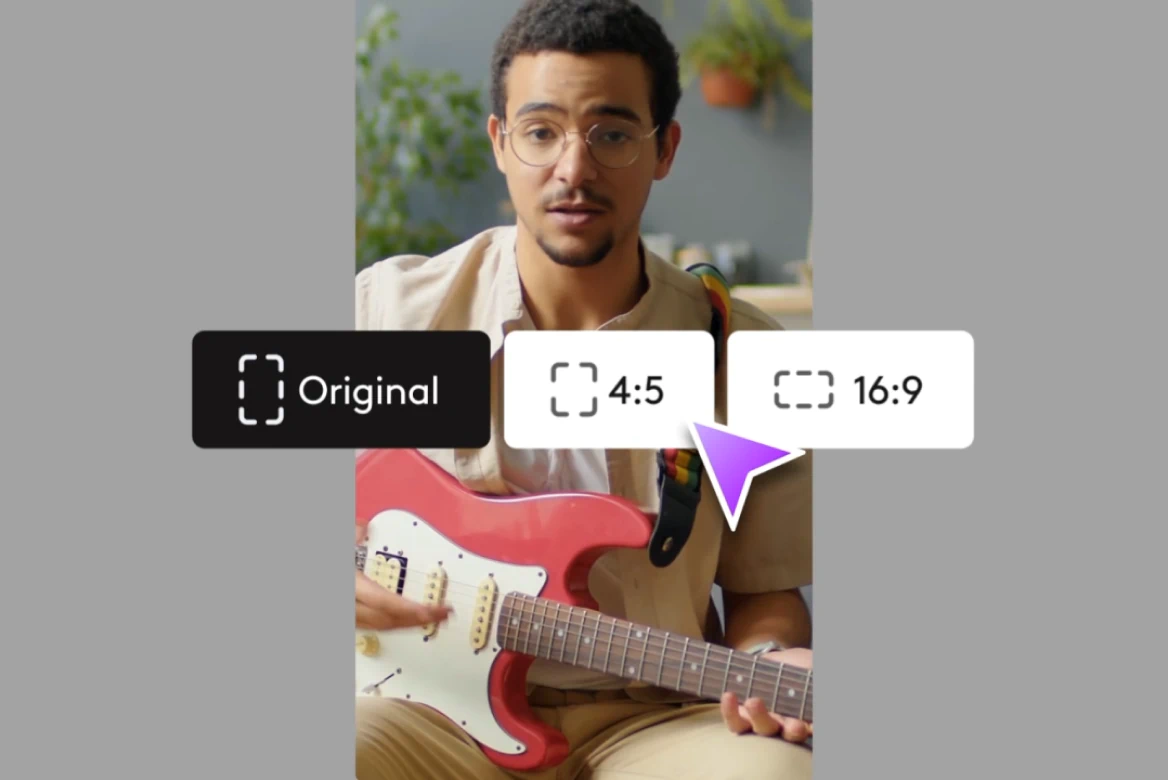
Resize
Resize videos for Instagram, Reels, TikTok, YouTube Shorts & more.
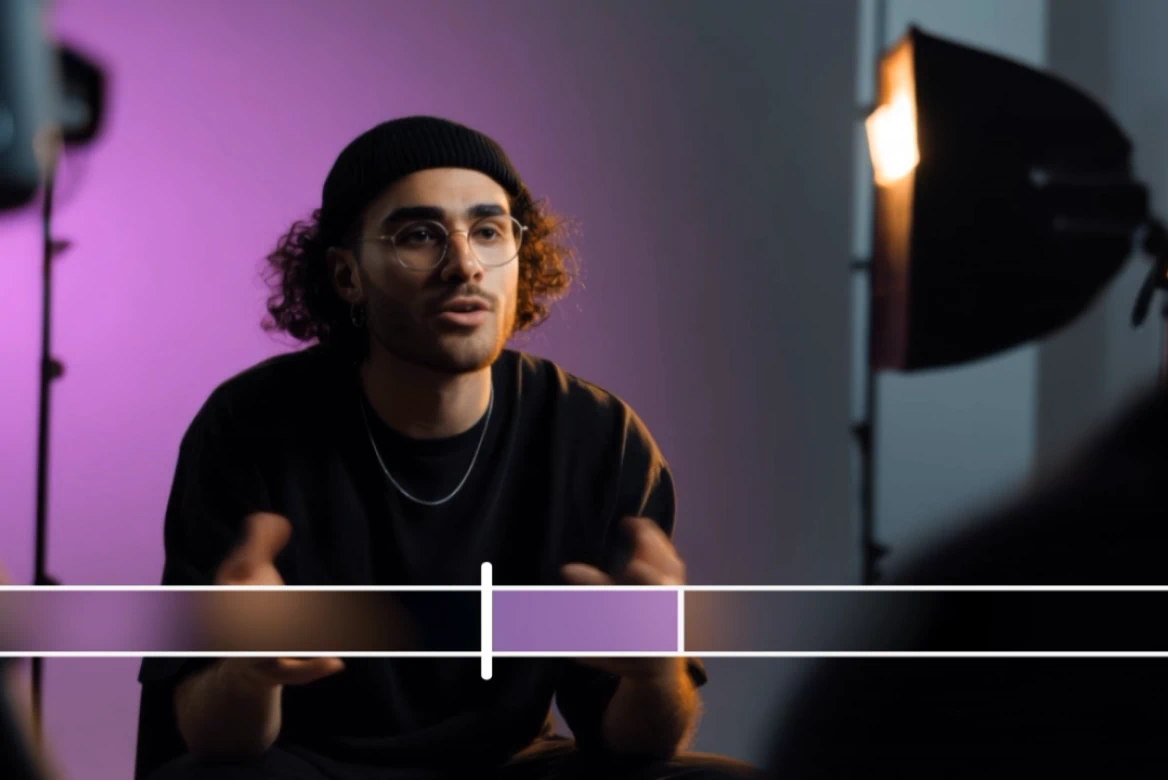
Rescript
Edit video scripts, preserve voice tone, and sync lips - without reshoots.
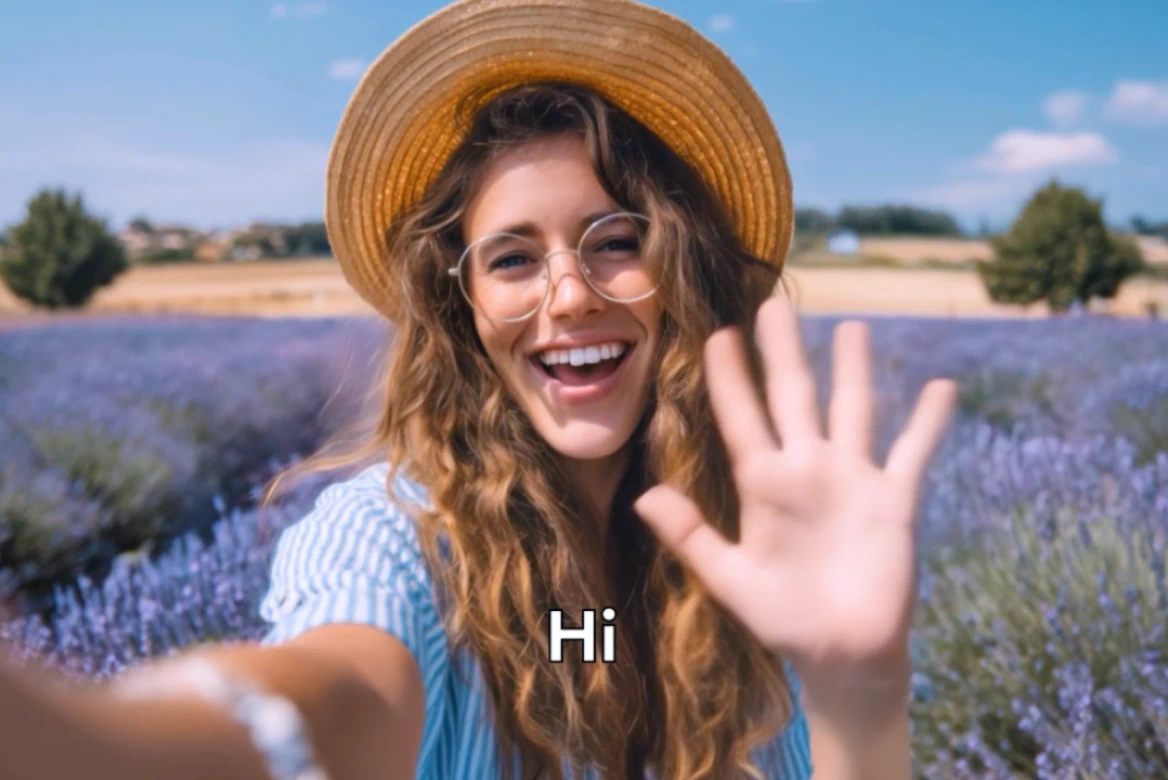
Localize videos
Professional video localization with AI tools. Localize videos for global markets instantly.
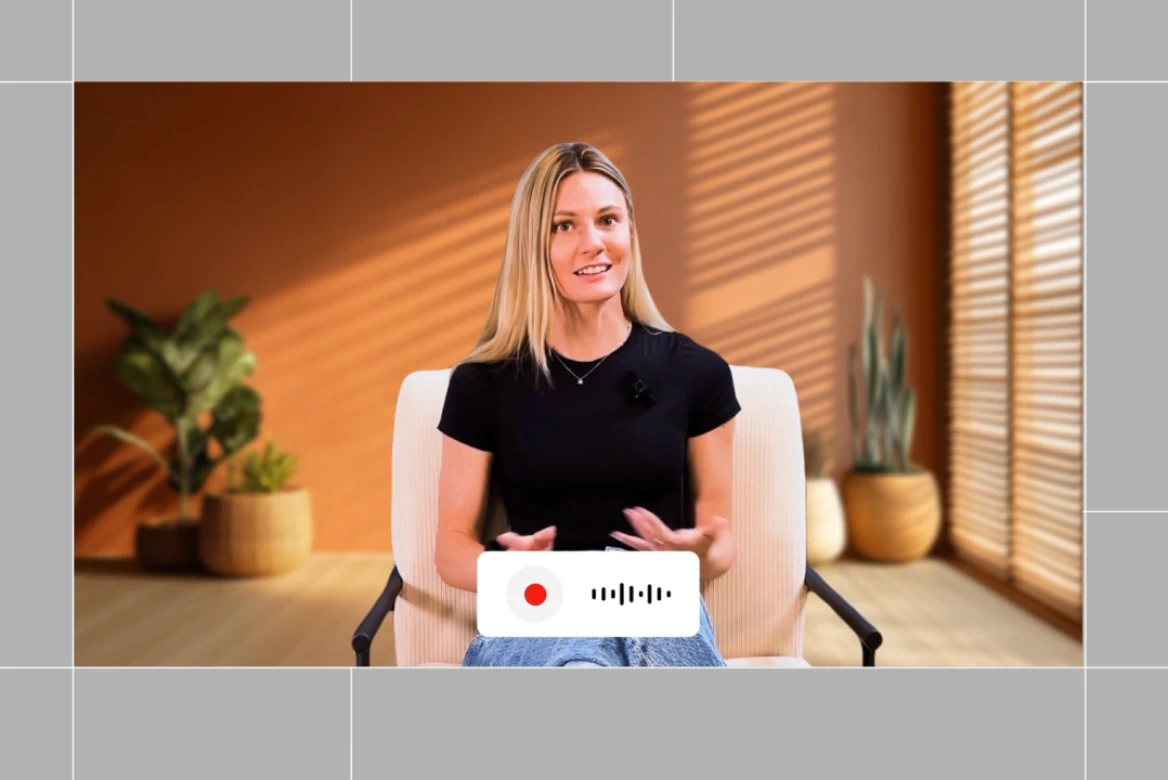
Dubbing
Localize your videos with AI dubbing. Instantly translate videos, voiceover, and lip-sync content in multiple languages.
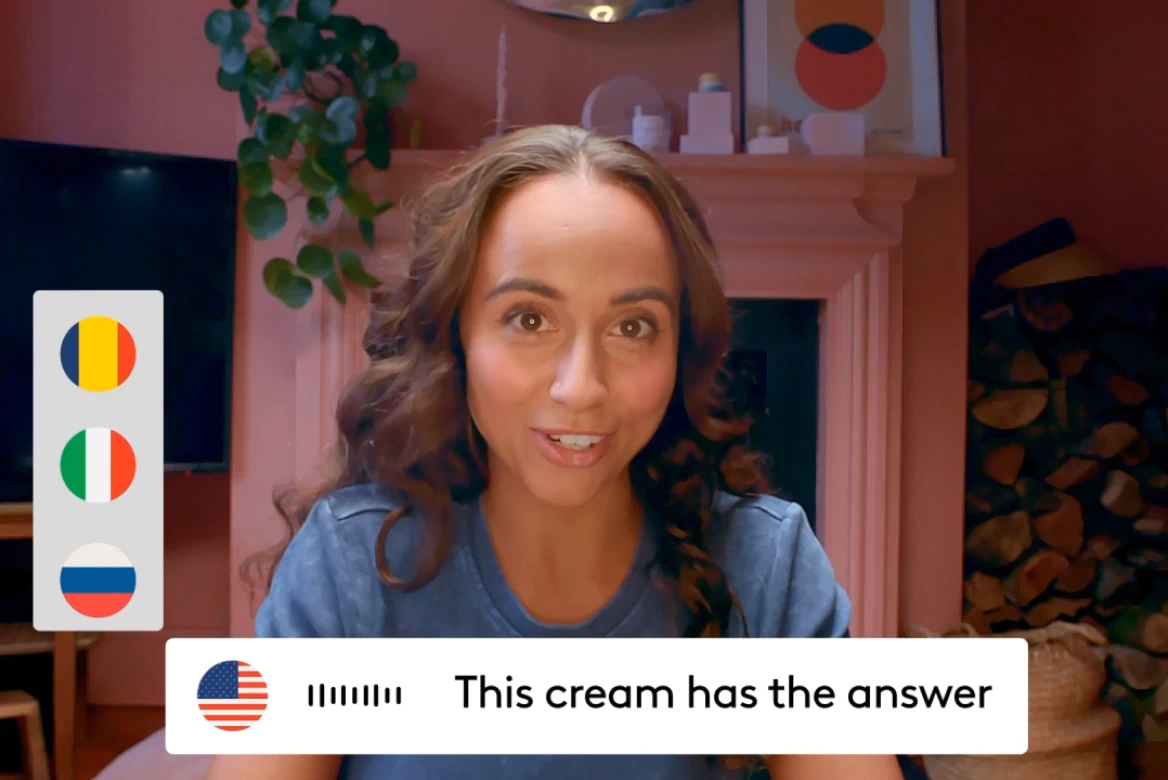
AI Video Translator
Voice cloning, lip sync, and 175+ languages— no agencies needed.

AI Video Extender
Transform vertical videos to widescreen, add overlays, and resize for any platform.
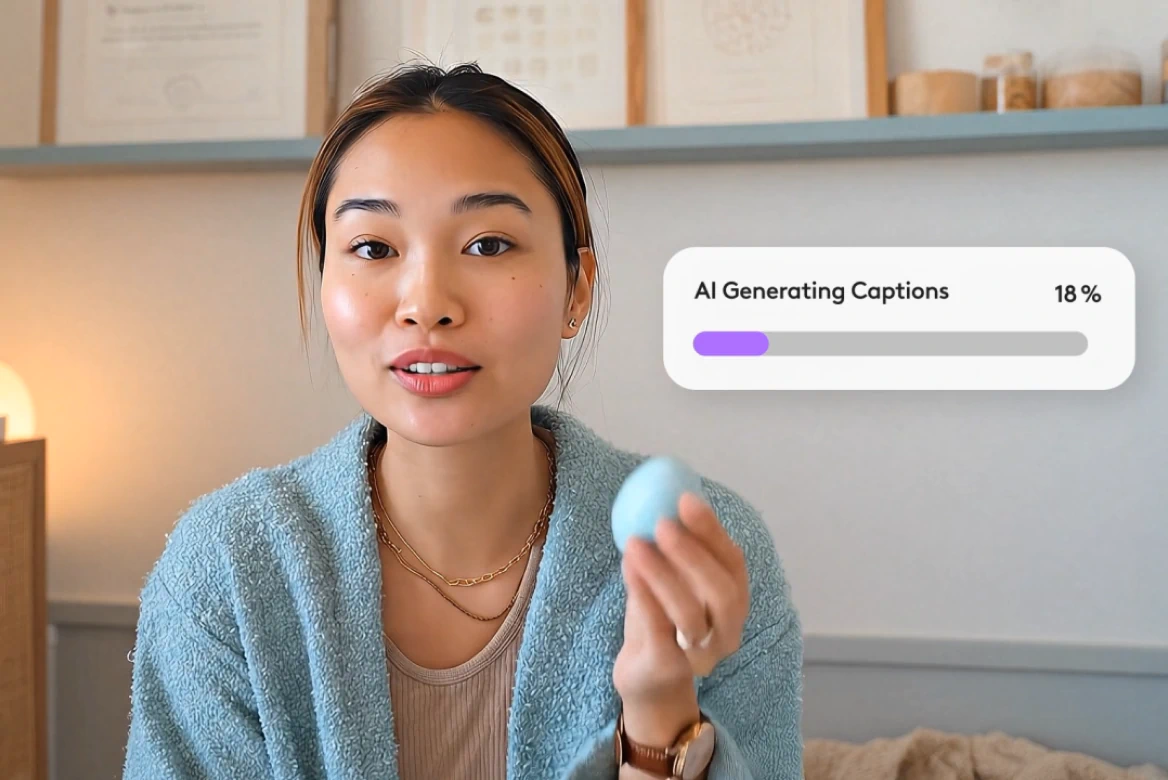
AI Subtitle Generator
Generate subtitles in 100+ languages with smart editing tools.
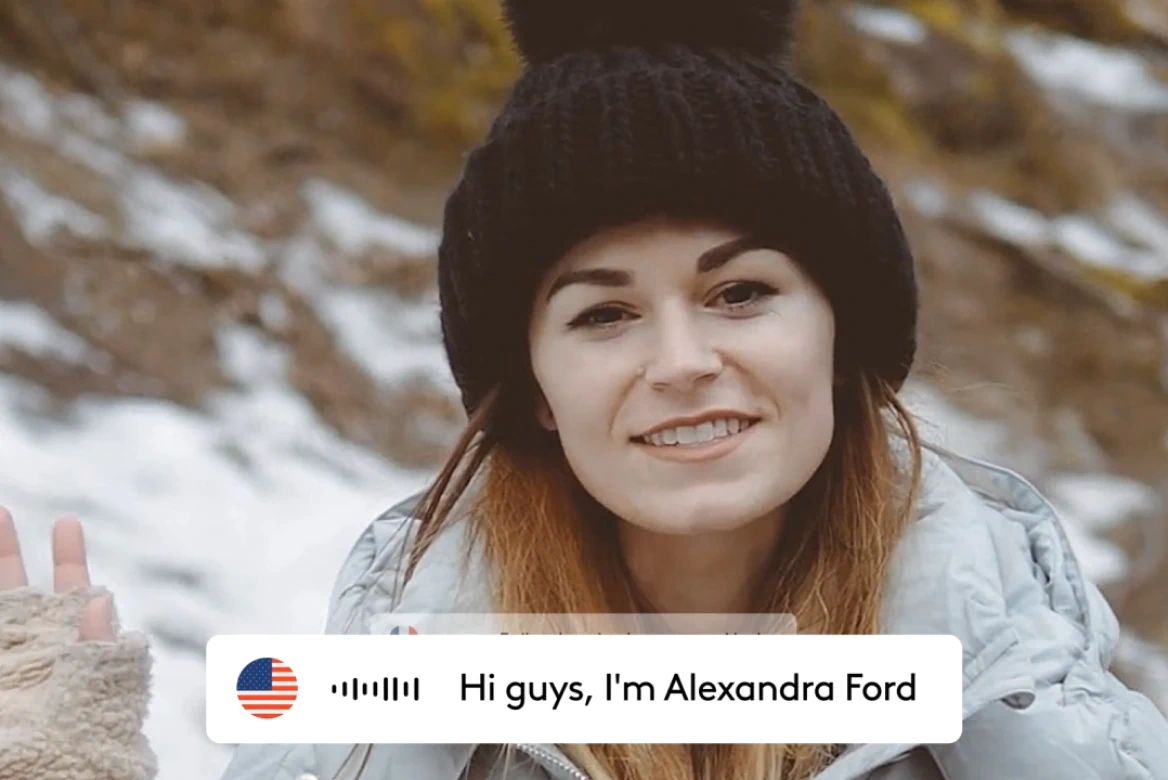
AI Lip Sync
Create realistic lip sync videos in 175+ languages.

AI Avatars
Generate AI avatars for videos with custom voices.
Related blog posts

How To Add AI Voiceovers & Dialogue To Videos
Learn how to add AI voiceovers and character dialogue to your videos in LTX Studio. This step-by-step guide covers narration, multi-speaker scenes, lip sync, and audio-to-video workflows.

Audio-to-Video: Syncing Sound with AI Video Generation
Master audio-to-video generation with LTX Studio. Learn how to sync sound, control lip sync, add dialogue and music, and build complete audio-visual workflows in one platform.

How To Generate Video From Audio In LTX
Tired of inconsistent AI voices? Audio-to-Video keeps your dialogue stable across every generation. Here's how to use it.
Lightricks Launches Audio-to-Video Generation with Exclusive ElevenLabs Partnership
Lightricks introduces audio to video generation with LTX, launching exclusively with ElevenLabs to let sound drive video from the first frame.
FAQs
Can I edit my subtitles online?
Absolutely. Our online SRT editor runs directly in your browser, no downloads or installations required.
Can I generate my subtitles before editing them?
Yes. Use our AI subtitle generator to create captions automatically, then refine timing, text, and styling with the built-in caption editor.
What file types can I edit my subtitles with?
Our subtitle software supports SRT, VTT, and other standard subtitle formats. You can also edit captions directly on video files or export burned-in subtitles.
What is the benefit of using a subtitle editor?
A professional caption editor ensures accuracy, improves readability, maintains brand consistency, and helps you meet accessibility standards across all your video content.
Enterprise AI Video, Built for Scale
LTX Studio is an enterprise-grade AI video production platform that helps teams develop, produce, and deliver across modern, scalable workflows.
.png)



