


YouTube video editor for viral content
Create scroll-stopping YouTube content that grows your audience and your brand. Professional dubbing, rephrasing, and caption tools to make content that converts viewers into subscribers.






Professional content, without the production costs
Turn raw footage into polished videos with AI-powered cropping, dubbing, and subtitles. No studio team required.

Scale your YouTube presence efficiently
Edit multiple videos fast. Repurpose long-form content for Shorts or ads with no quality lost.

Reach global audiences with dubbing tools
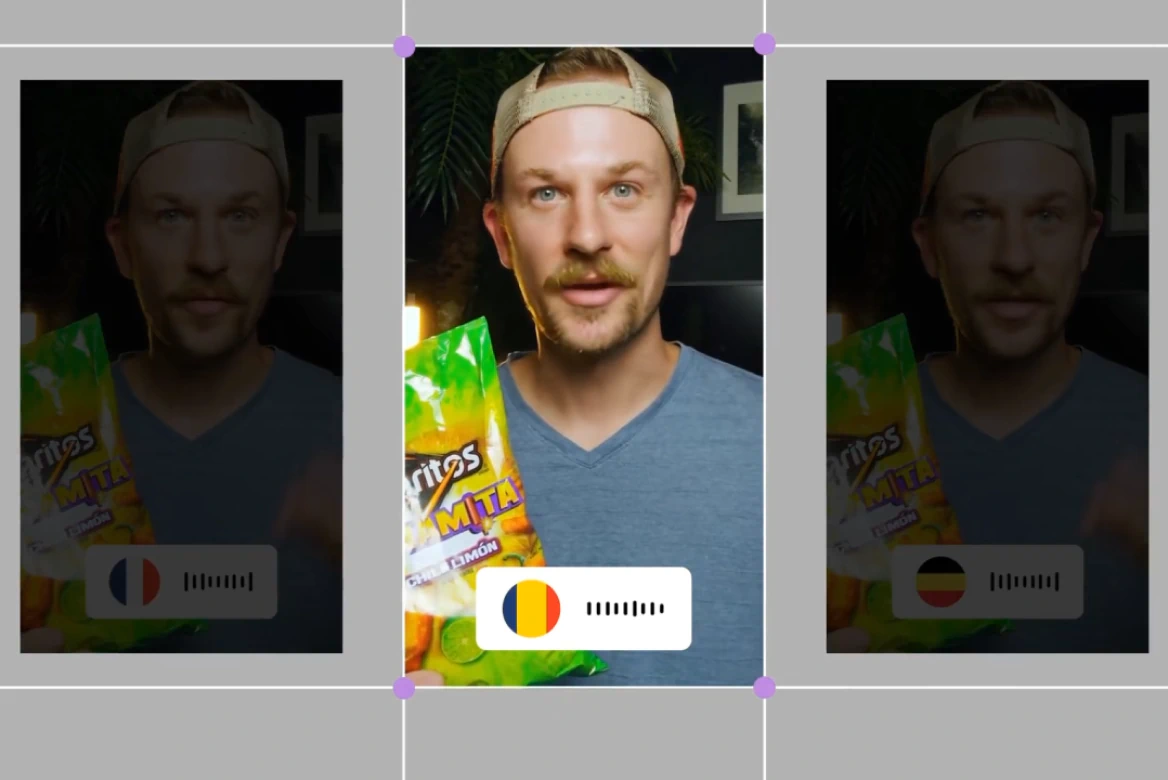
Add professional audio captions and dubbing to expand your reach and increase engagement across languages.
Edit YouTube videos like a pro
Looking for the best video editor for YouTube or an affordable alternative to agencies? Use our intuitive editor to produce high-quality videos that build trust, boost credibility, and save on editing costs.

Create YouTube videos that keep viewers watching
Master how to edit YouTube videos with tools that help increase viewer retention. Add subtitles and translations to grow your reach and connect with a global audience.
Video editing software built for growth
Our video editing software for YouTube gives you pro features that help improve algorithm performance and maximize discoverability. Stand out with polished content every time.
How to edit YouTube videos
- 01
Upload Video
Select a tool and upload your video to get started.
- 02
Choose Format
Use AI to crop, dub, or caption in minutes.
- 03
Review
Review the results on the platform.
- 04
Export
Download your video that's ready to be uploaded to YouTube.
Explore more powerful features that take your vision from concept to final cut.
Discover more features
UGC & Ad Editor
Create high-converting UGC and ad videos with our AI post-production tools.
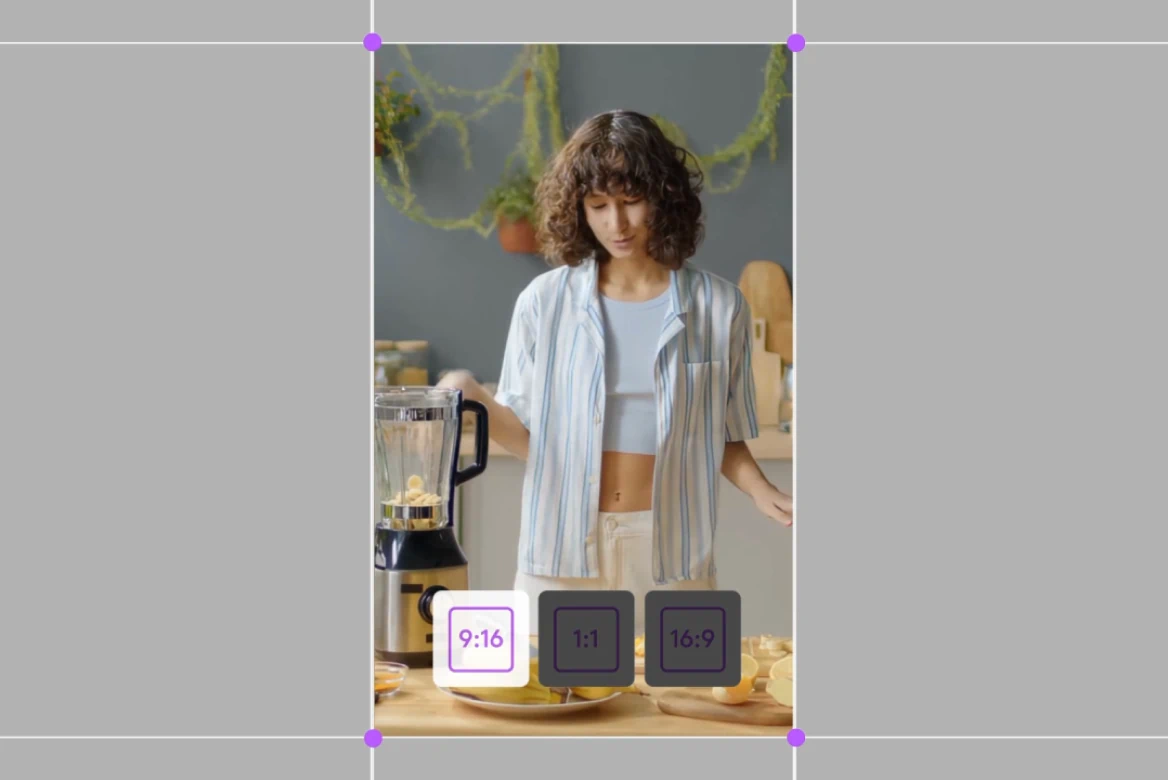
TikTok Video Editor
Create viral content, add subtitles, and resize for any platform.
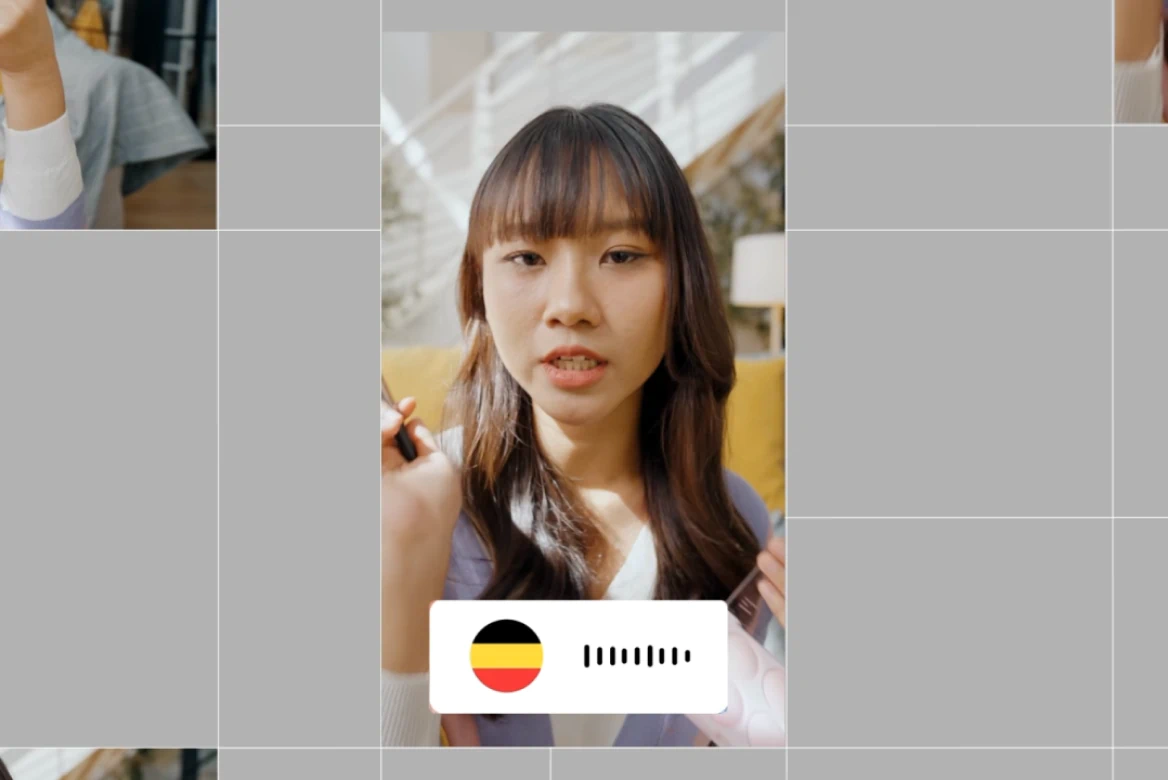
Instagram Video Editor
Professional Instagram video editor. Create viral Reels, Stories, and posts.
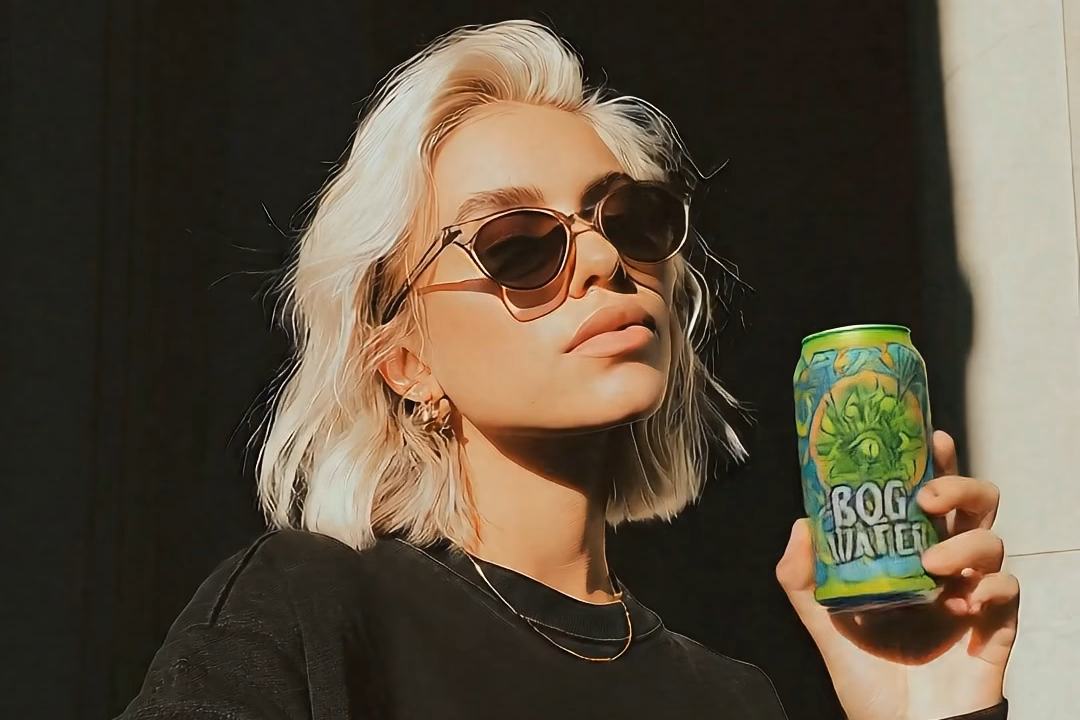
AI UGC Generator
Generate high-performing AI UGC ads without creators or filming.

AI Anime Generator
Generate custom anime characters, scenes, and styles in seconds. No drawing skills needed, just your ideas.

Promo Video Maker
Learn how to use tools that streamline editing, enhance visuals, and deliver high-quality results for any marketing need.

Movie Trailer Generator
Learn how LTX Studio can be used to create a movie trailer with ease.

Movie Pitch Deck Generator
Generate polished pitch decks for movies and tv shows to easily visualize your creative idea.

AI Ad Generator
Easily create ads with AI to streamline your creative marketing process.

Cartoon Video Maker
Bring your animated concept to life with our AI cartoon video generator.

Music Video Maker
Make your own music video with the help of LTX Studio.

AI Storyboard Generator
Discover how to create your own storyboard with AI and scale your pre-production process.

AI Movie Maker
Turn text into movie clips and trailers all within one intuitive platform.
Related blog posts
.png)
Short-Form Video: Strategy, Formats, And AI Creation Guide (2026)
Master short-form video strategy for TikTok, Reels, and YouTube Shorts. Covers formats, production workflows, and AI-powered creation at scale.
.jpeg)
How To Make Explainer Videos With AI In 2026 (Complete Guide)
Learn how to make explainer videos with AI in 2026. A complete step-by-step production guide covering scripting, storyboarding, tools, and cost breakdowns.

Best Image To Video AI Tools In 2026
Compare the best image to video AI tools in 2026. Covers features, pricing, motion control, and how to turn images into video with AI.
.png)
How To Use Seeds In AI Video
Learn how seeds work in AI video and image generation for consistent, reproducible results across LTX Studio, Midjourney, and more.
FAQs
Can I translate my YouTube video into other languages?
Yes! Use our dubbing tool to automatically generate translated voiceovers.
Can I use the YouTube video editor for PC?
Yes, our editor is fully web-based and optimized for PC users.
How can I use an AI editor for YouTube videos?
Just upload your clip and use AI tools to rescript audio, dub into multiple languages, or crop for formats like Shorts.
How do I create a good YouTube video?
Focus on strong intros, clear audio, and engaging visuals. Our templates and editing tools make it easy.
What is the best YouTube editing software for beginners?
While LTX Studio is designed for professionals, most tools such as Resize, Dubbing, and Captions are intuitive enough for all levels.
What size and format is ideal for YouTube videos?
16:9 (1920x1080) for long-form and 9:16 (1080x1920) for Shorts. Our editor supports both.
Enterprise AI Video, Built for Scale
LTX Studio is an enterprise-grade AI video production platform that helps teams develop, produce, and deliver across modern, scalable workflows.
.png)



