


Instagram video editor for viral, on-brand content
Use professional tools like AI dubbing, cropping, and content rescripting to turn any video footage into scroll-stopping Reels, Stories, and feed posts.






Maximize ROI with multi-format editing
Turn one video into Reels, Stories, and posts. Crop, dub, and rescript to fit every format, without extra lift.

Break language barriers instantly
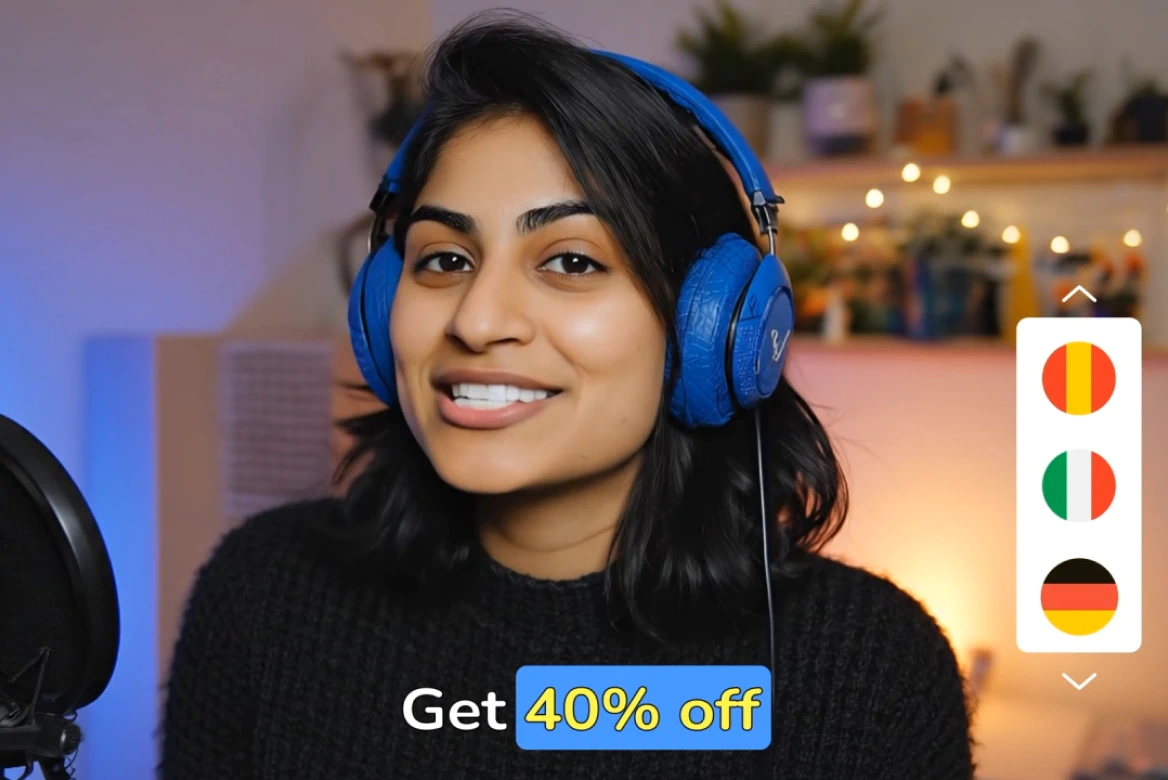
Add dubbed audio tracks in a localized vocab to reach new global audiences, all while preserving your brand tone.

Produce faster, without sacrificing quality
Cut your editing time by 75% with AI-powered workflows built for marketers, agencies, and in-house teams.
Instagram video editing, simplified
Looking for the best Instagram video editing software without a learning curve? Our IG video editor combines intuitive UX with advanced functionality, so creators and marketers alike can produce polished, on-brand content, fast.

From zero to viral: Make Instagram content that converts
Strategic editing choices can make or break your content. With our Instagram video maker, you can optimize every post for engagement and growth: whether it’s a Reel, Story, or feed video.
Dominate Instagram with professional video editing tools
Want your content to stand out in crowded feeds? Use the best video editing software for Instagram to produce high-quality assets that boost engagement and drive business results.
How to edit Instagram videos
- 01
Upload Video
Upload your video.
- 02
Choose Format
Choose formats for Reels, Stories, or feed posts.
- 03
Apply
Apply resizing, dubbing, or rephrasing.
- 04
Download
Download your ready-to-publish videos.
Explore more powerful features that take your vision from concept to final cut.
Discover more features
YouTube Video Editor
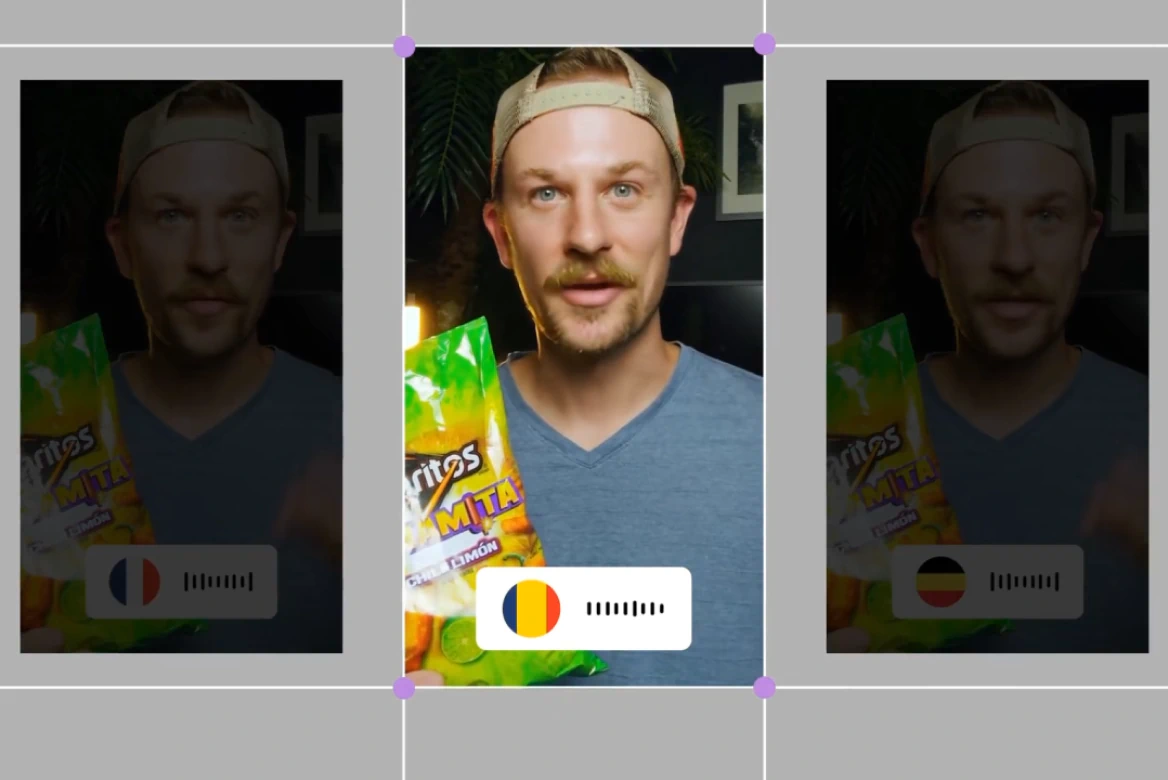
Create scroll-stopping YouTube content that grows your audience and your brand.
UGC & Ad Editor
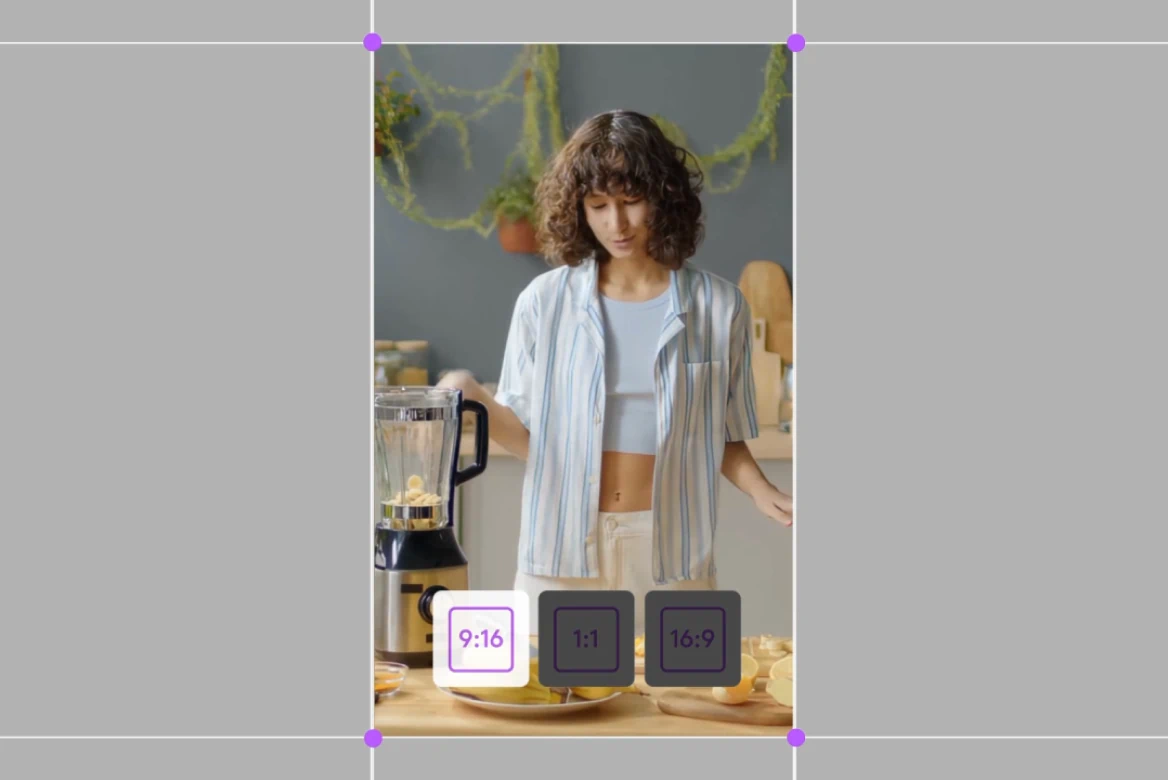
Create high-converting UGC and ad videos with our AI post-production tools.
TikTok Video Editor
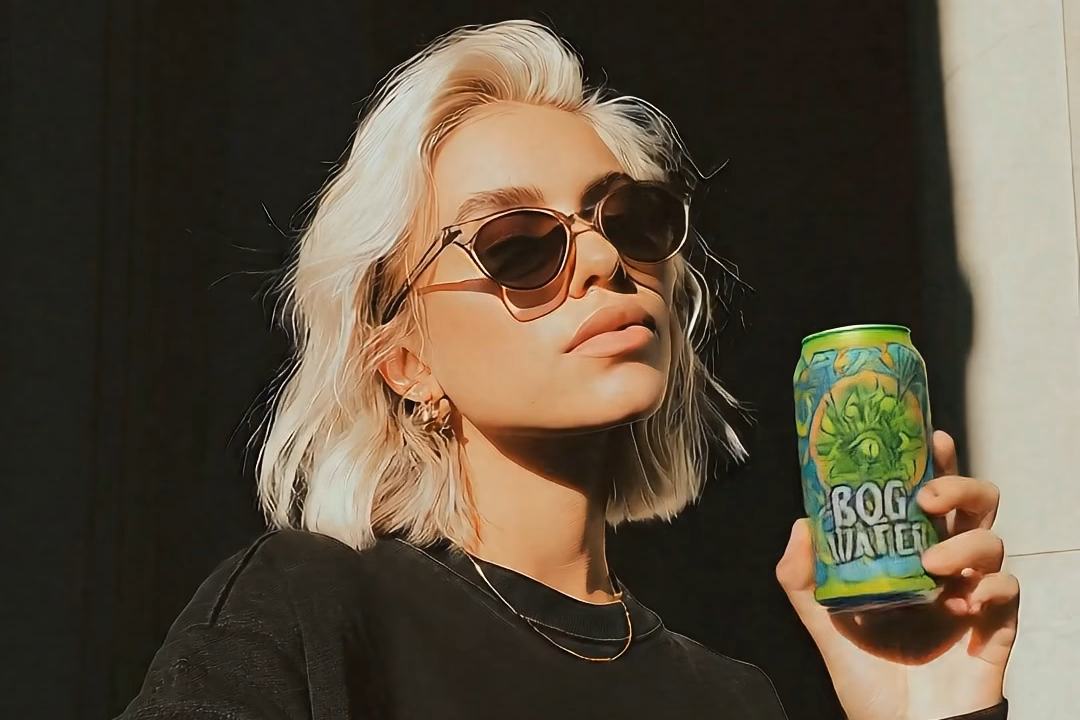
Create viral content, add subtitles, and resize for any platform.
AI UGC Generator
Generate high-performing AI UGC ads without creators or filming.

AI Anime Generator
Generate custom anime characters, scenes, and styles in seconds. No drawing skills needed, just your ideas.

Promo Video Maker
Learn how to use tools that streamline editing, enhance visuals, and deliver high-quality results for any marketing need.

Movie Trailer Generator
Learn how LTX Studio can be used to create a movie trailer with ease.

Movie Pitch Deck Generator
Generate polished pitch decks for movies and tv shows to easily visualize your creative idea.

AI Ad Generator
Easily create ads with AI to streamline your creative marketing process.

Cartoon Video Maker
Bring your animated concept to life with our AI cartoon video generator.

Music Video Maker
Make your own music video with the help of LTX Studio.

AI Storyboard Generator
Discover how to create your own storyboard with AI and scale your pre-production process.

AI Movie Maker
Turn text into movie clips and trailers all within one intuitive platform.
Related blog posts
.png)
Short-Form Video: Strategy, Formats, And AI Creation Guide (2026)
Master short-form video strategy for TikTok, Reels, and YouTube Shorts. Covers formats, production workflows, and AI-powered creation at scale.
.jpeg)
How To Make Explainer Videos With AI In 2026 (Complete Guide)
Learn how to make explainer videos with AI in 2026. A complete step-by-step production guide covering scripting, storyboarding, tools, and cost breakdowns.

Best Image To Video AI Tools In 2026
Compare the best image to video AI tools in 2026. Covers features, pricing, motion control, and how to turn images into video with AI.
.png)
How To Use Seeds In AI Video
Learn how seeds work in AI video and image generation for consistent, reproducible results across LTX Studio, Midjourney, and more.
FAQs
Can I edit Instagram videos online?
Yes! Our online Instagram video editor works directly in your browser.
How do I make my Instagram videos stand out?
Focus on strong openings, clean captions, and mobile-first formats. Our editor includes templates and rephrasing tools to help you stand out.
How do I resize a video for Instagram Reels or TikTok?
Use our preset aspect ratios for Reels (9:16) and TikTok to automatically resize your video to fit the platform’s specifications, without cropping out key content. Our technology can even uncrop video elements that would normally be cut off.
What’s the best video format for Instagram?
Use 9:16 for Stories and Reels, 1:1 or 4:5 for feed posts, and make sure your resolution is 1080p or higher.
Enterprise AI Video, Built for Scale
LTX Studio is an enterprise-grade AI video production platform that helps teams develop, produce, and deliver across modern, scalable workflows.
.png)



