


The TikTok video editor for creators and brands
Edit TikTok videos with no experience needed. Our AI-powered TikTok editor creates viral-ready content in minutes with smart cropping, dubbing, and resizing.






Scale content creation without scaling budget
Create dozens of video variations from one clip. Test hooks, visuals, and formats, without paying for extra reshoots or agencies.

Repurpose long-form content for TikTok
Reuse viral snippets from demos, podcasts, or webinars. Resize and edit for a perfect vertical scroll experience.

Meet TikTok’s specs every time
Never worry about sizing or ad compliance. Our tool handles formatting, safe zones, and copyright-friendly exports.
Why creators & marketers choose our AI TikTok video editor
This isn’t just another video editor; it’s an AI-powered toolkit designed for TikTok success. With smart cropping that automatically frames your subject, our TikTok video editor gives you professional-grade results in less than half the time.

Professional TikTok videos without the learning curve
With one-click resizing to TikTok’s 9:16 format and batch translation tools that let you create multiple language versions effortlessly, you can go from raw footage to viral-ready clips in minutes. Build trust and credibility with content that feels native to the platform and polished to perfection, all without spending hours in post-production.
Advanced editing software built for TikTok growth
The difference between content that gets scrolled past and content that goes viral often comes down to editing. That’s why our TikTok video editor is built with the same tools top creators and marketers rely on. The result? Videos that stand out in the feed, perform better with the algorithm, and drive real engagement.
How to edit TikTok videos
- 01
Upload Video
Upload your video.
- 02
Choose Format
Select desired format and tools (Resize, Dub, Rescript).
- 03
Preview
Preview and polish your edits.
- 04
Download
Download and post to TikTok.
Explore more powerful features that take your vision from concept to final cut.
Discover more features
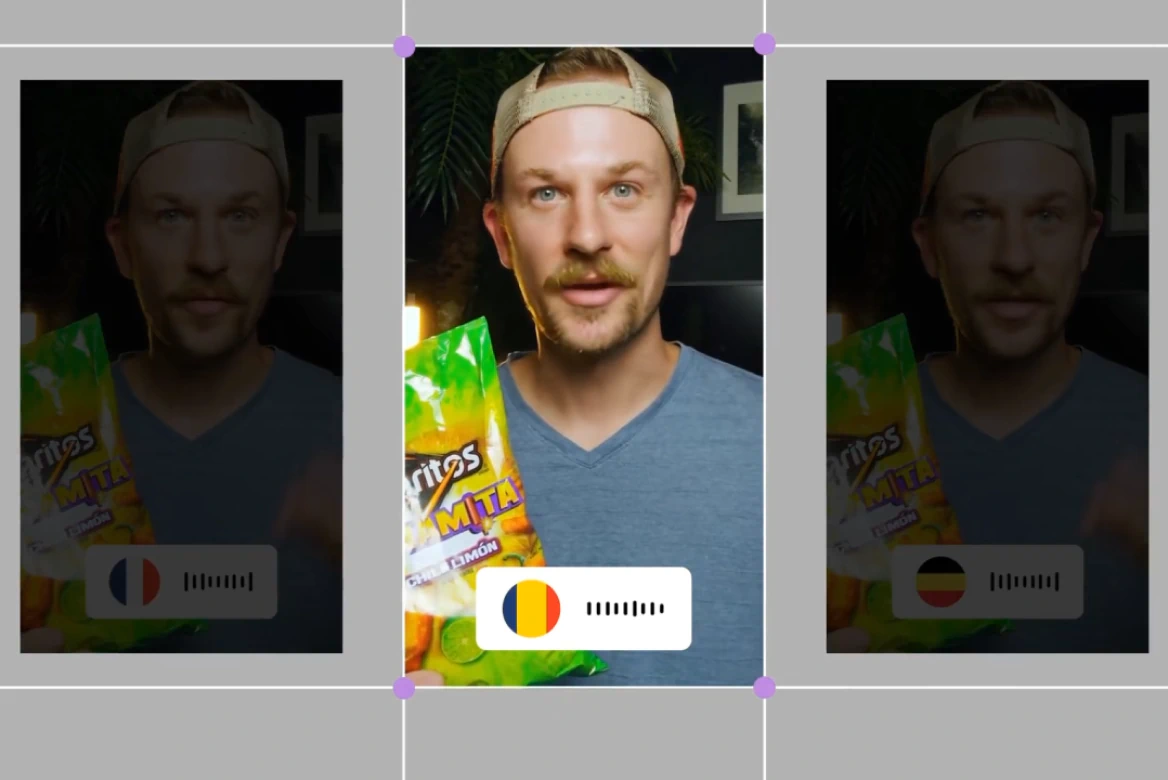
YouTube Video Editor
Create scroll-stopping YouTube content that grows your audience and your brand.
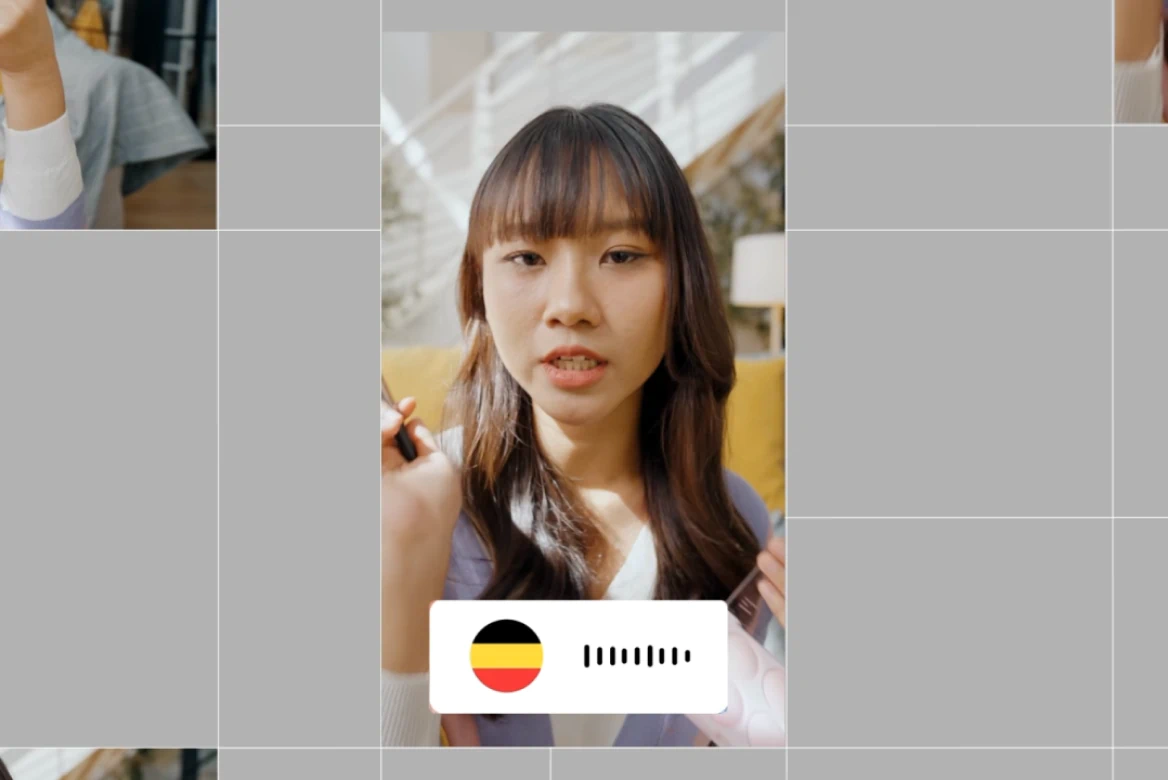
UGC & Ad Editor
Create high-converting UGC and ad videos with our AI post-production tools.
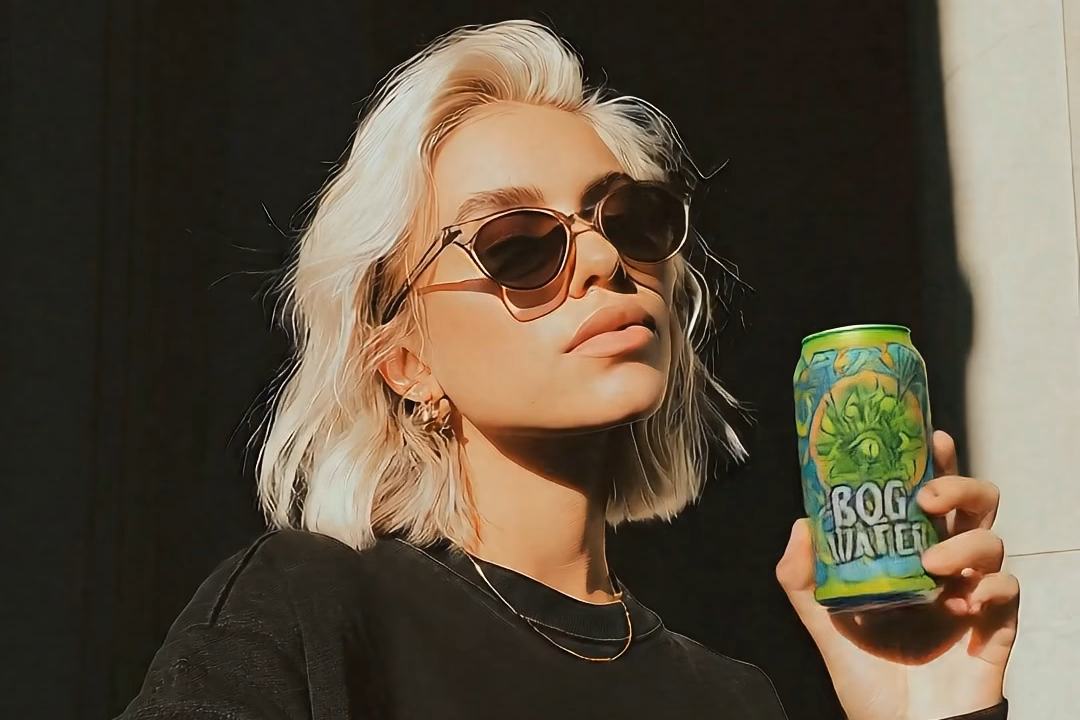
Instagram Video Editor
Professional Instagram video editor. Create viral Reels, Stories, and posts.
AI UGC Generator
Generate high-performing AI UGC ads without creators or filming.

AI Anime Generator
Generate custom anime characters, scenes, and styles in seconds. No drawing skills needed, just your ideas.

Promo Video Maker
Learn how to use tools that streamline editing, enhance visuals, and deliver high-quality results for any marketing need.

Movie Trailer Generator
Learn how LTX Studio can be used to create a movie trailer with ease.

Movie Pitch Deck Generator
Generate polished pitch decks for movies and tv shows to easily visualize your creative idea.

AI Ad Generator
Easily create ads with AI to streamline your creative marketing process.

Cartoon Video Maker
Bring your animated concept to life with our AI cartoon video generator.

Music Video Maker
Make your own music video with the help of LTX Studio.

AI Storyboard Generator
Discover how to create your own storyboard with AI and scale your pre-production process.

AI Movie Maker
Turn text into movie clips and trailers all within one intuitive platform.
Related blog posts
.png)
Short-Form Video: Strategy, Formats, And AI Creation Guide (2026)
Master short-form video strategy for TikTok, Reels, and YouTube Shorts. Covers formats, production workflows, and AI-powered creation at scale.
.jpeg)
How To Make Explainer Videos With AI In 2026 (Complete Guide)
Learn how to make explainer videos with AI in 2026. A complete step-by-step production guide covering scripting, storyboarding, tools, and cost breakdowns.

Best Image To Video AI Tools In 2026
Compare the best image to video AI tools in 2026. Covers features, pricing, motion control, and how to turn images into video with AI.
.png)
How To Use Seeds In AI Video
Learn how seeds work in AI video and image generation for consistent, reproducible results across LTX Studio, Midjourney, and more.
FAQs
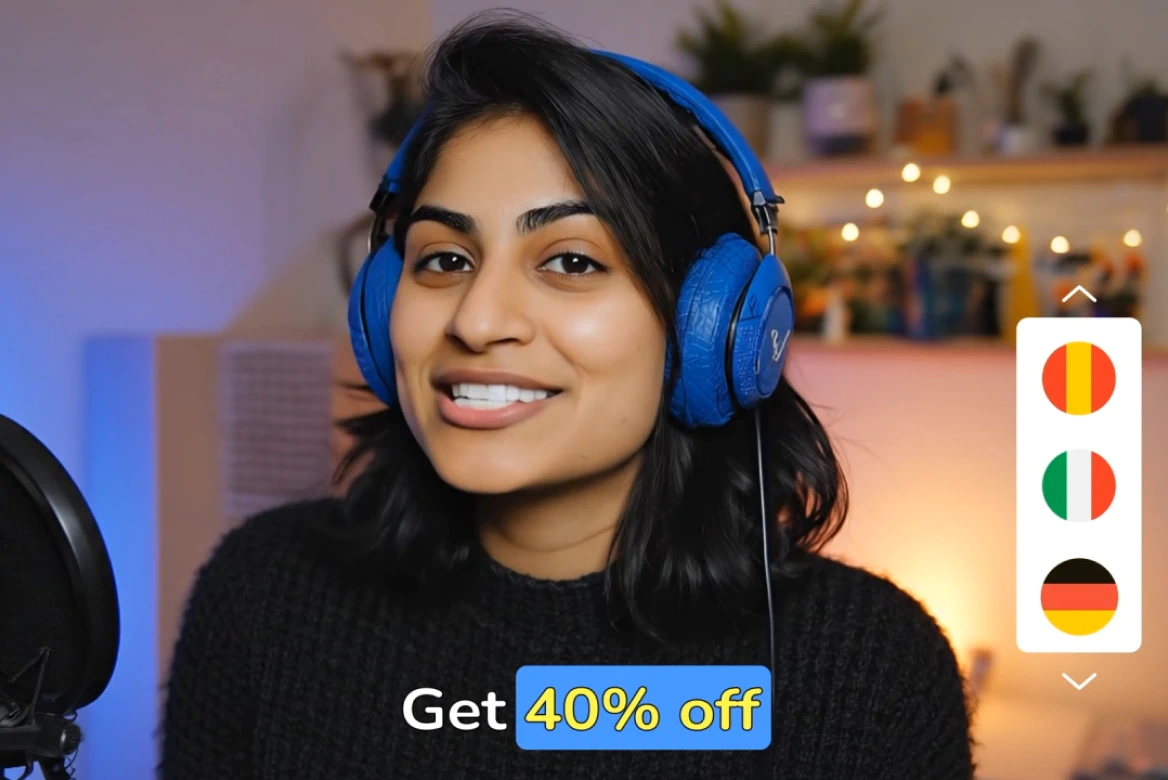
Can I translate my TikTok video?
Absolutely. Our video editor includes professional dubbing and text rephrasing tools so you can easily create multilingual versions of your content. It’s perfect for brands and creators expanding into international markets.
Can I use the TikTok video editor for PC?
Yes! Our web-based TikTok editor works seamlessly on PC and Mac, no need to download or install any software.
How can I edit my TikTok so it goes viral?
Focus on strong openings, fast pacing, and mobile-first framing. Our AI-powered tools help you nail these elements quickly with features like automatic cropping and content rephrasing. Combine that with strategic CTAs and high-quality audio, and your content will be algorithm-ready.
How do I make a TikTok video?
Start by uploading your footage into our TikTok video editor. From there, you can crop to the perfect 9:16 vertical format, and even dub over audio if needed. Once you’re happy with the preview, export your video and upload it directly to TikTok.
What size and format is ideal for TikTok videos?
The ideal format is vertical 9:16 with a resolution of 1080x1920 pixels. TikTok also supports MP4 and MOV files. Our editor automatically resizes and exports your videos in the correct aspect ratio, so you never have to worry about format errors.
What’s the best video editor for TikTok?
LTX Studio combines AI automation with pro-grade features to help you create standout TikToks in minutes.
Enterprise AI Video, Built for Scale
LTX Studio is an enterprise-grade AI video production platform that helps teams develop, produce, and deliver across modern, scalable workflows.
.png)



