


Turn any reference into AI video
The reference to video AI generator that keeps your visuals consistent. Go from any image or audio reference to a polished AI video in seconds.







Consistent output
Your reference drives the result. Every video stays visually aligned with your input, same style, same characters, same creative direction.

Fast iteration
Go from reference to finished video in seconds. Test multiple directions from the same input without starting from scratch.

Any reference format
Use images, photos, or audio as your starting point. Whatever reference you have, the AI turns it into video.
Create an image from reference
Start by locking in your visual direction before you generate a single frame of video. Upload any reference and get a precise, style-matched image output instantly.

Now turn that reference into video
Take your reference image further. Generate fluid, on-style video directly from any photo or visual input, with no additional prompting required.
Create consistent AI videos across every scene
Consistent AI video starts with the right reference system. Use Elements and Brand Kit to lock characters, style, and visual identity, so every scene you generate stays on-model, every time.
Generate AI video from an audio reference
Upload a voiceover, score, or sound reference and let the AI build video around it. Pacing, mood, and visuals adapt to your audio, giving you a fully synced output from a single reference file.
How to generate AI videos from a reference
Start for Free- 01
Upload your reference
Start with any image, photo, or audio file.
- 02
Choose your output format
Select video style, aspect ratio, and length.
- 03
Adjust reference strength
Control how closely the AI follows your reference — from faithful to freely interpreted.
- 04
Generate and download
Get your video instantly. Iterate and export when it's right.
Explore more powerful features that take your vision from concept to final cut.
Discover more features
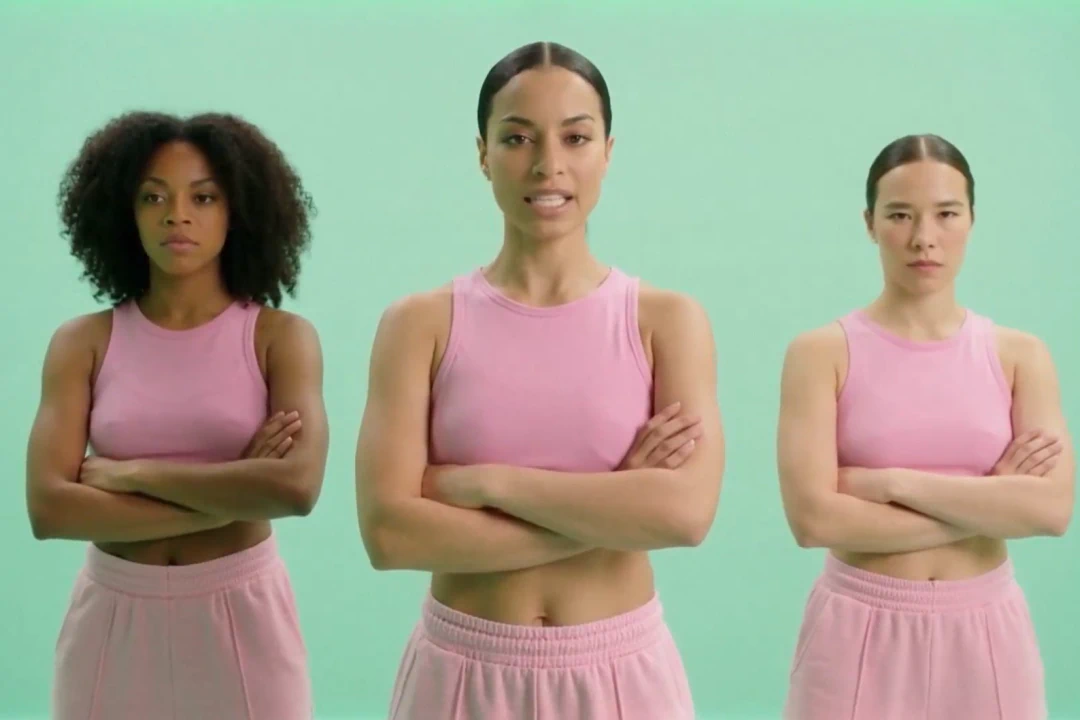
Audio to Video
AI-powered tools transform your music, podcasts, and voice recordings into professional visual content.

AI Video Generator
Generate videos instantly with AI. Transform text, images, or scripts into professional-quality videos in seconds.

AI Script Generator
Save time and enhance creativity with AI generated scripts and visuals.

AI Timeline Editor
Edit your videos with AI-driven tools designed for cutting, trimming, and enhancing your project.

AI Image Generator
Learn how LTX Studio can help you turn text into images, streamlining your content creation workflow.

Add Sound to Video
Bring your videos to life by adding music, audio effects, and clear voiceovers.

Animation Generator AI
Use LTX Studio to create customized animations generated by AI.

Movie Pitch Deck Generator
Generate polished pitch decks for movies and tv shows to easily visualize your creative idea.

AI Storyboard Generator
Discover how to create your own storyboard with AI and scale your pre-production process.

Animatics Maker
Make an animatic for your next creative project using the power of AI.

Video Shot Editor
Edit your video, shot by shot, for the utmost control over your project.

Script to Video
Starting a project has never been easier with LTX Studio’s script to video generator, just upload your text to get started.

AI Image to Video
Turn images into videos to captivate your audience and tell your story.

AI Character Generator
Create characters with AI and build out your dream cast for each and every project.
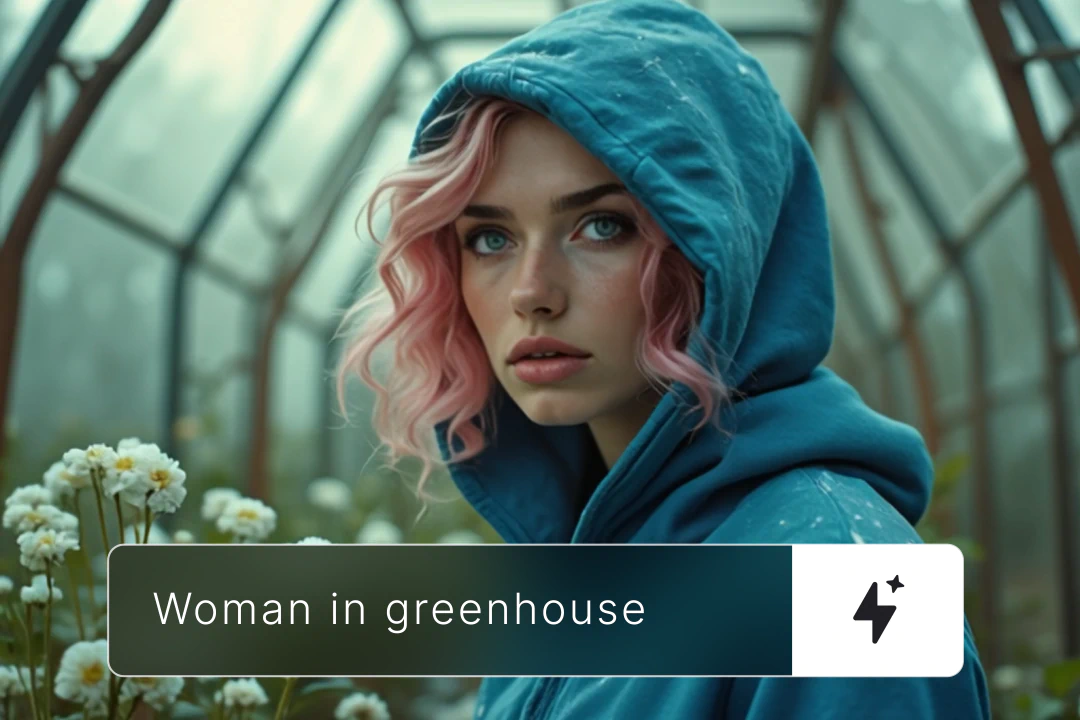
AI Text to Video
Learn how you can generate video from text prompts with ease using AI.
Related blog posts
.png)
Short-Form Video: Strategy, Formats, And AI Creation Guide (2026)
Master short-form video strategy for TikTok, Reels, and YouTube Shorts. Covers formats, production workflows, and AI-powered creation at scale.
.jpeg)
How To Make Explainer Videos With AI In 2026 (Complete Guide)
Learn how to make explainer videos with AI in 2026. A complete step-by-step production guide covering scripting, storyboarding, tools, and cost breakdowns.

Best Image To Video AI Tools In 2026
Compare the best image to video AI tools in 2026. Covers features, pricing, motion control, and how to turn images into video with AI.
.png)
How To Use Seeds In AI Video
Learn how seeds work in AI video and image generation for consistent, reproducible results across LTX Studio, Midjourney, and more.
FAQs
What is reference to video AI?
Reference to video AI is a generation method that uses an uploaded file (an image, photo, or audio clip) as the creative anchor for an AI-generated video. Instead of relying solely on text prompts, the AI interprets your reference to produce a video that matches its visual style, character, or sonic direction.
How can I maintain consistency with my AI videos?
LTX Studio uses Elements and Brand Kit to keep characters, visual style, and brand identity consistent across generated videos. Once your reference is set, every output stays aligned across scenes, sequences, and formats.
How does the reference to video AI generator work?
You upload a reference file, set your output parameters, and adjust reference strength to control how closely the AI follows your input. The generator analyzes the visual or audio content of your reference and produces video that reflects it, frame by frame.
What can you do with the reference to video AI tool?
You can generate style-consistent video from image references, turn audio into synced visual output, develop character-consistent scenes using Elements, build mood boards in motion, and move from concept to production-ready video faster than traditional workflows allow.
Enterprise AI Video, Built for Scale
LTX Studio is an enterprise-grade AI video production platform that helps teams develop, produce, and deliver across modern, scalable workflows.
.png)



