


Easy Shot Video Editor
Create, refine, and re-edit video shots with AI. Control shot type, camera angle, and motion, then retake and polish every moment.







Precision in shot design
Control shot type, camera angle, framing, and style. Shape every shot exactly how you need it.

Dynamic storytelling
Adjust motion, pacing, and emotion to refine how each scene unfolds and impacts your audience.

Enhanced sound integration
Add voiceovers and music directly in the editor with frame-accurate audio sync.
Dynamic camera angles and shot types
Experiment with different camera angles and shots to find the perfect perspective, using precise shot angles to enhance your story and captivate viewers.

Refine details, frame by frame
Fine-tune visuals at the scene level with precise creative controls. Use Retake to regenerate specific shots—adjusting action, emotion, or dialogue—while keeping visual consistency across your video.
Maintain visual consistency with Elements
Store characters, locations, logos, font and objects in Elements. Reuse and manage visual assets across scenes and projects to keep your video cohesive and on-brand.
Present ideas beyond video
Auto-generate a professional pitch deck from your project. Share concepts, stories, and visuals with stakeholders without extra work.
How to edit video shots in LTX Studio
- 01
Create your shots
Generate initial shots, then experiment with camera angles and shot composition.
- 02
Refine details
Adjust lighting, weather, and motion video with tools designed to enhance storytelling.
- 03
Export and share
Choose from MP4, XML, or a full auto-generated pitch deck to share your project.
- 04
Explore more powerful features that take your vision from concept to final cut.
Discover more features

Reference to AI Video
Create consistent AI videos from any reference in seconds with our AI video generator.
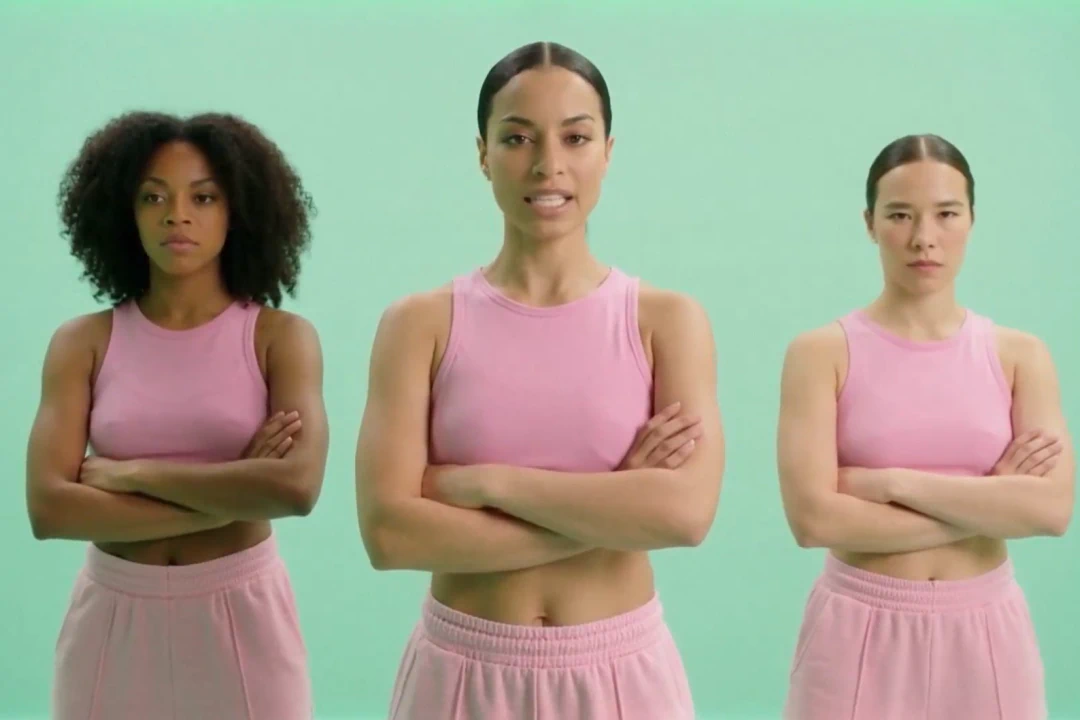
Audio to Video
AI-powered tools transform your music, podcasts, and voice recordings into professional visual content.

AI Video Generator
Generate videos instantly with AI. Transform text, images, or scripts into professional-quality videos in seconds.

AI Script Generator
Save time and enhance creativity with AI generated scripts and visuals.

AI Timeline Editor
Edit your videos with AI-driven tools designed for cutting, trimming, and enhancing your project.

AI Image Generator
Learn how LTX Studio can help you turn text into images, streamlining your content creation workflow.

Add Sound to Video
Bring your videos to life by adding music, audio effects, and clear voiceovers.

Animation Generator AI
Use LTX Studio to create customized animations generated by AI.

Movie Pitch Deck Generator
Generate polished pitch decks for movies and tv shows to easily visualize your creative idea.

AI Storyboard Generator
Discover how to create your own storyboard with AI and scale your pre-production process.

Animatics Maker
Make an animatic for your next creative project using the power of AI.

Script to Video
Starting a project has never been easier with LTX Studio’s script to video generator, just upload your text to get started.

AI Image to Video
Turn images into videos to captivate your audience and tell your story.

AI Character Generator
Create characters with AI and build out your dream cast for each and every project.
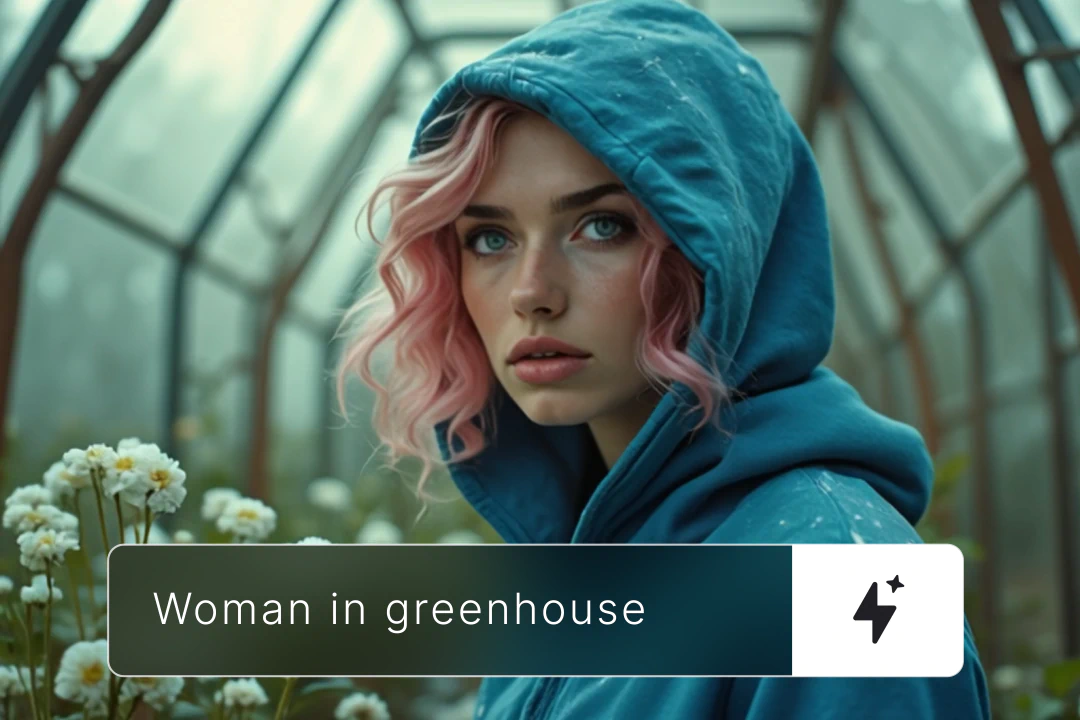
AI Text to Video
Learn how you can generate video from text prompts with ease using AI.
Related blog posts
.png)
Short-Form Video: Strategy, Formats, And AI Creation Guide (2026)
Master short-form video strategy for TikTok, Reels, and YouTube Shorts. Covers formats, production workflows, and AI-powered creation at scale.
.jpeg)
How To Make Explainer Videos With AI In 2026 (Complete Guide)
Learn how to make explainer videos with AI in 2026. A complete step-by-step production guide covering scripting, storyboarding, tools, and cost breakdowns.

Best Image To Video AI Tools In 2026
Compare the best image to video AI tools in 2026. Covers features, pricing, motion control, and how to turn images into video with AI.
.png)
How To Use Seeds In AI Video
Learn how seeds work in AI video and image generation for consistent, reproducible results across LTX Studio, Midjourney, and more.
FAQs
Can LTX Studio help me work with different cinematic shots?
Yes. Control shot type, camera angle, framing, style, and duration throughout creation and editing—from wide shots to close-ups.
Does the shot editor support various types of camera shots?
Yes, LTX Studio supports a wide range of types of camera shots, from dolly zooms and everything in between. The editor allows you to customize each shot with advanced motion controls, keyframes, and visual enhancements, ensuring your vision is brought to life with professional-grade quality.
Who is this shot video editor for?
Content creators, filmmakers, directors, marketers, and teams—from beginners exploring visual storytelling to professionals producing pitch-ready videos.
Is the shot video editor easy for beginners?
Yes. Start with simple prompts or scripts. Advanced users can access deeper control through Retake, Elements, and the timeline editor.
Is there a limit on the video length I can edit?
LTX Studio generates short-duration shots that you can combine and edit in the timeline to form a complete video
What types of camera shots can I edit with this tool?
The shot editor supports a wide variety of camera shots, including wide shots, close-ups, tracking shots, and more. It’s built to give creators the flexibility to edit and perfect any shot style for their storytelling needs.
Can I edit camera angles and movements?
You control shot types and camera angles during generation. Use Retake to adjust motion, emotion, or action in specific segments without regenerating the entire video.
Does the editor include a library of examples or an auto-suggestion tool?
The editor features AI-generated suggestions to help polish your final project, but doesn't include a preset library.
Is the shot video editor free?
Yes! LTX Studio offers a free tier to help you get started. Depending on your exact use and needs, paid plans are available that provide more computing time.
Enterprise AI Video, Built for Scale
LTX Studio is an enterprise-grade AI video production platform that helps teams develop, produce, and deliver across modern, scalable workflows.
.png)



