


Turn audio into video instantly
Upload audio, record your voice, or generate sound in LTX, then watch it transform into video. Timing, pacing, and motion shaped by what you hear.








Audio-first video generation
Video that's built from sound, not edited to match it. Dialogue, music, and effects drive shot structure, motion, and pacing, so timing feels intentional, not forced.

Instant audio-to-video conversion
Audio becomes animated video in seconds. Test ideas, explore pacing, or create finished clips without timelines, manual sync, or exports.

Reduced production complexity
No shot lists. No camera planning. Upload or generate audio, add a prompt and optional start frame, and LTX handles the rest.
Audio drives the visuals
Sound shapes the scene. Music, dialogue, and effects define motion, rhythm, and shot structure, creating video that moves with the audio, not around it.

Scenes that mirror the sound
Shot timing follows voice pacing, tone, and dialogue, including multi-character exchanges. The result is video that feels naturally synced, not adjusted after.
More than lip sync
Characters don't just talk, they move. Walking, gesturing, and performing actions while the camera responds to audio cues. Full animated sequences, not static heads.
Built for short, high-impact clips
Generate up to 20-second clips optimized for fast iteration, previews, and shareable content, from music visuals to UGC-style animations. Once generated, you can also add additional music, voiceovers, or sound effects.
How to convert audio into video
- 01
Start with audio
Upload a file, record directly in Gen Space, or generate audio to begin.
- 02
Set the visual context
Add a text prompt. Optionally include an image reference for more control.
- 03
Generate and review
LTX creates a video sequence you can review, share, or iterate on instantly.
- 04
Explore more powerful features that take your vision from concept to final cut.
Discover more features

Reference to AI Video
Create consistent AI videos from any reference in seconds with our AI video generator.

AI Video Generator
Generate videos instantly with AI. Transform text, images, or scripts into professional-quality videos in seconds.

AI Script Generator
Save time and enhance creativity with AI generated scripts and visuals.

AI Timeline Editor
Edit your videos with AI-driven tools designed for cutting, trimming, and enhancing your project.

AI Image Generator
Learn how LTX Studio can help you turn text into images, streamlining your content creation workflow.

Add Sound to Video
Bring your videos to life by adding music, audio effects, and clear voiceovers.

Animation Generator AI
Use LTX Studio to create customized animations generated by AI.

Movie Pitch Deck Generator
Generate polished pitch decks for movies and tv shows to easily visualize your creative idea.

AI Storyboard Generator
Discover how to create your own storyboard with AI and scale your pre-production process.

Animatics Maker
Make an animatic for your next creative project using the power of AI.

Video Shot Editor
Edit your video, shot by shot, for the utmost control over your project.

Script to Video
Starting a project has never been easier with LTX Studio’s script to video generator, just upload your text to get started.

AI Image to Video
Turn images into videos to captivate your audience and tell your story.

AI Character Generator
Create characters with AI and build out your dream cast for each and every project.
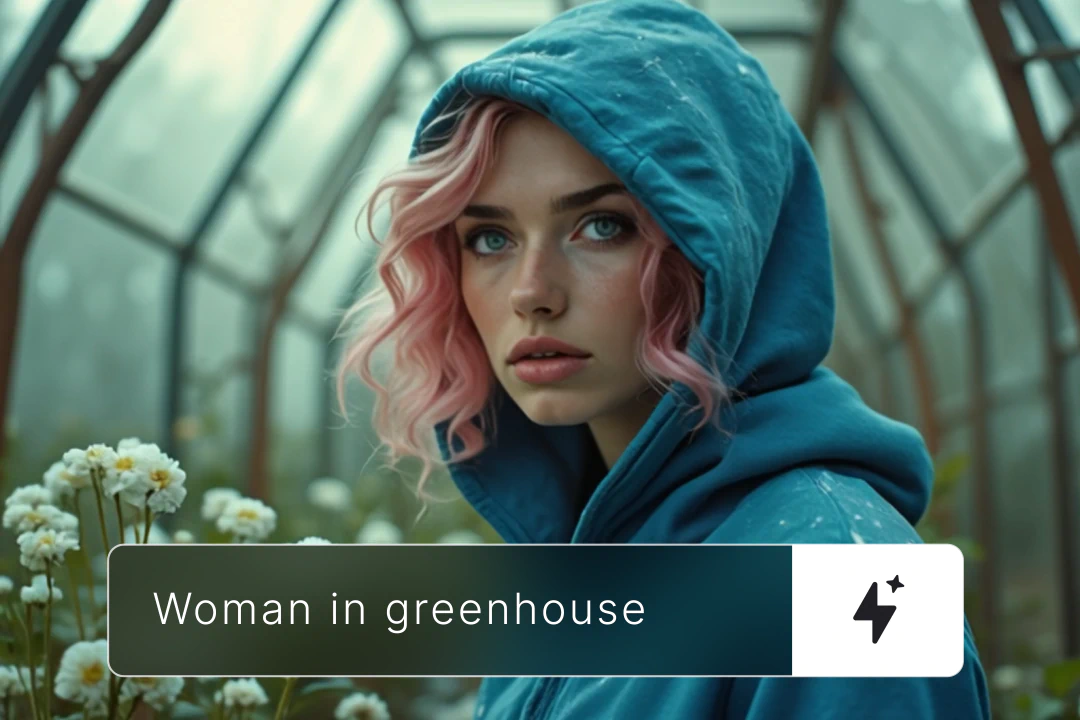
AI Text to Video
Learn how you can generate video from text prompts with ease using AI.
Related blog posts

How To Add AI Voiceovers & Dialogue To Videos
Learn how to add AI voiceovers and character dialogue to your videos in LTX Studio. This step-by-step guide covers narration, multi-speaker scenes, lip sync, and audio-to-video workflows.

Audio-to-Video: Syncing Sound with AI Video Generation
Master audio-to-video generation with LTX Studio. Learn how to sync sound, control lip sync, add dialogue and music, and build complete audio-visual workflows in one platform.

How To Generate Video From Audio In LTX
Tired of inconsistent AI voices? Audio-to-Video keeps your dialogue stable across every generation. Here's how to use it.
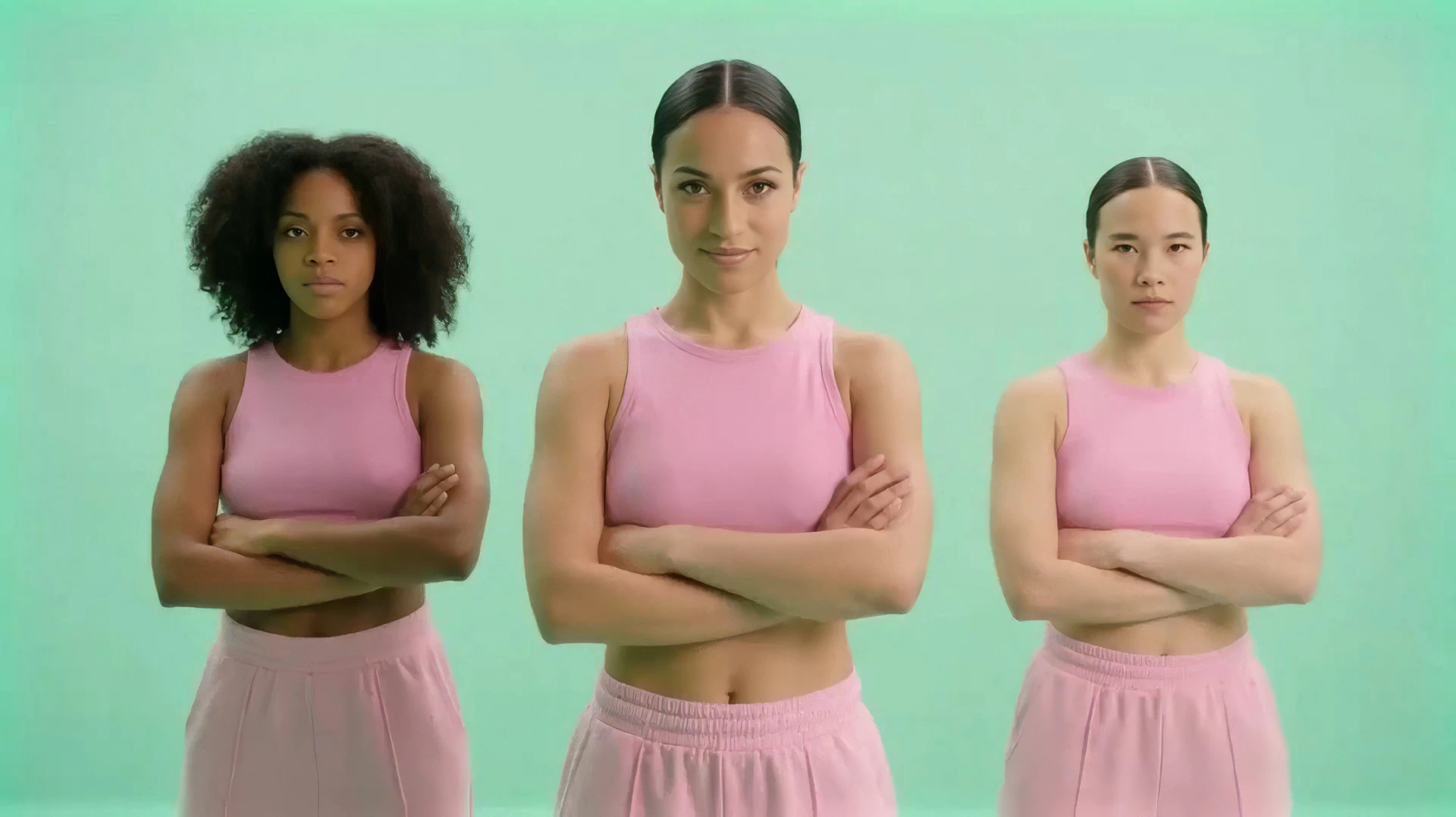
Lightricks Launches Audio-to-Video Generation with Exclusive ElevenLabs Partnership
Lightricks introduces audio to video generation with LTX, launching exclusively with ElevenLabs to let sound drive video from the first frame.
FAQs
What audio formats are supported by the audio to video converter?
LTX supports common audio formats including MP3, WAV,AAC, OGG, MOV and M4A. You can also record audio directly in Gen Space or generate it using LTX's audio tools to create audio from video.
How does the AI audio to video work?
LTX uses AI to analyze timing, rhythm, tone, and content, then generates video from audio where motion, shot structure, and pacing are shaped by what it hears. The result is video built from sound, not manually synced to it.
How do I use LTX's audio to video feature?
Upload or generate audio in Gen Space, add a text prompt (and optional start frame), then generate. LTX creates a video sequence in seconds.
Can I turn audio into video for free?
Yes. LTX offers free access to audio-to-video generation with usage limits. You can upgrade for additional credits and features.
Can I customize the styles and visuals in my video after converting?
Yes. You can regenerate with different prompts, adjust the start frame, or use LTX's editing tools to refine scenes, motion, and visual style.
Can I turn my podcast into a video with LTX?
Yes. Upload your podcast audio and LTX will create speech to video sequences based on dialogue, pacing, and tone. You can also add music to video for intros and transitions—perfect for social clips or promotional content.
Enterprise AI Video, Built for Scale
LTX Studio is an enterprise-grade AI video production platform that helps teams develop, produce, and deliver across modern, scalable workflows.
.png)



