

- Complete taxonomy of AI video styles from photorealistic and cinematic to anime, watercolor, surrealism, and animation
- Practical prompting tips for each style category with specific keywords and techniques
- Step-by-step guide to applying and customizing styles in LTX Studio
What Are AI Video Styles?
When you're creating videos with AI, the style you choose determines everything from mood to color grading to the overall visual language of your content. AI video styles are predefined visual directions that shape how your generated video looks, feels, and communicates. Think of them as the visual equivalent of a director's creative vision, baked directly into your generation process.
In LTX Studio's AI video generator, styles work alongside your text prompts to ensure your final output matches your creative intent. Rather than hoping your prompt captures every visual nuance, you can apply and customize styles that handle the heavy lifting for color grading, lighting, composition, and aesthetic direction.
The beauty of AI video styles is that they democratize professional visual production. You don't need a cinematographer, color grader, or animation studio to produce videos that look like they came from one. You just need to understand which style matches your vision, then refine it to your exact specifications.
LTX Studio offers flexibility here. You can choose from predefined styles or customize them to suit your brand, project, or creative vision. This guide walks you through every major style category, shows you practical prompting techniques for each, and explains how to implement them in LTX Studio.
Photorealistic AI Video Styles
Photorealistic styles are your foundation when you need video that looks like real footage. These styles prioritize genuine-looking textures, accurate lighting, and natural color reproduction. They're ideal for commercial content, educational materials, product demos, and anything where authenticity matters.
Cinematic Realism
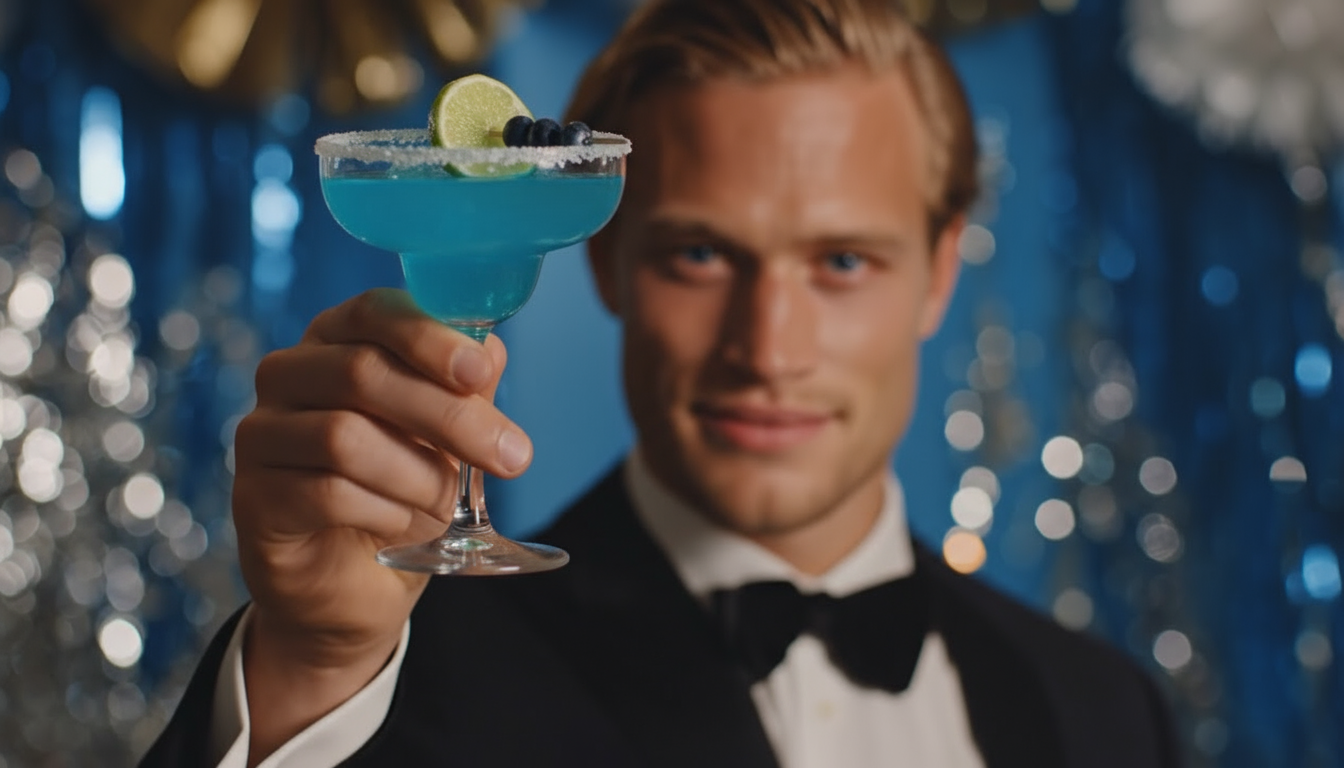
Cinematic realism combines photorealistic base footage with the production polish of professional cinema. You're aiming for footage that could credibly appear in a feature film or high-end commercial. This style emphasizes sharp focus, rich color grading, and lighting that reinforces the emotional tone of your scene.
To achieve cinematic realism in your prompts, focus on lighting conditions and camera movement. Include phrases like "warm golden-hour lighting," "shallow depth of field," or "steady tracking shot." Specify the quality level explicitly: "shot on cinema camera," "professional color grading," or "high production value."
Use realistic prompting techniques for people if your scene includes human subjects.
Documentary Style
Documentary style trades some polish for authenticity and immediacy. This approach feels less "produced" and more "observed." You'll see handheld camera work, natural lighting, and a color palette that feels raw rather than graded. It's perfect for educational content, testimonial-style videos, or any project where you want viewers to feel like they're witnessing something real unfold.
When prompting for documentary style, emphasize naturalism. Try "handheld camera work," "natural window lighting," or "ungraded footage feel." Avoid over-specifying lighting or composition; documentary style works better when it feels slightly imperfect.
Commercial Photography Style
Commercial photography style applies the visual language of product photography and advertising to video. Think studio lighting, perfectly composed frames, and color correction optimized for sales and brand presentation.
Build your prompts around studio conditions: "studio lighting setup," "product photography aesthetic," or "bright, clean background." Include color direction if your brand has specific guidelines.
Cinematic And Filmic Styles
Cinematic and filmic styles focus on visual storytelling techniques that cinema developed over a century. These styles leverage specific camera work, composition principles, and color grading approaches that audiences recognize from film.
Classic Hollywood
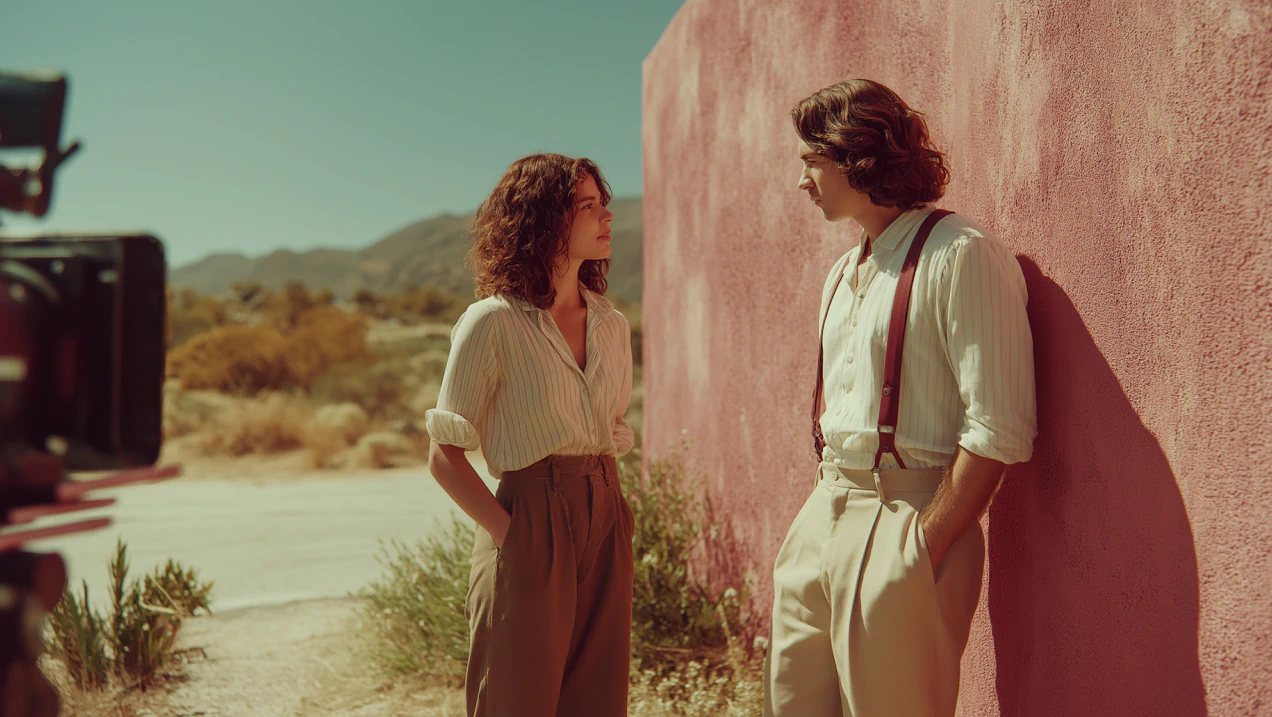
Classic Hollywood style channels the visual language of 1940s and 1950s cinema. You'll see controlled three-point lighting, composed symmetrical frames, slightly desaturated colors, and a formal elegance. This style conveys sophistication, nostalgia, and timelessness.
In your prompts, reference the era directly: "1940s Hollywood lighting," "film noir influenced," or "golden age cinema." Specify color grading cues: "desaturated colors with rich blacks," "warm overhead lights," or "high contrast shadows."
Noir And Moody
Noir and moody styles embrace shadows, high contrast, and dark emotional tones. These styles excel at creating tension, mystery, and psychological depth. Think heavy shadows, selective lighting that creates silhouettes, and color palettes dominated by blacks, grays, and deep jewel tones.
Prompt for noir with specificity: "high contrast lighting," "dramatic shadows," "film noir aesthetic," or "silhouette lighting."
Anamorphic And Widescreen
Anamorphic and widescreen styles mimic the look of anamorphic cinema lenses, beloved for their distinctive compression, lens flares, and color rendition. These styles feel premium, cinematic, and formally adventurous.
Reference the technical approach directly: "anamorphic lens aesthetic," "anamorphic lens flare," or "widescreen cinema composition."
Stylized And Artistic Video Styles
Stylized and artistic styles move away from photorealism into deliberately designed visuals. They're perfect for animated explainers, artistic projects, brand experiences, and any content where visual uniqueness is a feature, not a bug.
Anime And Manga
Anime and manga styles transform video into the distinctive visual language of Japanese animation and comics. You'll see bold linework, expressive character animation, and dynamic action framing.
Prompt with anime specificity: "anime art style," "manga illustration aesthetic," "bold outlines," "screentone shading," "cel-shading effect," or "dynamic action framing."
Watercolor And Painterly
Watercolor and painterly styles apply painting techniques to video. Colors blend and flow like wet paint, brushstrokes are visible, and the overall effect feels handmade and organic.
Guide the AI with painting language: "watercolor painting style," "loose brushstrokes," "wet paint aesthetic," or "impressionist painting motion."
Surrealism And Abstract
Surrealism and abstract styles lean into dreamlike, irrational, and conceptual visuals. Reality bends, objects transform unexpectedly, and colors and forms prioritize emotional or symbolic meaning over literal representation.
Prompt with surreal concepts: "surrealist dreamscape," "abstract geometric motion," or "impossible physics."
Pixel Art And Retro
Pixel art and retro styles recreate the visual language of 8-bit and 16-bit video games, or general retro computing aesthetics.
Be explicit about pixel and color constraints: "pixel art style," "8-bit aesthetic," "limited color palette," or "pixelated video game look."
Animation Styles In AI Video
Animation styles move beyond photorealism entirely into motion design and drawn/constructed visuals.
3D Animation
3D animation styles produce computer-generated visuals with depth, lighting, and material properties computed in 3D space.
Prompt with 3D specificity: "3D animation style," "CGI render aesthetic," or "Pixar-quality 3D animation."
Stop Motion
Stop motion animation has a distinctive jittery charm created by photographing physical objects frame-by-frame.
Describe the handmade nature: "stop motion animation," "claymation style," "puppet animation," or "frame-by-frame animation."
Motion Graphics
Motion graphics styles apply animation principles to abstract shapes, typography, and data visualization.
Build prompts around design: "motion graphics style," "kinetic typography," or "abstract shape animation."
How To Choose The Right AI Video Style
Choosing the right style starts with understanding your project's goals, audience, and emotional intent. Start by identifying your primary goal. Are you trying to convince viewers (commercial photography style), entertain them (cinematic or stylized), educate them (documentary or motion graphics), or create emotional resonance (noir, surrealism, painterly)?
Next, consider your audience's visual literacy and aesthetic preferences. Younger audiences often respond to anime, stylized, and abstract approaches. Professional audiences in B2B contexts typically respond better to cinematic realism or 3D animation.
Think about your brand's existing visual language too. Your AI video style should echo those choices rather than contradict them.
Test multiple styles on small-scale projects. AI video generation is fast and affordable, so running stylistic experiments costs far less than traditional production methods.
Also consider which video generation models work best with your target style.
How To Achieve Different Styles In LTX Studio
LTX Studio makes applying and customizing styles straightforward. Here's how:
Step 1: Access the Styles feature. In LTX Studio's AI video generator, locate the Styles section.
Step 2: Select or preview your style choice. Browse available styles and preview them with your concept in mind.
Step 3: Customize your style. You can customize colors, contrast, saturation, lighting direction, and other properties to match your specific vision.
Step 4: Combine styles with prompts. Your style works alongside your text prompt. A strong prompt paired with a well-chosen style creates outputs far better than either alone.
Explore the detailed guide on applying and customizing styles for deeper technical instructions.
Also leverage LTX Studio's prompt guide to write prompts that work synergistically with your chosen style.
Conclusion
AI video styles are one of your most powerful creative tools in modern video production. They let you achieve professional visual aesthetics without requiring cinematographers, colorists, or animation studios.
Start by exploring styles in LTX Studio's AI video generator with small test projects. As you build style literacy, you'll develop instincts about what works for different projects, audiences, and brands.
Ready to start creating? Head to LTX Studio and experiment with styles on your next project.


Maximize your creative potential with AI-powered tools
Maximize your creative potential with AI-powered tools





.png)



