%20copy.jpg)

- AI video generation compresses VFX pre-production from weeks to hours — giving directors more creative exploration before committing, and supervisors faster sign-offs without waiting on 3D setup or artist availability.
- LTX Studio's video storyboarding solves the imagination gap in static storyboards — pacing problems, timing issues, and spatial relationships all surface immediately when you can see the motion rather than infer it.
- The competitive advantage for VFX studios isn't any single feature — it's turning client feedback around in hours rather than weeks, keeping productions on schedule and clients confident.
You've spent the last three days storyboarding a 30-second action sequence. The director wants variations: wider shots, closer angles, different lighting setups, maybe the camera moves left instead of right. Back to the drawing board. Literally. This is the reality for VFX artists who work in traditional pre-visualization pipelines.
The constraint isn't creativity or skill. It's time. Every revision, every "what-if," every client note that requires a visual rethink pulls resources away from the actual VFX work. The good news: AI video generation is changing this equation. Not by replacing artists, but by giving them tools that compress weeks of iteration into hours.
LTX Studio is a full AI video creation platform built for creators who need speed without sacrificing control. For VFX professionals specifically, it handles the work that typically consumes the most time: pre-visualization, concept exploration, motion testing, and client presentations. You stay focused on creative direction. The AI handles the heavy lifting.
Pre-Visualization Gets a Speed Boost
Pre-visualization—or previz—is the blueprint for everything that follows. Directors, cinematographers, and VFX supervisors use it to lock in camera angles, timing, and composition before the crew rolls cameras or the modelers and animators start detailed work. Done well, previz saves money. Done slowly, it becomes a bottleneck.
Traditional previz workflows are either rough 2D storyboards (which are hard to judge for pacing and spatial relationships) or time-consuming 3D animatic work. A middle ground barely exists. LTX Studio fills that gap with fast, flexible video generation that lets you create believable motion quickly.
Here's how it works in practice: You describe your shot—a drone sweeping across a futuristic cityscape, a car accelerating from a standstill, a character walking through a crowded subway—and LTX Studio generates video. You get something far more informative than a still image but without the 3D setup time. If the camera movement isn't quite right, generate again with adjusted parameters. If you want to test a different angle or speed, toggle the settings and create another version.
The Video Generation feature uses multiple video models—LTX-2 Pro, LTX-2 Fast, LTX-2.3 Pro, LTX-2.3 Fast, Kling 2.6 Pro, Veo 3.1, and Veo 2—each with different strengths. Some excel at motion clarity. Others handle complex scenes. You pick the best tool for each shot and move forward. No waiting for a 3D artist to implement notes. No licensing fees for software you only use during previz. You iterate in real time and show the director options that would take weeks to build traditionally.
For VFX supervisors, this means faster sign-offs. For directors, it means more creative exploration before committing to a specific approach. For budgets, it means fewer expensive revisions later.
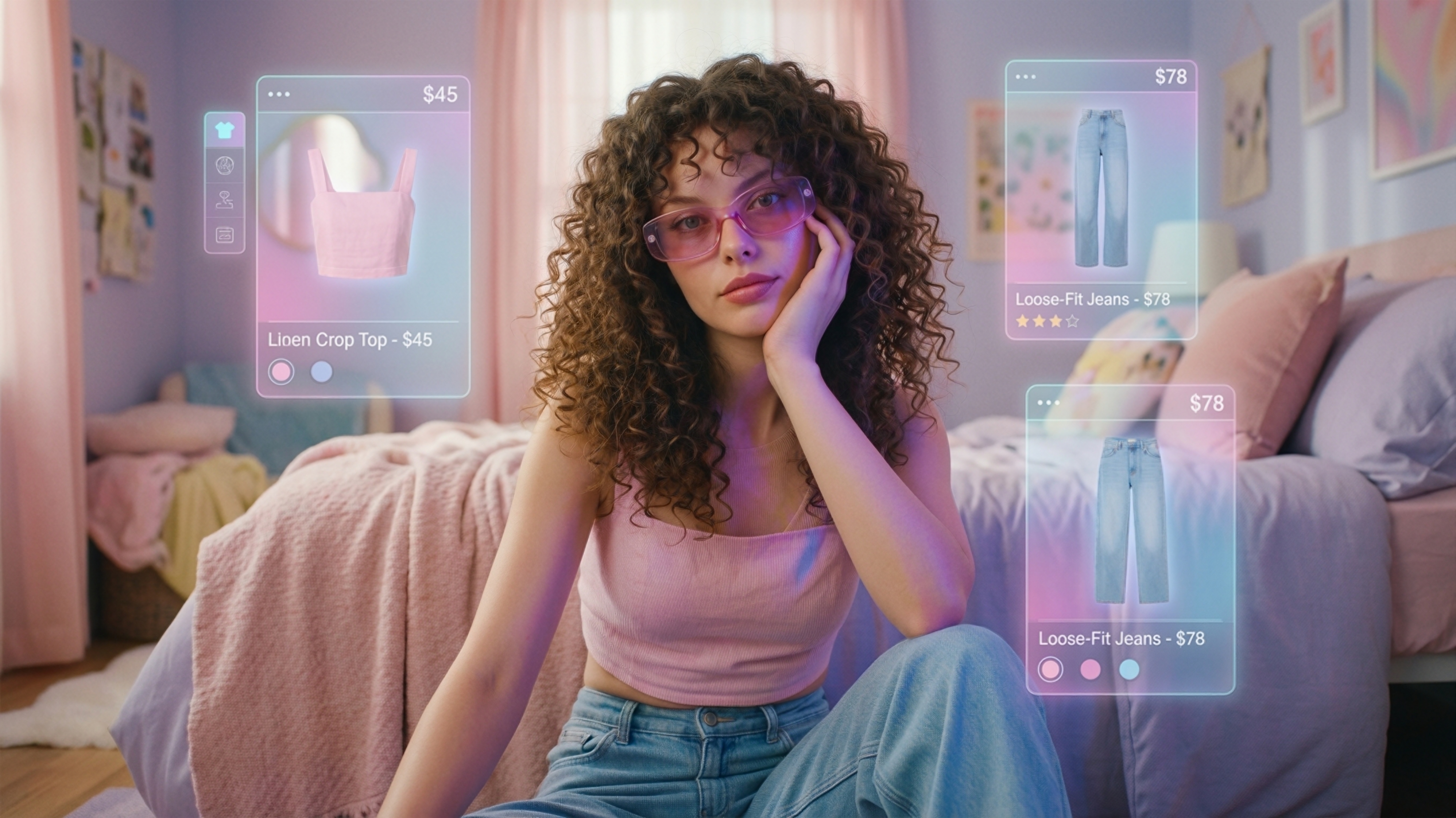
Concept Art at the Speed of Ideation
VFX environments are expensive to build. A hero room, an alien landscape, an intricate mechanical space—each one requires modeling, texturing, lighting, and rendering. Before you invest that labor, concept art validates the look.
The problem: good concept art takes time. A skilled 2D artist might produce one or two polished images per day. When a director asks for five variations—different color palettes, different times of day, different architectural styles—you're looking at a week of work. And that's before any feedback.
AI image generation doesn't replace the concept artist. It accelerates the ideation phase where speed matters most. Using tools like Image Generation within LTX Studio (FLUX.2 Pro, Nano Banana Pro, Nano Banana 2, or Z-Image for rapid iteration), you can generate dozens of visual directions in an hour. Your concept artist reviews them, selects the strongest directions, and then refines and polishes them into production-ready artwork.
The workflow shifts from "generate fewer images, polish each one extensively" to "generate many directions quickly, polish the winners." That's a fundamentally different approach, and it works because VFX budgets and schedules favor speed in the early phases and precision in the later ones.
For sci-fi, fantasy, or anything outside the familiar world, concept exploration is often the most uncertain part of production. AI-generated variations let you answer visual questions faster: Does this environment read as hostile or welcoming? Does the tech feel grounded or fantastical? Does the color palette support the emotional tone? Answer those questions visually in hours instead of waiting days for each iteration.
Storyboarding That Actually Moves
A storyboard is meant to communicate motion, timing, and emotional beats. But a static storyboard—even a beautifully illustrated one—makes you imagine the motion instead of seeing it. That imagination gap is where miscommunications happen. The director envisions a snappy, energetic cut. The VFX artist interprets it as slower, more contemplative. Neither is wrong; they just saw different things.
Storyboard in LTX Studio bridges that gap. You create a sequence of frames—your actual storyboard panels—and the AI generates smooth video between them. Suddenly your shot list has motion. Pacing becomes apparent. Timing problems surface immediately. You see if a shot actually reads the way you imagined.
This is particularly powerful for complex VFX sequences. A creature reveal needs the right pacing to land. An explosion requires precise timing for impact. A digital character interaction depends on eye lines and spatial relationships that are nearly impossible to judge from static frames. Video storyboards show you exactly what you're getting.
For VFX teams working with remote directors or stakeholders in different time zones, animatic-quality storyboards are a shared reference that eliminates ambiguity. Everyone watches the same video. Everyone sees the same pacing. The creative conversation shifts from "what's the director picturing?" to "is this the right creative choice?" That's a much stronger position to negotiate from.
Motion Tests Without the Setup
VFX work often involves questions that only motion can answer. How does a cloth fabric move during a fall? What does a creature's run cycle actually feel like? How does a digital object interact with real-world physics in a specific shot? Traditional approaches require either motion capture, complex simulation setups, or weeks of hand animation.
With Video Generation and the Motion Control features (using Kling 2.6 Pro), you can test motion ideas quickly. Describe your motion, generate it, and see if it works for the shot. If it doesn't match the performance you need, adjust and regenerate. If it does, use it as reference for animation or as a starting point for refinement.
This is especially useful for sequences where motion is the primary creative unknown. A digital character walking through water. A mechanical object failing and breaking apart. An organic creature's gesture. All of these benefit from seeing the actual motion before committing to expensive production work.
VFX artists have used this approach to test lighting scenarios too. Generate a shot with different lighting setups, see which one reads best for the scene, then apply those lighting decisions to the actual 3D render. It's the visual equivalent of locking reference before you execute.
Rapid Iteration for Client Presentations
Client feedback is inevitable. What's avoidable is the two-week wait for revised previz. With LTX Studio, you can address feedback in real time during a presentation, or at least turn around revised options within hours instead of days.
A client says: "Can we move the camera lower? I want to see more of the foreground." Generate. Watch. Decide if that works better. Try another angle. All of this happens in the same call if you're using LTX Studio's tools.
Or the feedback comes via email: "The color feels too warm. Can it be cooler? Also, what if the shot was wider?" Instead of scheduling a new previz session with your team and waiting for delivery, you spend 15 minutes in LTX Studio exploring those options and send updated previz the next morning. The client feels heard. The team avoids a costly revision cycle. The production stays on schedule.
For VFX vendors and studios competing on responsiveness, this is a competitive advantage. Faster feedback loops mean happier clients. Happier clients mean repeat business.
Integration Matters: The Full Pipeline
The biggest advantage of LTX Studio isn't any single feature. It's that everything happens in one place. You're not toggling between a storyboarding tool, an AI image generator, a video generator, and an editing platform. You're working in a unified workspace.
Video Generation, Image Generation, Storyboard, Timeline Editor, and Audio-to-Video all work together. You can import audio from your sound designer, generate video to match it, edit the timing in the timeline, adjust shots with the Retake feature, and export final previz—all without leaving the platform.
This matters because VFX is a team sport. Your concept artist needs to hand off to the animator. The animator needs to coordinate timing with the sound designer. The director needs to review and approve. Every handoff introduces the potential for miscommunication. Keeping work in a shared, unified space reduces friction and keeps everyone aligned.
Start with Your Next Challenge
You don't need to overhaul your entire pipeline to benefit from AI video generation. Start with one problem: the next sequence that has a tight deadline, or the next client presentation that needs fast turnaround, or the next director that wants to explore multiple creative directions.
Try LTX Studio for that project. Generate some concept variations. Create a quick storyboard with motion. Show the director options they wouldn't have had time to see before. See how much faster the creative phase moves when iteration is measured in hours instead of days.
VFX artists have always been problem-solvers. AI is just another tool in that toolkit. The artists who adapt fastest—who treat AI as a way to compress time and unlock more creative exploration—will be the ones who control their schedules instead of being controlled by them.


Maximize your creative potential with AI-powered tools
Maximize your creative potential with AI-powered tools





%20copy.jpg&description=Discover how VFX artists are using AI video generation to accelerate pre-viz, concept art, and storyboarding workflows.)





.png)



