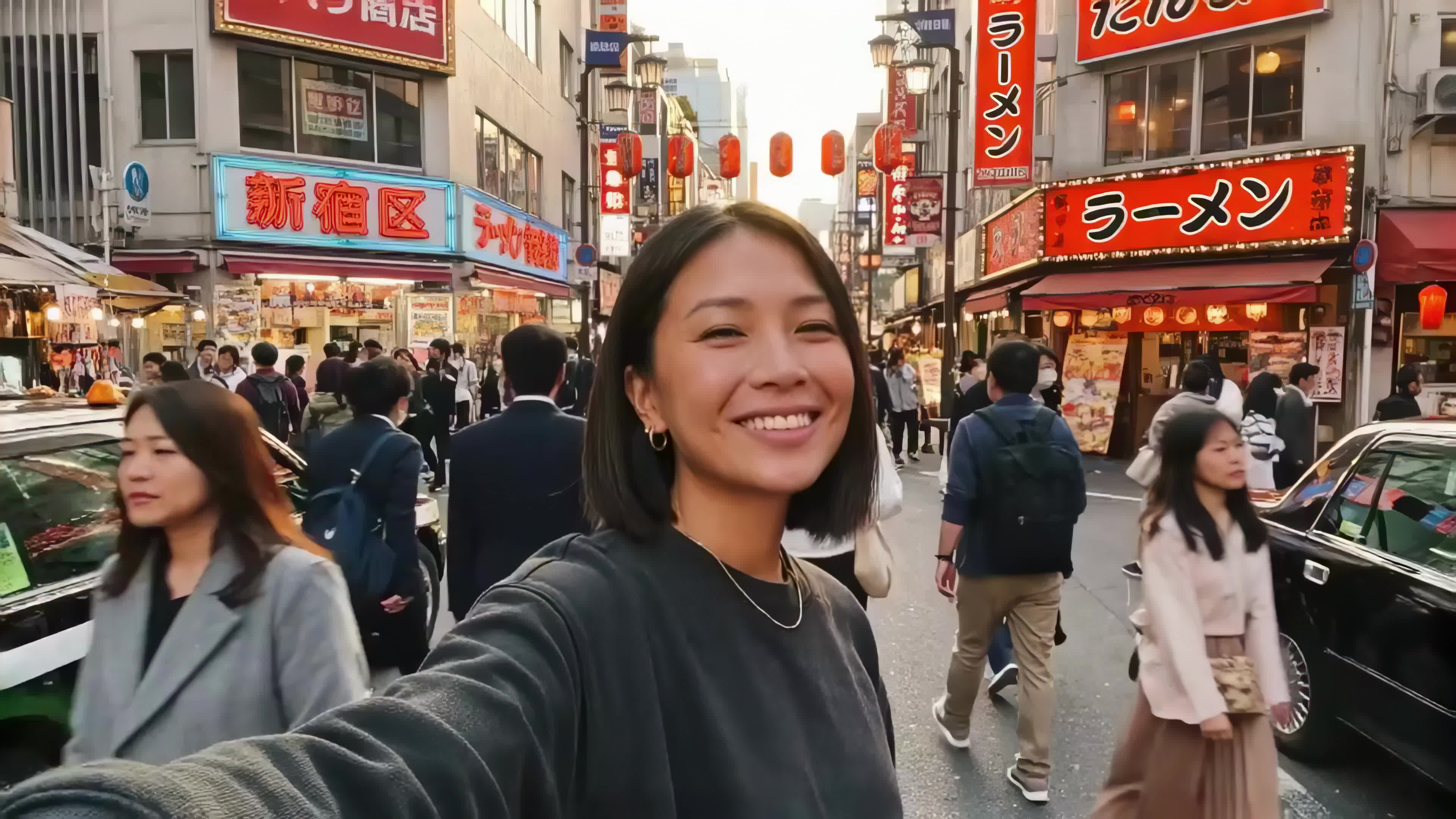

- AI video generation breaks the scaling problem for social media — teams that manually produced one or two videos per week can produce 15-20, with full control over visuals, motion, audio, and platform format.
- LTX Studio's Storyboard feature shifts social video production from single-prompt guesswork to scene-by-scene planning — letting you control pacing, narrative, and model choice before generating a single frame.
- The same storyboard can generate platform-specific versions in minutes — 9:16 for TikTok and Reels, 16:9 for YouTube and LinkedIn — without reshooting or rebuilding from scratch.
Your social media content calendar is packed. You’ve got three posts due tomorrow, a reel to shoot for Friday, and a short-form video series that needs 12 more clips to complete. The pressure is real: platforms reward volume, consistency, and freshness, but creating that much video—shooting, editing, adding music, perfecting captions—takes time you don’t have.
AI video creation changes that math. Instead of spending hours on set or wrestling with editing software, you can describe your video in text, set your parameters, and let AI handle the heavy lifting. With LTX Studio, you can go from idea to publish-ready video in under 10 minutes.
This guide walks you through everything you need to know about creating professional social media videos with AI, including the specific workflows, features, and optimization strategies that work best on Instagram, TikTok, YouTube Shorts, and LinkedIn.
Why AI Video Creation Matters for Social Media
Short-form video platforms have fundamentally changed what audiences expect. A decade ago, a single polished YouTube video was enough. Today, creators need a steady stream of content across multiple formats and platforms. The math is unforgiving: producing 50 TikToks manually takes 50 times the effort of one. AI video generation breaks that scaling problem.
Consider what AI video creation actually solves:
- Production speed: Generate a finished video in minutes instead of hours of shooting and editing.
- Cost reduction: No need for sets, equipment, actors, or extensive post-production for every piece of content.
- Scaling output: Create multiple variations and platform-specific versions from a single concept.
- Consistency: Maintain visual branding across dozens of videos without manual oversight on every frame.
- Faster iteration: Test different creative directions and respond to feedback without reshooting.
The practical impact: teams that would have produced one or two videos per week can now produce 15-20. That’s not a marginal improvement. That’s a strategic advantage on platforms where reach correlates directly with output frequency.
Key Features of LTX Studio for Social Media Video Creation
LTX Studio is a complete web-based video creation platform built specifically to eliminate friction from the creative process. Unlike tools focused solely on repurposing content or adding captions, LTX Studio lets you build videos from scratch, with full control over every layer: visuals, motion, audio, timing, and composition.
1. Video Generation with Multiple Models
LTX Studio integrates seven powerful video generation models, each optimized for different creative needs:
- LTX-2 Pro: High-quality general-purpose video generation with rich detail and coherent motion.
- LTX-2 Fast: Faster variant of LTX-2 for quick drafts and high-volume production.
- LTX-2.3 Pro: Latest generation with strong character consistency and object tracking.
- LTX-2.3 Fast: Rapid generation for quick iteration and high-volume content production.
- Kling 2.6 Pro: Smooth motion and motion control capabilities for dynamic scenes.
- Veo 3.1: Cinematic-quality output with detailed lighting and atmosphere.
- Veo 2: Reliable general-purpose video generation across a range of styles.
For social media specifically, this flexibility matters. A dance trend video needs smooth motion (Kling 2.6 Pro). A product unboxing needs cinematic lighting (Veo 3.1). A narrative story needs character consistency (LTX-2.3 Pro). You’re not locked into one approach.
2. Storyboard: Plan Before You Generate
The Storyboard feature is where strategy happens. Instead of writing a single prompt and hoping for the best, you break your video concept into sequential scenes. Each scene gets its own visual direction, duration, and narrative moment.
This means:
- You control pacing and narrative structure before generating a single frame.
- Each scene can use a different model, style, or visual approach as needed.
- Revisions happen at the scene level, not the entire video—saving time on iteration.
- Your team and stakeholders can review the creative direction before full production.
For social media content, Storyboard cuts iteration time dramatically. Instead of "does the vibe work for the whole video?" you’re asking "does this 15-second segment deliver?" Much faster to iterate.
3. Audio-to-Video: Start From Sound
Some of the best social media videos start with audio—a viral voice-over, a trending sound, a podcast clip, music you licensed. Audio-to-Video in LTX Studio flips the normal workflow: upload your audio, set the mood and visual direction, and the AI generates matching visuals synchronized to the audio track.
This is powerful because:
- Visuals are automatically synchronized to audio timing, eliminating manual alignment.
- You can build content around trending sounds the same day they take off.
- Voiceover-driven content like tutorials and explainers get matching visuals without filming.
4. Timeline Editor: Precision Control
After generation, the Timeline Editor gives you frame-level control. You can:
- Trim and rearrange shots to match your desired pacing.
- Layer audio tracks, sound effects, dialogue, and voiceover.
- Time cuts to music beats or voiceover cues.
- Use the Retake feature to adjust or regenerate specific parts of a scene without affecting the rest of the timeline.
For social media specifically, this is where you fine-tune pacing, layer in the right audio, and make sure every shot lands before you export.
5. Image Generation: Assets Built In
LTX Studio includes integrated image generation powered by models like FLUX.2 Pro, Nano Banana Pro, Nano Banana 2, and Z-Image. This means you can:
- Generate thumbnails and cover images that match your video’s visual style.
- Create product shots and lifestyle imagery without a photo shoot.
- Build consistent visual assets for your social media feed directly within the same platform.
For product-based social content, this eliminates the "I need to shoot this, edit it, and create a thumbnail" workflow. You generate all three.
Step-by-Step: Creating Your First Social Media Video in LTX Studio
Let’s walk through a concrete example: creating a 45-second product teaser for Instagram Reels.
Step 1: Create Your Video
Log into ltx.studio and click Create to start a new video. Choose your aspect ratio (9:16 vertical for Instagram Reels or TikTok, 16:9 for YouTube or LinkedIn) and select how you want to begin—whether that’s describing your video with a text prompt, uploading audio, or building a storyboard scene by scene.
Step 2: Plan Your Storyboard (3-4 scenes)
For a product teaser, think in segments:
- Scene 1 (Hook): An attention-grabbing visual or question—2–3 seconds to stop the scroll.
- Scene 2 (Problem): Show the pain point your product addresses—5–10 seconds.
- Scene 3 (Solution): Introduce your product in action—15–20 seconds.
- Scene 4 (CTA): Close with a clear call to action—3—5 seconds.
Write these in the Storyboard panel. Each gets its own generation prompt, but you maintain narrative continuity through consistent visual direction.
Step 3: Choose Your Video Model
For a polished product teaser, use Veo 3.1 (cinematic quality) or LTX-2.3 Pro (consistent object tracking). Generate each scene. This takes 30-60 seconds per scene depending on model and length.
Step 4: Upload Audio and Sync
You’ve already chosen trending music or a branded audio track. Upload it. If you used Audio-to-Video workflow, the visuals are already synced. If you generated scenes first, use the Timeline Editor to time cuts to music beats.
Step 5: Fine-Tune in the Timeline Editor
Use the Timeline Editor to layer in your audio—music, sound effects, dialogue, or voiceover. Trim and rearrange shots to nail the pacing, and use the Retake feature to regenerate any shot that isn’t quite right without affecting the rest of your video.
Step 6: Preview and Export
Preview on mobile to see how the 9:16 format actually looks. Adjust timing if needed. Then export for Instagram Reels (optimized compression, correct resolution).
Total time: 10-15 minutes. Quality: Professional.
Advanced Workflows: Storyboarding & Optimization
Batching Videos for Consistency
Professional creators don’t make one video. They make series. Use Projects in LTX Studio to manage a batch of similar videos (12 TikToks in a trending format, 5 product demos, a week’s worth of educational clips). Save your storyboard template, modify only the product details or script for each video, and generate the batch.
This approach ensures visual consistency—same color grading, same camera angles, same pacing—without manual effort.
Iterating on Feedback
Share a rendered preview with your team using Projects’ collaboration features. Get feedback on a single scene? Regenerate just that scene without touching the rest. Need to adjust timing? Timeline Editor handles it in seconds. This is where AI creation wins against traditional filming: iteration cost drops to zero.
A/B Testing Visuals
Generate the same storyboard with two different models (Veo 3.1 vs. Kling 2.6 Pro) and export both. Post them simultaneously to different days and compare performance. After a few tests, you’ll know which models and visual styles drive engagement on your specific audience.
Repurposing Across Platforms
Create one storyboard and generate separate versions for each platform’s preferred aspect ratio—9:16 for TikTok and Reels, 16:9 for YouTube and LinkedIn. Because your storyboard and prompts are reusable, producing multiple versions takes minutes instead of starting from scratch each time. No re-shooting, no re-editing. Same creative direction, optimized for each platform.
Optimization Tips for Different Platforms
Instagram Reels (9:16 vertical, max 90 seconds)
- Hook viewers in the first 1–2 seconds—lead with motion or a bold visual.
- Keep text large and centered to avoid being cut off by the UI overlay.
- Use trending audio when possible to boost discoverability.
- Add captions for sound-off viewing—most users browse with sound muted.
TikTok (9:16 vertical, max 10 minutes but socially optimal at 21-34 seconds)
- Front-load the value—TikTok’s algorithm rewards watch-through rate, so deliver quickly.
- Match the pacing to the audio—cuts that land on beats perform better.
- Use native-feeling aesthetics; overly polished content can feel out of place.
- End with a loop or a reason to rewatch to boost replay metrics.
YouTube Shorts (9:16 vertical, max 60 seconds)
- Keep videos under 60 seconds to qualify for the Shorts shelf.
- Use clear, descriptive titles—YouTube relies on metadata more than other short-form platforms.
- Include a subscribe CTA, as Shorts can drive significant channel growth.
LinkedIn (16:9 horizontal preferred, max 10 minutes)
- Use 16:9 horizontal format—LinkedIn’s feed is optimized for landscape video.
- Lead with a professional insight or data point to earn the click.
- Keep videos between 30 seconds and 2 minutes for best engagement.
Getting Started: Your First Video Today
The barrier to professional video creation used to be high: equipment cost, editing skill, time. AI has dismantled all three. What remains is taste, strategy, and consistency—things you already have.
LTX Studio handles the production. You handle the direction. That’s the division of labor that scales.
Start with a single video: a product demo, a tutorial, a teaser. Go through the workflow. You’ll spend less time than you spent reading this post. You’ll have a finished video. You’ll understand the speed and quality you can achieve. Then you’ll do it again. And again. Until content creation feels like the easiest part of your week.
Ready to build your first AI-generated social media video? Start with LTX Studio today. Sign up, describe your video, and generate it. It takes less than 10 minutes.


Maximize your creative potential with AI-powered tools
Maximize your creative potential with AI-powered tools








.png)



