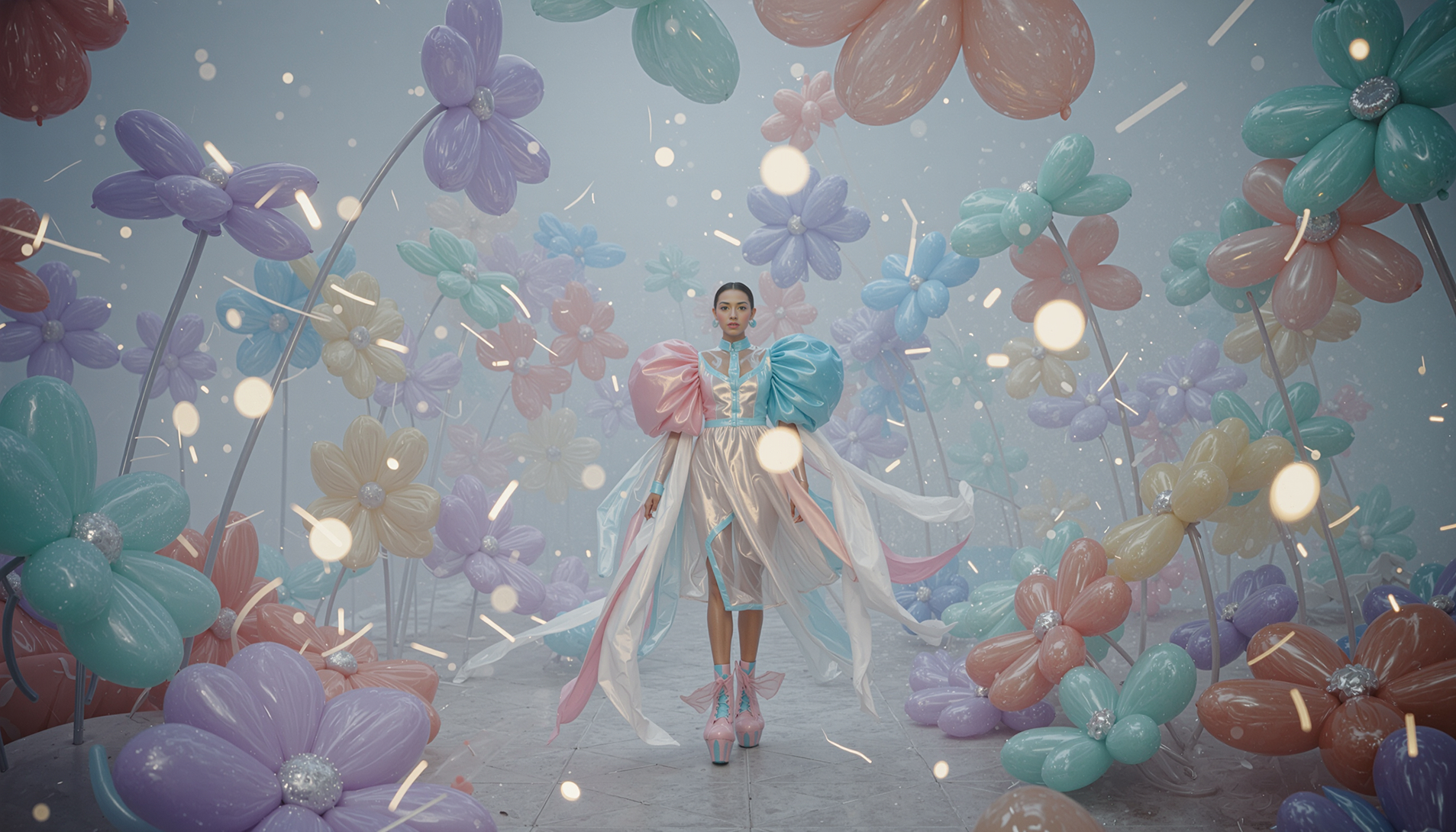

Choosing the right image model isn't about which one is "better"—it's about which one solves your specific creative challenge. FLUX.2 Pro from Black Forest Labs and Nano Banana Pro from Google both deliver production-ready visuals, but they excel in different scenarios.
FLUX.2 Pro is built for creators who need scalable, high-resolution content with exact brand control. Nano Banana Pro is designed for precision editing and sophisticated reasoning about complex visual relationships. Understanding when to use each model means faster workflows, fewer iterations, and better final results.
Both are fully integrated into LTX Studio's Gen Space, so you can switch between them based on what your project demands—without disrupting your workflow or learning new interfaces.
{{blog-banner-static01}}
What is the difference between FLUX & Nano Banana
FLUX.2 Pro and Nano Banana Pro approach image generation from different angles. FLUX.2 Pro prioritizes production-ready quality at scale, while Nano Banana Pro emphasizes multimodal control and contextual reasoning.
Core Architecture
FLUX.2 Pro is Black Forest Labs' latest text-to-image model, built on advanced diffusion and flow-matching architecture. It generates images up to 4MP resolution and is optimized for visual intelligence—understanding lighting, physics, and spatial relationships to produce photorealistic outputs that make sense in the real world.
Nano Banana Pro is Google's next-generation image model built on Gemini 3. It focuses on sophisticated reasoning about context, perspective, and real-world logic. The model excels at understanding complex relationships between objects, environments, and visual elements.
Generation vs Editing Focus
FLUX.2 pro is generation-first. It creates production-ready images from text prompts with strong brand fidelity, exact color matching via HEX codes, and reliable text rendering. It's built for creators who need to produce high volumes of consistent, on-brand visuals.
Nano Banana Pro is editing-first. It performs complex refinements using natural language, image references, or annotations. Rather than generating entirely new images, it excels at targeted adjustments—modifying expressions, changing specific objects, or refining compositions while preserving the rest of the scene.
Speed and Resolution
FLUX.2 generates 2K resolution images in under 10 seconds, with support for outputs up to 4MP. The Pro variant prioritizes speed for rapid iteration, while Max focuses on maximum fidelity.
Nano Banana Pro offers increased speed and resolution compared to the original Nano Banana model, with sophisticated reasoning that ensures visual coherence across edits. However, its advanced reasoning and higher resolution outputs require more computational power.
Technical Capabilities
When should I use FLUX instead of Nano Banana
FLUX.2 Pro is the better choice when your priority is generating high volumes of production-ready content with brand consistency and exact creative control.
{{blog-banner-video03}}
High-Volume Content Production
Use FLUX.2 Pro when you need to create extensive libraries of branded visuals quickly. The Pro variant generates images fast enough to explore multiple creative directions without slowing momentum. This makes it ideal for agencies and teams producing content at scale—social media campaigns, product catalogs, or seasonal marketing assets.
Brand-Critical Projects
FLUX.2 Pro's exact HEX code color matching ensures your brand colors are pixel-perfect across every generated asset. When brand guidelines are non-negotiable—corporate campaigns, product launches, or client presentations—FLUX.2 Pro delivers the precision marketing teams require.
Multi-Reference Character Consistency
When you need to maintain consistent character identity or product placement across 50+ variations—like generating campaign images with the same model in different environments—FLUX.2 Pro's multi-reference control keeps visual identity intact without manual intervention.
Speed-Dependent Workflows
FLUX.2 Pro generates high-quality 2K images in under 10 seconds. When client presentations, pitch decks, or tight deadlines demand fast turnaround without compromising visual quality, Pro delivers the speed professional workflows require.
.png)
When should I use Nano Banana instead of FLUX
Nano Banana Pro is the better choice when you need precision editing, sophisticated reasoning about complex scenes, or multimodal control over specific visual elements.
Precision Image Editing
Use Nano Banana Pro when you have an almost-perfect image that needs targeted refinements. Rather than regenerating the entire composition, Nano Banana Pro edits specific elements—adjusting a character's expression, modifying a single prop, or changing lighting in one area while preserving everything else.
Multimodal Creative Direction
Nano Banana Pro excels when you need to direct edits using annotations, sketches, or multiple reference images. If you're visually marking areas to change, drawing rough guides for composition adjustments, or combining elements from several reference images, Nano Banana Pro's multimodal understanding translates your inputs into precise visual changes.
Complex Scene Reasoning
When your image requires sophisticated understanding of real-world physics, perspective, and spatial relationships, Nano Banana Pro's advanced reasoning ensures visual coherence. It understands how objects should cast shadows, how perspective should work, and how elements should relate to each other in three-dimensional space.
Iterative Refinement Workflows
Nano Banana Pro is built for iterative refinement. When you're working through multiple rounds of client feedback, each requiring small but specific adjustments, Nano Banana Pro's precision editing lets you address feedback without regenerating entire scenes or losing previous refinements.
Contextual Accuracy Requirements
Projects requiring deep contextual understanding—historically accurate period pieces, scientifically precise visualizations, or narratives where visual logic must be airtight—benefit from Nano Banana Pro's sophisticated reasoning. The model interprets context better than generation-first tools.
Salvaging Near-Perfect Outputs
When another model produces a 95% perfect image with one frustrating flaw, Nano Banana Pro can fix that specific issue. This saves time compared to generating dozens of variations hoping the next output gets it right.
Price differences between FLUX.2 & Nano Banana Pro
Both FLUX.2 Pro and Nano Banana Pro operate on LTX Studio's credit system, with different computational requirements affecting credit consumption.
Nano Banana Pro requires higher computational resources due to its advanced reasoning and multimodal processing capabilities. The model's sophisticated understanding of physics, perspective, and contextual relationships demands more processing power, resulting in higher credit consumption compared to standard generation models.
.jpeg)
Using FLUX & Nano Banana on LTX Studio
Both FLUX.2 Pro and Nano Banana Pro are fully integrated into LTX Studio's Gen Space, making it easy to switch between models based on what your project needs at any given moment.
Accessing the Models
Step 1: Open the Gen Space in any project or start a new session from the LTX Studio homepage.
Step 2: In the model dropdown menu, select your preferred model:
- FLUX.2 Pro (for faster generation)
- Nano Banana Pro (for precision editing)
Step 3: Enter your prompt or add reference images depending on your chosen workflow.
FLUX.2 Pro Generation Workflow
FLUX.2 Pro works best for initial content creation:
- Write detailed prompts with specific information about composition, style, lighting, and mood. FLUX.2 supports prompts up to 32K tokens for complex instructions.
- Add reference images (up to multiple references) to maintain character or product consistency across generations.
- Use HEX codes for exact brand colors: "Product shot with background color #2ECC71"
- Select your variant based on priority: Max for quality, Pro for speed, Flex for text.
- Generate and iterate quickly to explore creative directions.
Nano Banana Pro Editing Workflow
Nano Banana Pro excels at refining existing images:
- Upload the base image you want to edit
- Use natural language to describe specific changes: "Make the subject's expression more serious"
- Add annotations to mark exactly where changes should occur
- Provide reference images showing the style or elements you want to incorporate
- Generate refined versions with targeted edits while preserving the rest of the composition
Combined Workflow Strategy
The most effective approach often combines both models:
- Use FLUX.2 Pro to rapidly generate multiple concept variations
- Select the strongest options and refine details with Nano Banana Pro
- Move polished images directly to storyboards or use them as starting frames for LTX-2 video generation
Saving and Reusing
Both models integrate with LTX Studio's Element system:
- Save generated images as Elements for consistent reuse across your project
- Reference Elements in future generations to maintain visual continuity
- Build libraries of brand-consistent assets available across all projects
Moving to Video
Images generated by either FLUX.2 or Nano Banana Pro can be used as starting frames for LTX-2 video generation:
- Add your finalized image to the timeline
- Apply LTX-2 to create motion and bring static visuals to life
- Maintain consistency from image generation through final video output
This seamless integration means you never need to export assets to external tools, upload files across platforms, or lose creative momentum switching between applications.
%20(1).jpeg)
Choosing the Right Model for Your Project
FLUX.2 Pro and Nano Banana Pro aren't competitors—they're complementary tools designed for different stages and requirements of the creative process.
Use FLUX.2 Pro when speed, scale, and brand consistency matter most. Use Nano Banana Pro when precision, control, and contextual reasoning are your priorities.
Both models deliver production-ready results. The question isn't which is better—it's which one solves the specific challenge you're facing right now. And because both live in LTX Studio's Gen Space, you can switch between them instantly based on what your project demands at any given moment.
Start creating with FLUX.2 Pro and Nano Banana Pro in LTX Studio today.


Maximize your creative potential with AI-powered tools
Maximize your creative potential with AI-powered tools






.jpeg)
.png)



