

- AI is now central to how UX/UI teams work — compressing research, ideation, and iteration cycles across the full design process.
- Effective use means knowing where to apply it: AI handles volume and speed, human judgment handles user understanding and ethical trade-offs.
- LTX Studio extends into UX/UI workflows through visual concept generation, AI storyboarding, and video walkthroughs — covering the visual and narrative layer before anything gets built.
Good design has always been about understanding people — what they need, where they get stuck, and what makes an experience feel effortless rather than frustrating. That hasn't changed. What has changed is how much of the work required to get there AI can now handle.
In 2026, AI has moved from an optional add-on in design tools to a core part of how UX and UI teams research, prototype, iterate, and ship. The designers and teams who understand how to use it — and where human judgment still has to show up — are the ones doing their best work.
Why Using AI Can Help Product Experiences
Design has a research and iteration problem. There's rarely enough time to test every assumption, validate every flow, or explore every visual direction before a deadline arrives. Teams make calls on instinct, ship with uncertainty, and discover friction only after users have already felt it.
AI changes the economics of that process. Research that used to take days can now take hours. Prototypes that required a full design-dev loop can be explored generatively first. Visual directions that would have needed multiple design rounds can be tested before anyone opens Figma.
The scale of adoption reflects this. According to a Lyssna survey of 100 UX and UI designers conducted in late 2025, 93% are already implementing generative AI tools in their current work, and 73% say AI as a design collaborator will have the most impact in their field in 2026.
Meanwhile, 91% of companies say they are looking to expand their UX and AI budgets this year, according to KPMG.
But adoption and effective use aren't the same thing. The same Lyssna survey found that 54% of designers report their clients want to jump on AI trends without clear use cases — the biggest gap between what stakeholders demand and what actually serves users.
Using AI well in UX and UI means knowing exactly where to apply it and where not to.
How to Use AI in UX
UX is fundamentally about understanding users and designing systems that work for them. AI accelerates several of the most time-consuming parts of that process.
User research and synthesis. AI tools can now process large volumes of qualitative research data — interview transcripts, support tickets, session recordings, survey responses — and surface patterns that would take a researcher hours to identify manually.
This doesn't replace the need for human interpretation, but it compresses the time between data collection and actionable insight significantly.
Persona and journey development. AI can generate draft user personas and journey maps from existing research data, giving teams a starting point to react to and refine rather than building from scratch. For teams that skip this step due to time constraints, AI-assisted versions are meaningfully better than none.
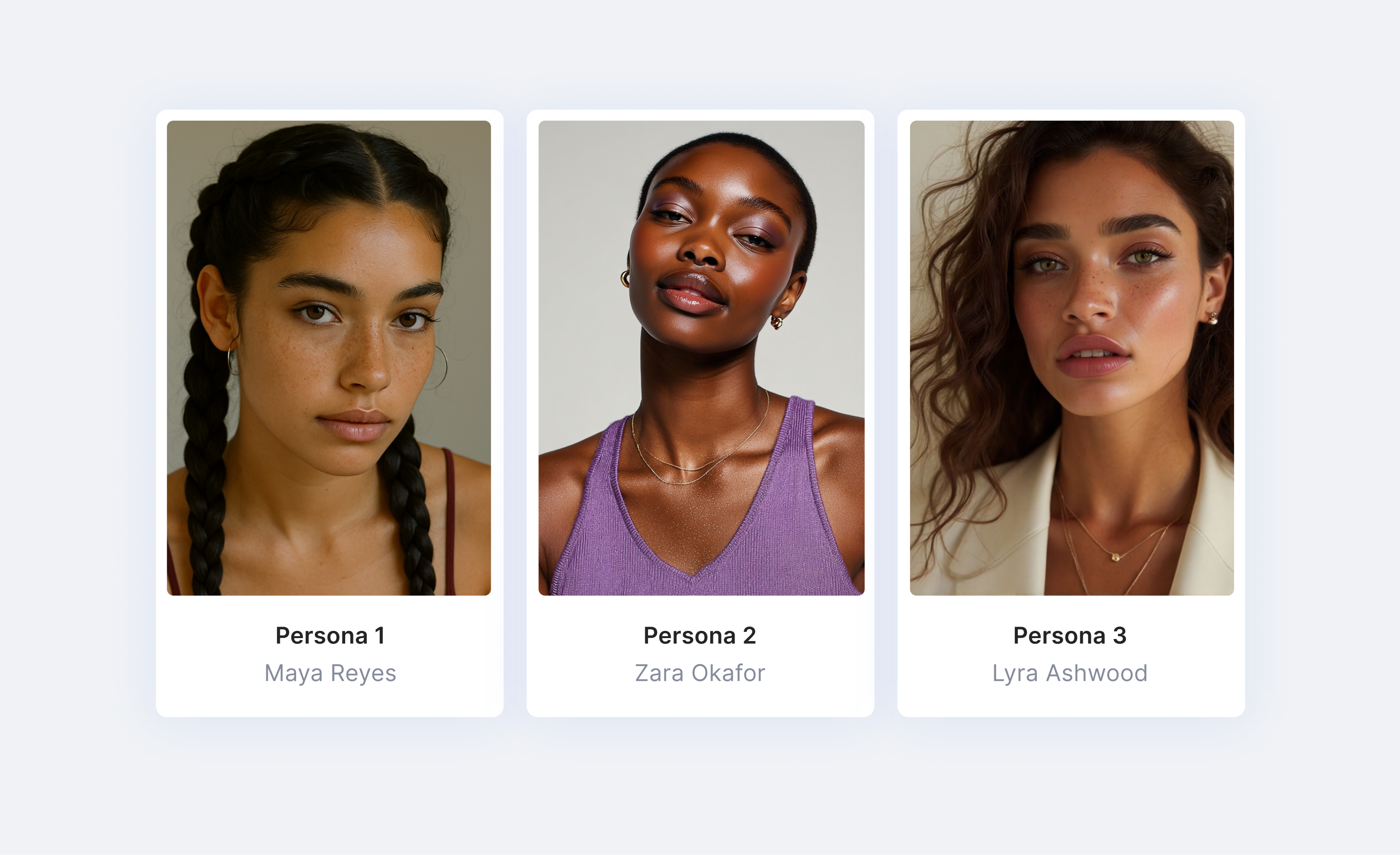
Usability testing and feedback loops. AI-powered testing tools can now run moderated-style usability sessions, analyze where users hesitate or drop off, and generate recommendations — without requiring a full research team.
Research findings that used to sit in a deck and get ignored can now be continuously fed back into the design process in real time.
Accessibility. AI can automatically generate alt text, improve caption quality, flag contrast issues, and adapt layouts for different accessibility needs — removing a category of work that previously required dedicated QA time and specialist knowledge.
Information architecture and content structure. AI tools can analyze user behavior data and identify which features matter most, which navigation paths cause confusion, and where cognitive load is highest. Teams can make structural decisions based on observed behavior rather than internal opinion.
How to Use AI in UI
Where UX is about the system, UI is about the surface — how things look, feel, and respond. AI has become a capable collaborator at every stage of the visual design process.
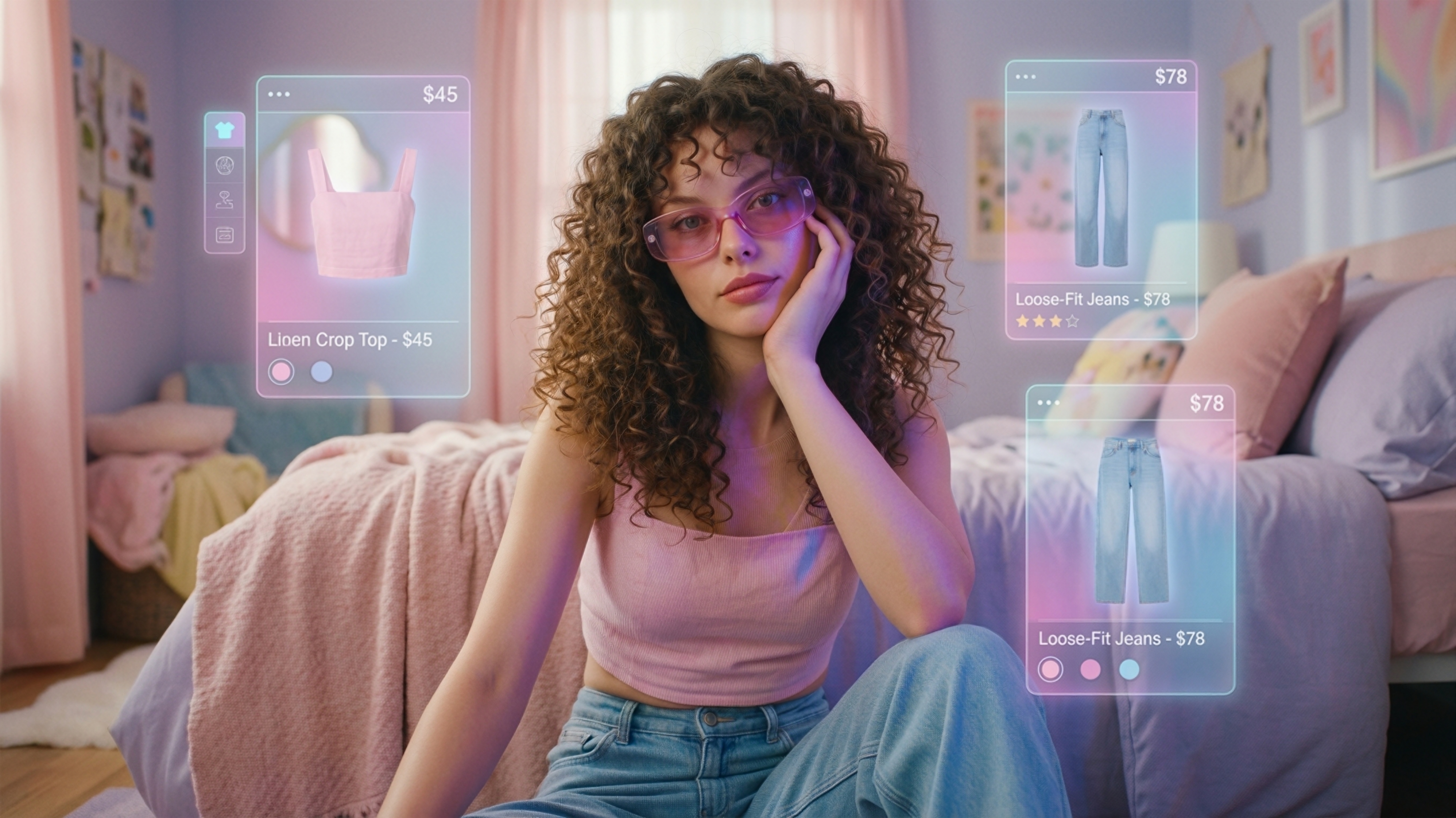
Visual ideation and concept generation. AI image generation tools allow designers to rapidly explore visual directions, color systems, typographic moods, and layout concepts before a single component is built.
What used to require hours of moodboarding can now be explored generatively in minutes, giving teams more options to evaluate and more confidence in the direction they choose.
Component and layout suggestions. Tools like Figma now integrate AI-powered layout suggestions, auto-fill, and component recommendations directly into the design environment.
Repetitive decisions — spacing, alignment, hierarchy — can be handled algorithmically, freeing designers to focus on the decisions that require creative judgment.
Consistent design systems at scale. Maintaining visual consistency across a large product or multiple platforms is one of the hardest challenges in UI. AI helps enforce design system rules, flag inconsistencies, and automatically apply tokens and styles — reducing the drift that creeps in across large teams or long product timelines.
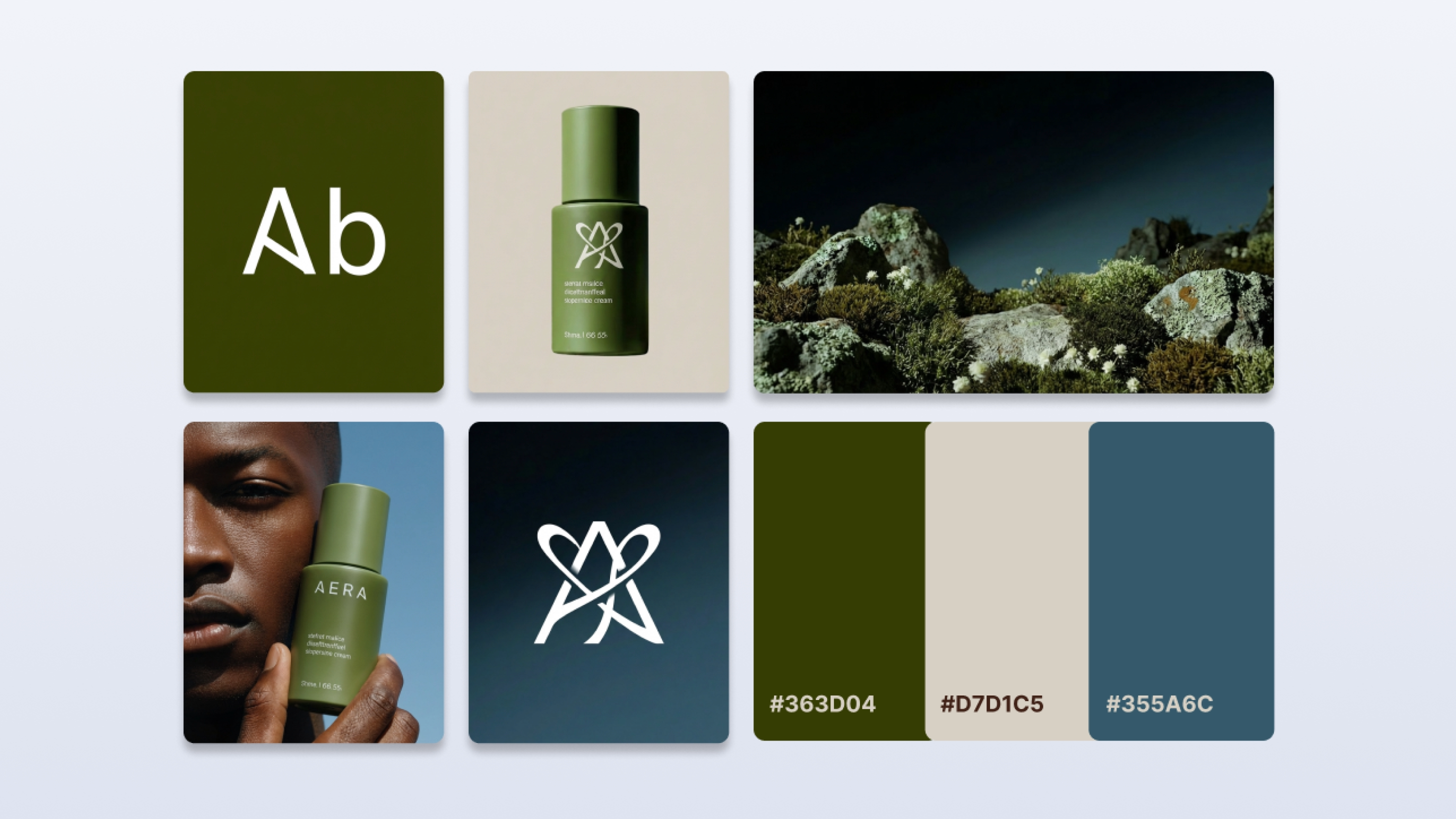
Micro-interactions and motion design. 23% of designers expect micro-interactions and motion design to have major impact in 2026, according to the Lyssna survey, and 50% are already incorporating them into their current work.
AI tools increasingly support the generation and refinement of these animations, making motion design accessible to teams that previously lacked dedicated motion designers.
Generative UI prototyping. AI can now generate functional interface prototypes from text prompts or screenshots — a workflow sometimes called "vibe coding." This is genuinely useful for rapid concept exploration and early stakeholder alignment.
The caveat, noted by multiple designers in the Lyssna research, is that AI-generated UIs still require proper user validation before anything ships. Speed without testing is still a UX failure.
Using LTX Studio for AI in UX & UI
LTX Studio is a video and image generation platform — but several of its core capabilities map directly to UX and UI workflows, particularly in the earlier, more visual stages of the design process.
Visual asset generation for design ideation. LTX Studio's image generation models — including FLUX.2 Pro, Nano Banana Pro, and Z-Image — let designers generate visual concepts, mood references, environmental scenes, and character-driven imagery rapidly.
For teams building product experiences that include rich visual content, this compresses the ideation phase and gives stakeholders something concrete to react to earlier in the process.
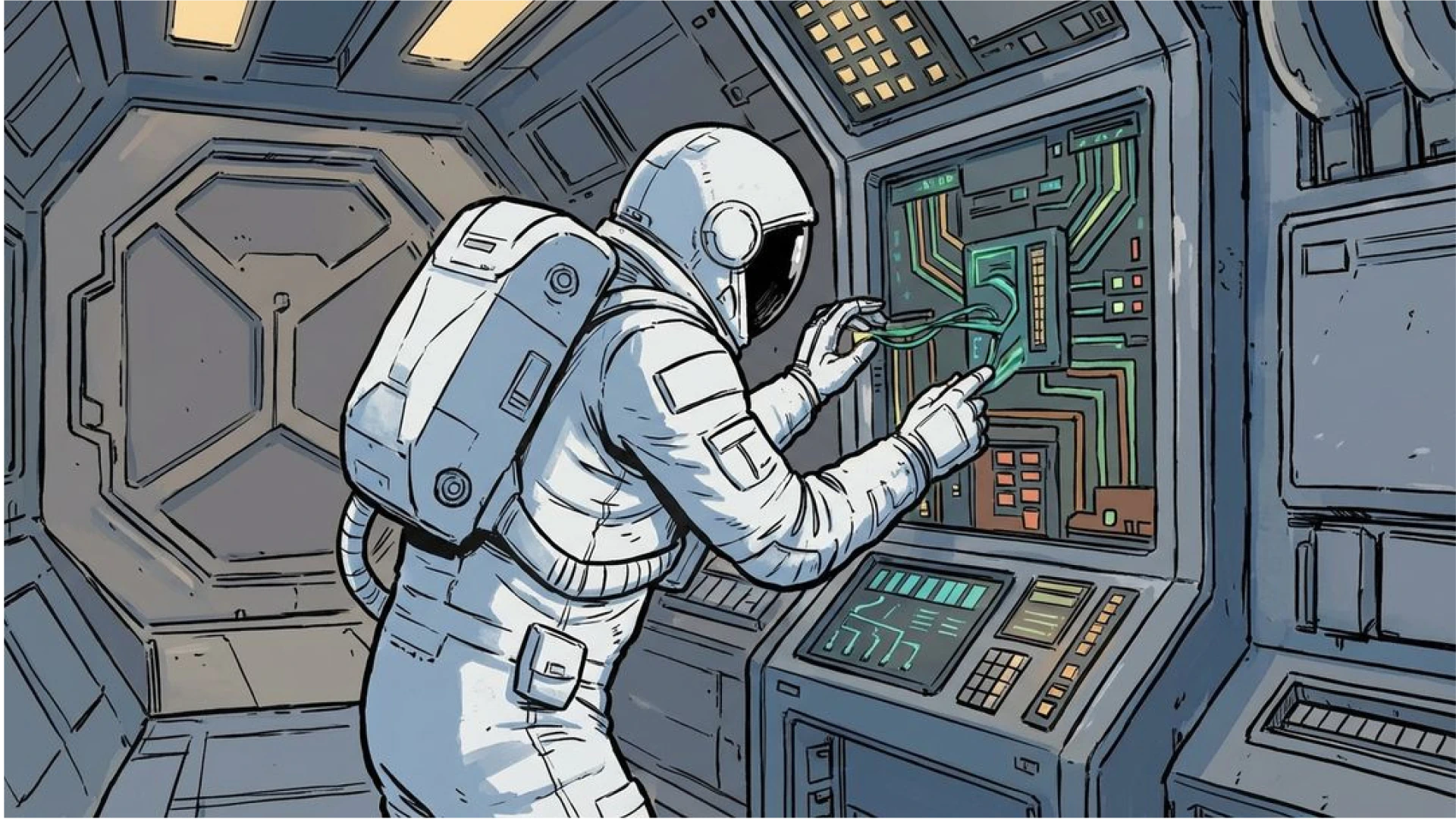
Storyboarding user journeys. LTX Studio's AI Storyboards feature lets teams map out visual sequences frame by frame — which translates naturally into storyboarding user flows, onboarding experiences, or product walkthroughs.
Seeing a journey play out visually, before any code is written, is one of the most effective ways to identify where an experience breaks down.
Video walkthroughs of product flows. Rather than describing a product experience in a static deck, teams can use LTX Studio to generate video walkthroughs that show how an interaction or flow feels in motion.
For design reviews, stakeholder presentations, or user research stimuli, a video prototype communicates nuance that a static mockup can't.
Pitch decks for design presentations. LTX Studio includes a native pitch deck feature, giving design teams a way to present concepts and UX rationale in a visually polished format without needing a separate presentation tool.
Where most design tools handle structure and logic, LTX Studio handles the visual and narrative layer — the part of the product experience that needs to be felt before it can be built.
Conclusion
AI hasn't changed what good UX and UI requires — it's changed how much of the work getting there a team can realistically accomplish. Research moves faster. Visual exploration is cheaper. Iteration cycles compress.
And the decisions that require genuine human judgment — understanding users, making ethical trade-offs, designing for trust — remain squarely in human hands.
The designers and teams making the most of AI in 2026 aren't using it to skip the thinking. They're using it to do more of it.


Maximize your creative potential with AI-powered tools
Maximize your creative potential with AI-powered tools






.png)



