.png)

- AI image generators use diffusion models to create entirely new pixels from text prompts — not assembled fragments or filtered stock — making them viable for professional marketing, content, and video production workflows.
- Prompt specificity drives output quality: subject, style, composition, lighting, and color palette all need to be explicit, with 3–5 iterations as standard practice before landing on a production-ready result.
- For video production teams, generated images aren't dead-end deliverables — they're concept frames and storyboard anchors that feed directly into video generation, making image generation the starting point of a larger production workflow.
You have a vision for a campaign visual, a hero image for a landing page, or a concept frame for a video project. Traditionally, that means either hiring a designer, digging through stock libraries, or spending hours in Photoshop.
AI image generators have changed that equation entirely.
An AI image generator takes a text description and produces a visual that matches it. No design skills required, no stock licensing fees, no waiting for a freelancer's revision cycle.
The technology behind these tools has matured rapidly, and the results are now good enough for professional use in marketing, content creation, and video production.
This guide breaks down what AI image generators actually are, how the underlying technology works, what types exist, and how creative professionals are using them in real workflows today.
What Is an AI Image Generator?
An AI image generator is software that creates images from text prompts using machine learning models. You describe what you want to see, and the model produces an image that matches your description.
The process is sometimes called text-to-image generation, and it sits at the core of modern generative AI for visual content.
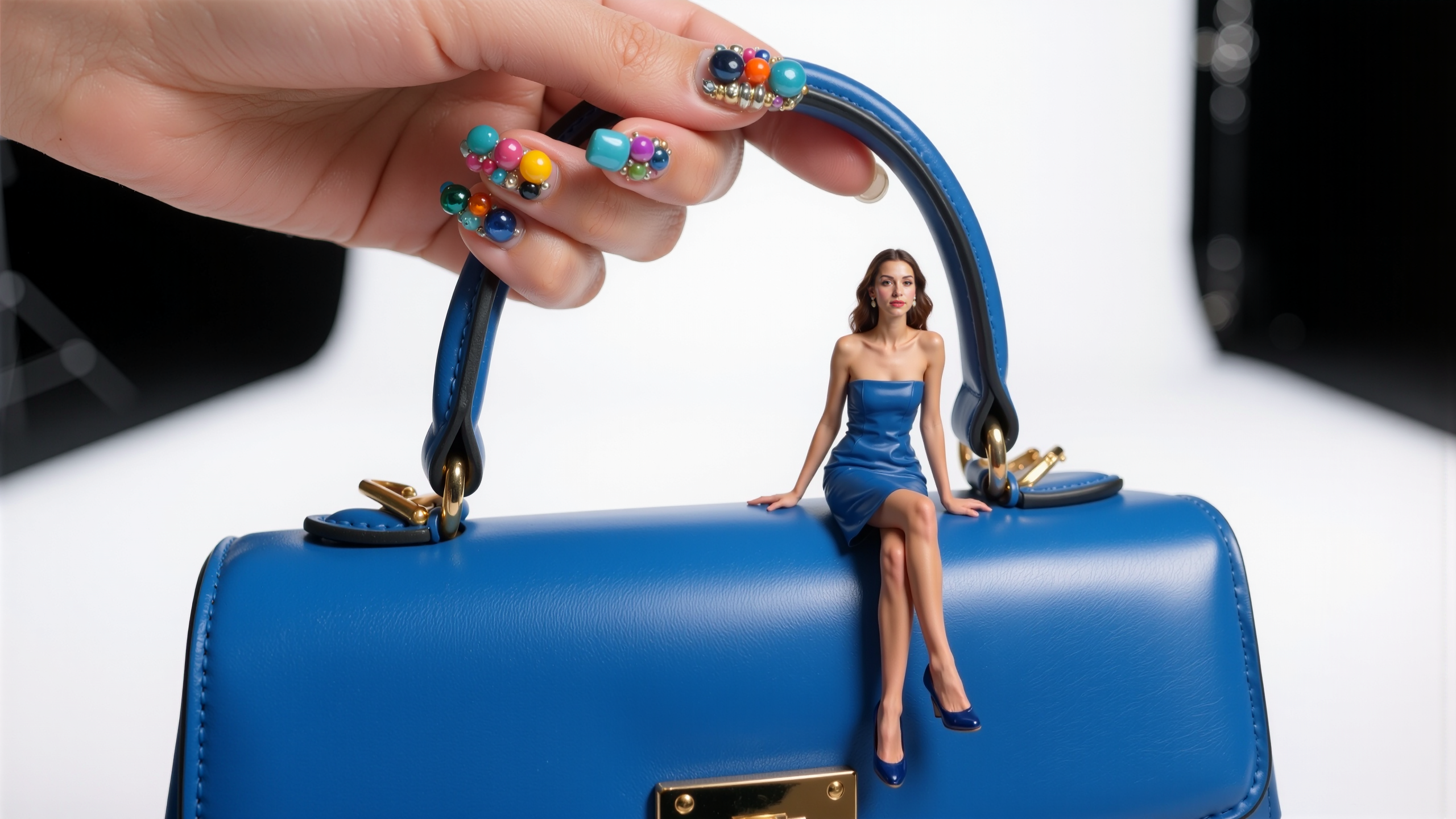
These tools don't work by assembling pre-existing image fragments or applying filters. They generate entirely new pixels based on patterns learned during training. The result is a unique image that didn't exist before your prompt created it.
How AI Image Generation Works
Most modern AI image generators use a class of models called diffusion models. The process works in reverse: the model starts with random noise and progressively refines it into a coherent image, guided by your text prompt.
Here's what happens under the hood:
1. Text encoding: Your prompt is converted into a numerical representation that the model can process. This step determines how the model interprets concepts like "sunset," "portrait," or "watercolor style."
2. Noise generation: The model begins with a field of random visual noise.
3. Iterative denoising: Over multiple steps, the model removes noise while shaping the image to align with your text description. Each step brings the output closer to a recognizable image.
4. Final rendering: The refined image is decoded into a standard format you can download and use.
The quality of the output depends on the model architecture, the training data it learned from, and how well your prompt communicates what you want. More specific prompts generally produce better results.
Types of AI Image Generators
Not all AI image generators work the same way or serve the same purpose. Understanding the main categories helps you pick the right tool for your project.
Text-to-Image Generators
The most common type. You write a text prompt describing the image you want, and the model generates it from scratch. This is what most people mean when they talk about AI image generation.
Text-to-image tools are ideal for concept development, marketing visuals, and any situation where you need original imagery quickly.
Image-to-Image Generators
These tools take an existing image as input and modify it based on your instructions. You might upload a rough sketch and have the AI turn it into a polished illustration, or provide a reference photo and ask for a different style treatment. Image-to-image generation is particularly useful for iteration and refinement.
AI Photo Generators
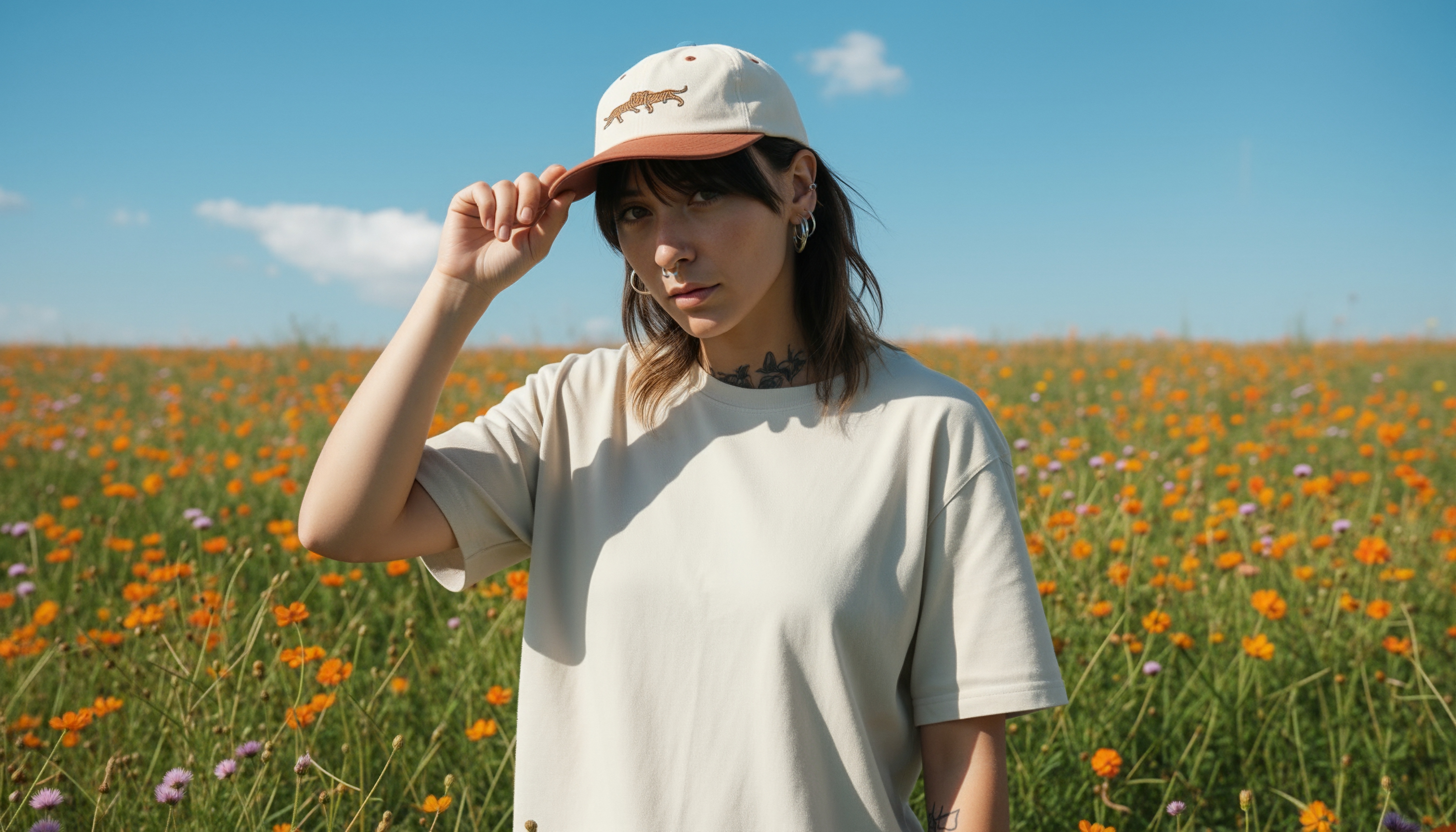
A subset focused specifically on photorealistic output. These generators are trained to produce images that look like actual photographs, with accurate lighting, depth of field, and material textures.
They're used for product mockups, social media content, and anywhere realistic imagery is needed without a photoshoot.
AI Art Generators
These prioritize creative and artistic output over photorealism. They excel at producing illustrations, concept art, stylized portraits, and abstract compositions. AI art generators are popular with creative directors developing mood boards and visual references for larger projects.
What Are AI Generated Images Used For?
AI image generation has moved well past the novelty phase. Creative teams across industries use it as a production tool, not a toy.
Marketing and Advertising
Marketing teams use AI image generators to produce campaign visuals, social media graphics, and ad creative at a fraction of the traditional cost and timeline. Instead of commissioning a photoshoot for every new campaign variant, teams can generate multiple options in minutes and test which performs best.
A/B testing visual concepts becomes practical when you can produce ten variations in the time it used to take to get one.
Content Creation
Blog imagery, newsletter graphics, website hero images, and presentation visuals all benefit from AI generation. For teams publishing at high volume, AI image generators eliminate the bottleneck of sourcing unique visuals for every piece of content. The images are original, on-brand (when prompted correctly), and available instantly.
.jpeg)
Film and Video Production
In video production, AI-generated images serve as concept frames, storyboard visuals, and reference imagery during pre-production. Directors and producers use them to communicate visual intent before committing budget to actual footage. Platforms like LTX Studio take this further by integrating image generation directly into a video production workflow, letting creators generate concept images and then move those visuals into video generation, storyboarding, and full post-production within a single workspace.
Product Design and Prototyping
Product teams generate visual concepts for packaging, merchandise, and physical products before investing in prototypes. AI images help stakeholders evaluate visual direction quickly and make decisions based on rendered concepts rather than abstract descriptions.
How to Get Started with AI Image Generation
Getting useful output from an AI image generator isn't just about picking a tool. It's about understanding how to communicate with the model effectively.
Choosing the Right AI Image Generator
Different generators excel at different tasks. Some prioritize photorealism, others lean toward artistic styles. Some offer fast generation at lower resolution, while others produce high-fidelity output that takes longer. Consider what kind of images your projects actually need before committing to a platform.
For professional creative workflows, look for tools that integrate image generation with your broader production process. Standalone image generators are fine for one-off visuals, but production teams benefit from platforms where generated images feed directly into video, storyboarding, or editing workflows.
Writing Effective Prompts
The prompt is everything. A vague prompt produces vague results. Effective prompts include:
• Subject: What is in the image? Be specific about people, objects, and environments.
• Style: Photorealistic, cinematic, illustration, watercolor, minimalist? Name the visual style you want.
• Composition: Close-up, wide shot, overhead view, centered subject? Specify framing.
• Lighting: Natural light, studio lighting, golden hour, dramatic shadows? Lighting direction shapes mood.
• Color palette: Warm tones, cool tones, monochromatic, high contrast? Color drives emotional response.
Start with a detailed prompt, evaluate the result, and refine. Most professionals iterate through 3-5 prompt variations before landing on a result they're satisfied with.
From Images to Video: The Next Step
For many creators, image generation is the starting point of a larger production workflow. A generated concept image becomes the visual anchor for a video scene. An AI-generated storyboard frame sets the direction for full motion content.
This is where platforms like LTX Studio's image generation tools connect directly to a complete production suite. Generate your concept images, refine them, and then move into text-to-video or image-to-video generation without switching platforms. The image becomes the first frame of your video, not a dead-end deliverable.
.png)
The Technology Behind AI Image Generation
Understanding the technical foundations helps you make better decisions about which tools to use and what to expect from them.
Diffusion Models Explained
Diffusion models are the dominant architecture in modern AI image generation. They were inspired by thermodynamic processes: just as heat diffuses through a material, these models learn to reverse a process of adding noise to images.
During training, the model sees millions of images with progressively more noise added. It learns to predict and remove that noise, effectively learning what real images look like at every level of detail.
The breakthrough of diffusion models is that they produce high-quality, diverse images without the mode collapse problems that plagued earlier generative adversarial networks (GANs).
They're also more controllable, which is why they've become the foundation for commercial AI image generators.
Training Data and Model Quality
Every AI image generator is shaped by its training data. Models trained on diverse, high-quality image datasets produce more versatile and visually coherent results. The training data determines what styles the model can replicate, what concepts it understands, and where its blind spots are.
This is one reason different generators produce noticeably different results from the same prompt. The model architecture matters, but the training data often matters more.
Resolution, Style, and Control
Modern AI image generators offer increasing control over output parameters. Resolution determines how large and detailed the final image is. Style controls let you specify artistic direction beyond what's in your text prompt.
Some advanced tools offer spatial control through reference images, composition guides, or region-specific prompting.
The trend is toward more creative control, not less. Early AI image generators offered a text box and a generate button.
Current tools give you control over aspect ratio, style references, negative prompts (what to exclude), and seed values for reproducible results.
AI Image Generation: Common Questions
Is AI image generation free? Some tools offer free tiers with limited generations per day or lower resolution output. Professional use typically requires a paid subscription, with pricing based on generation volume, resolution, and access to advanced features. Costs range from under $10 per month for basic access to enterprise pricing for high-volume commercial use.
Can AI generate realistic images? Yes. Current diffusion models can produce photorealistic images that are difficult to distinguish from photographs. The quality depends on the model and the specificity of your prompt. Photorealistic output is one of the strongest capabilities of modern generators.
Who owns AI generated images? Ownership and licensing vary by platform. Most commercial AI image generators grant users full commercial rights to the images they generate. However, the legal framework around AI-generated content is still evolving. Check the terms of service for any tool you use in commercial projects.
What's the difference between AI image generation and image editing? AI image generation creates new images from scratch based on text prompts. Image editing modifies existing images. Some platforms combine both capabilities, allowing you to generate a base image and then refine specific areas.
Start Creating with AI Image Generation
AI image generators have moved from experimental curiosity to essential creative tool. They don't replace photographers, designers, or artists.
They give every creative professional the ability to visualize ideas instantly, test concepts without production overhead, and move faster from concept to final output.
For teams working in video production, the value multiplies. A generated image isn't just a standalone asset. It's a concept frame, a storyboard reference, or the first frame of a video scene.
LTX Studio connects AI image generation to a full production pipeline: generate images, develop them into storyboards, produce video content, and edit everything in one workspace.
The question isn't whether AI image generation is ready for professional use. It is. The question is whether your workflow is set up to take full advantage of it.


Maximize your creative potential with AI-powered tools
Maximize your creative potential with AI-powered tools





.png&description=Learn what AI image generators are, how diffusion models work, the different types available, and how creative professionals use them in marketing, video production, and design workflows.)


.jpeg)

.png)



