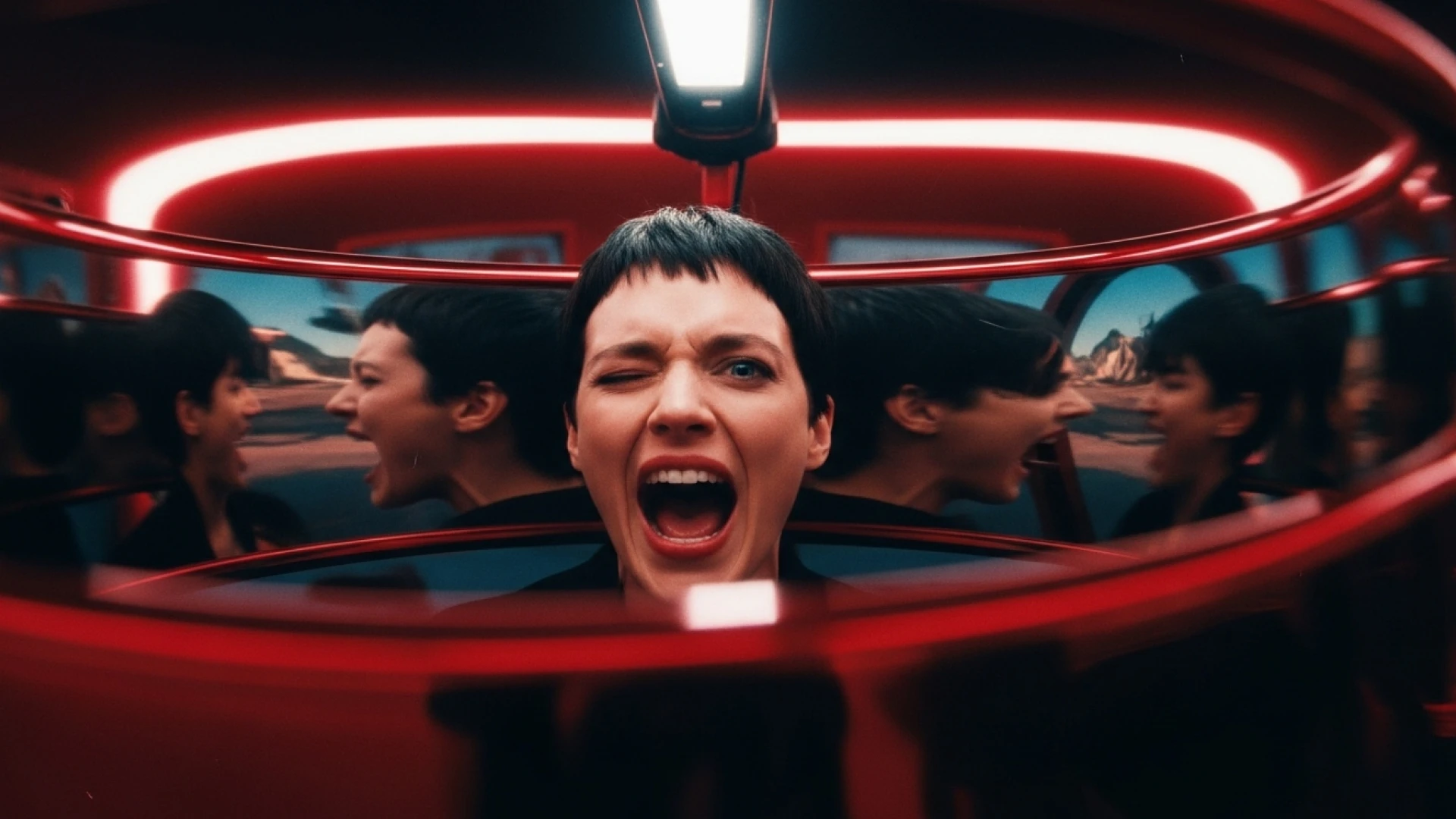

FLUX.2 brings production-grade image generation to your creative workflow. Whether you're building campaigns in LTX, generating product mockups, or designing storyboards, this guide shows you how to write prompts that deliver precise, professional results every time.
FLUX.2 is trained for visual intelligence, not just pretty pixels. It understands lighting, spatial logic, brand color accuracy, and multi-reference inputs—so the more clearly you describe your intent, the more it behaves like a creative partner, not a random image generator.
This guide is designed to work seamlessly with Gen Space, LTX, and LTX-2.
How to Prompt FLUX.2: Fundamentals
Great images start with clear prompts. FLUX.2 is trained to understand detailed creative direction—the more specific you are, the more control you have over your output.
Two Golden Rules
1. Order matters
Put your most important element first. FLUX.2 pays more attention to what you mention first.
2. Specificity wins
"Cool scene" is not a prompt. The more precise your language, the more precise your visuals.
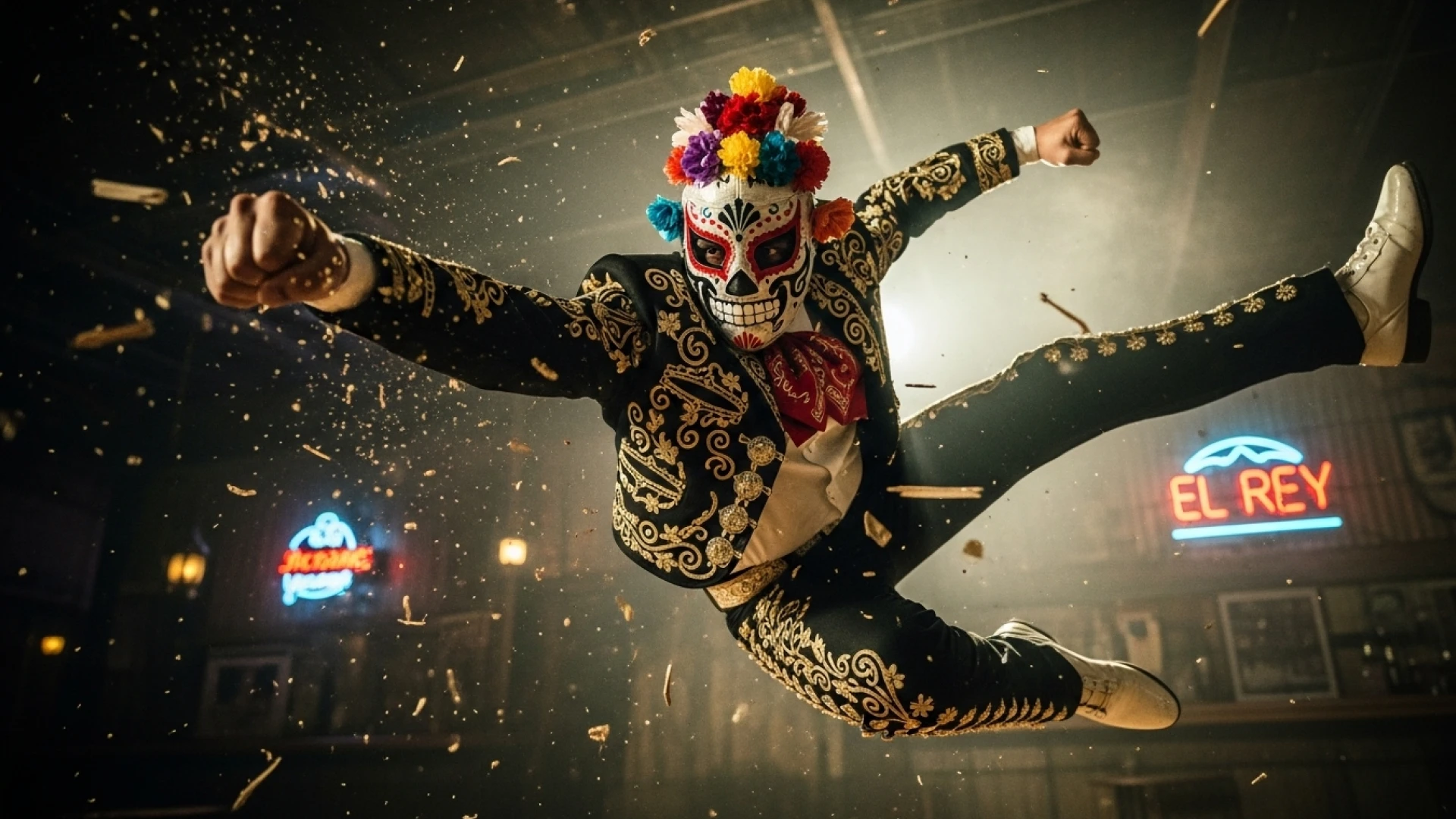
Core Framework: Subject + Action + Style + Context
Every strong prompt contains these four elements:
- Subject — What's the main focus? (person, product, character, object)
- Action — What's happening? (pose, movement, interaction)
- Style — What's the visual approach? (photorealistic, illustrated, vintage film)
- Context — What's the setting? (location, lighting, time of day, mood)
Weak prompt:
"A woman in a café"
Strong prompt:
"A woman in her 30s reading a book at a sunlit Parisian café, warm natural light streaming through tall windows, relaxed morning atmosphere, contemporary lifestyle photography"
The second prompt gives FLUX.2 everything it needs: who, what, where, how it looks, and how it feels.
Prompt Length Guidance
- Short (10-30 words) — Quick concepts and style exploration
- Medium (30-80 words) — Most projects, ideal balance of detail and efficiency
- Long (80+ words) — Complex scenes requiring detailed specifications
No Negative Prompts
FLUX.2 doesn't support negative prompts (like "--no hands" or "--no text"). Using them can backfire and add exactly what you're trying to avoid.
Instead, describe what you want to see:
- ❌ "Portrait, --no extra fingers, --no text"
- ✅ "Clean headshot portrait, hands out of frame, minimal background"
Focus on positive direction and FLUX.2 will follow.
Photorealistic Styles
FLUX.2 generates photorealistic images by default, but you can guide it toward specific aesthetics by referencing established photography eras and techniques.
Style Options
Modern Photorealism
Contemporary, high-fidelity photography with perfect lighting and composition.
Example: "Soaking wet tiger cub sheltering under banana leaf in rainy jungle, close-up photo"
2000s Digicam
Early digital camera aesthetic—saturated colors, specific color cast, casual framing.
Example: "Sloth drinking in Bangkok at night, street full of party people, 2000s digicam style, background fading"

80s Vintage Photo
Warm tones, visible grain, faded quality of 1980s film.
Example: "Baby penguins in trampoline park having the time of their lives, 80s vintage photo"
Analogue Film
35mm film characteristics—grain texture, color desaturation, organic imperfections.
Example: "Anthropomorphic penguin in disheveled formal wear hunched on worn leather bar stool, dimly lit neighborhood bar, shot on 35mm film f/2.8, 50mm lens, practical lighting from overhead warm bar lamps and neon signs, film grain, slight desaturation, Rembrandt lighting creating dramatic face shadows, half-empty whiskey glass in sharp focus, blurred bottles background, melancholic atmosphere, rule of thirds, lonely late-night mood"
Vintage Cellphone Selfie
Low-resolution, poor lighting, color characteristics of early smartphone cameras.
Example: "Vintage cellphone selfie in bathroom mirror, bird perched on shoulder"
Camera and Lens Simulation
FLUX.2 understands photography terminology with precision. Specifying camera equipment and settings produces more authentic results than generic descriptions.
Camera models:
"Shot on Sony A7IV" / "Canon 5D Mark IV" / "Hasselblad X2D" / "Fujifilm X-T5"
Lens selection:
- 14-24mm — Wide angle, dramatic perspective
- 35-50mm — Natural, versatile framing
- 70-85mm — Portrait, flattering compression
- 100mm+ — Telephoto, strong background separation
Aperture control:
- f/1.4-f/2.8 — Shallow depth of field, blurred background
- f/4-f/5.6 — Moderate depth, balanced sharpness
- f/8-f/16 — Deep focus, everything sharp
Film stocks:
"Shot on Kodak Portra 400" / "Fuji Pro 400H" / "Kodak Ektachrome 64"
Example:
"Shot on Canon 5D Mark IV, 85mm lens at f/2.0, golden hour lighting, shallow depth of field with soft bokeh"
This level of specificity tells FLUX.2 exactly how the image should look and feel, producing results that match professional photography standards.
Controlling Photorealistic Output
To nail a specific look:
- Reference the era or camera type
- Specify lighting setup (practical, natural, studio)
- Include technical details (focal length, aperture, ISO)
- Describe film characteristics (grain, color cast, saturation)
- Define mood and atmosphere
- Note composition techniques
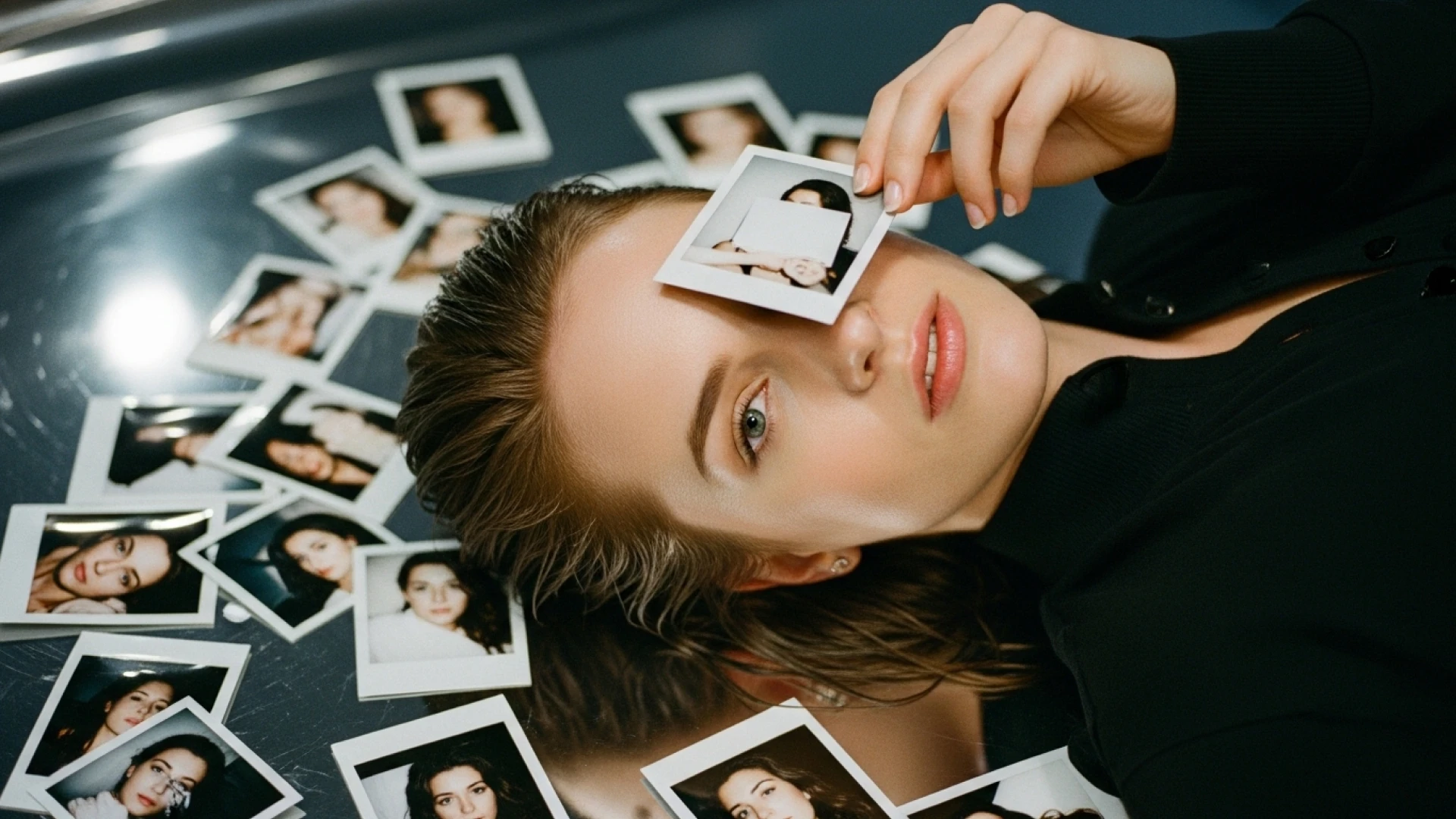
These style references work seamlessly when you're building video storyboards in LTX—generate your reference frames with consistent photographic direction, then bring them to life with LTX-2.
Typography and Design
FLUX.2 generates clean typography, product marketing materials, and magazine layouts with readable text when you describe it clearly.
Text Rendering Best Practices
Use quotation marks for exact text:
"The text 'OPEN' appears in red neon letters above the door"
Specify placement:
"Add the text 'Black Forest Labs' below the main headline in the center"
Describe typography style:
"elegant serif typography" / "bold industrial lettering" / "handwritten script" / "ultra-bold decorative serif font"
Define hierarchy:
"large headline text" / "medium subheading" / "small body copy"
Include color:
"The logo text 'ACME' in color #FF5733" / "headline in vibrant coral #FF6B4A"
Examples
Product Advertisement:
"Samsung Galaxy S25 Ultra product advertisement, 'Ultra-strong titanium' headline in bold sans-serif, 'Shielded in a strong titanium frame' subtext below, close-up of phone edge showing titanium frame, dark gradient background, clean minimalist tech aesthetic, professional product photography"
Magazine Cover:
"Women's Health magazine cover, April 2025 issue, 'Spring forward' headline in bold modern sans-serif at top, woman in green outfit sitting on orange blocks, white sneakers, 'Covid: five years on' feature text in smaller serif font, '15 skincare habits' callout in sidebar, professional editorial photography, magazine layout with multiple text elements"
Design Applications
FLUX.2 focuses on layout, hierarchy, and visual style. Treat the text as layout guidance rather than expecting pixel-perfect typography in every generation.
Use FLUX.2 for:
- Product advertisements
- Magazine covers and layouts
- Infographics with data visualization
- Poster designs
- Brand marketing materials
- UI mockups with text elements
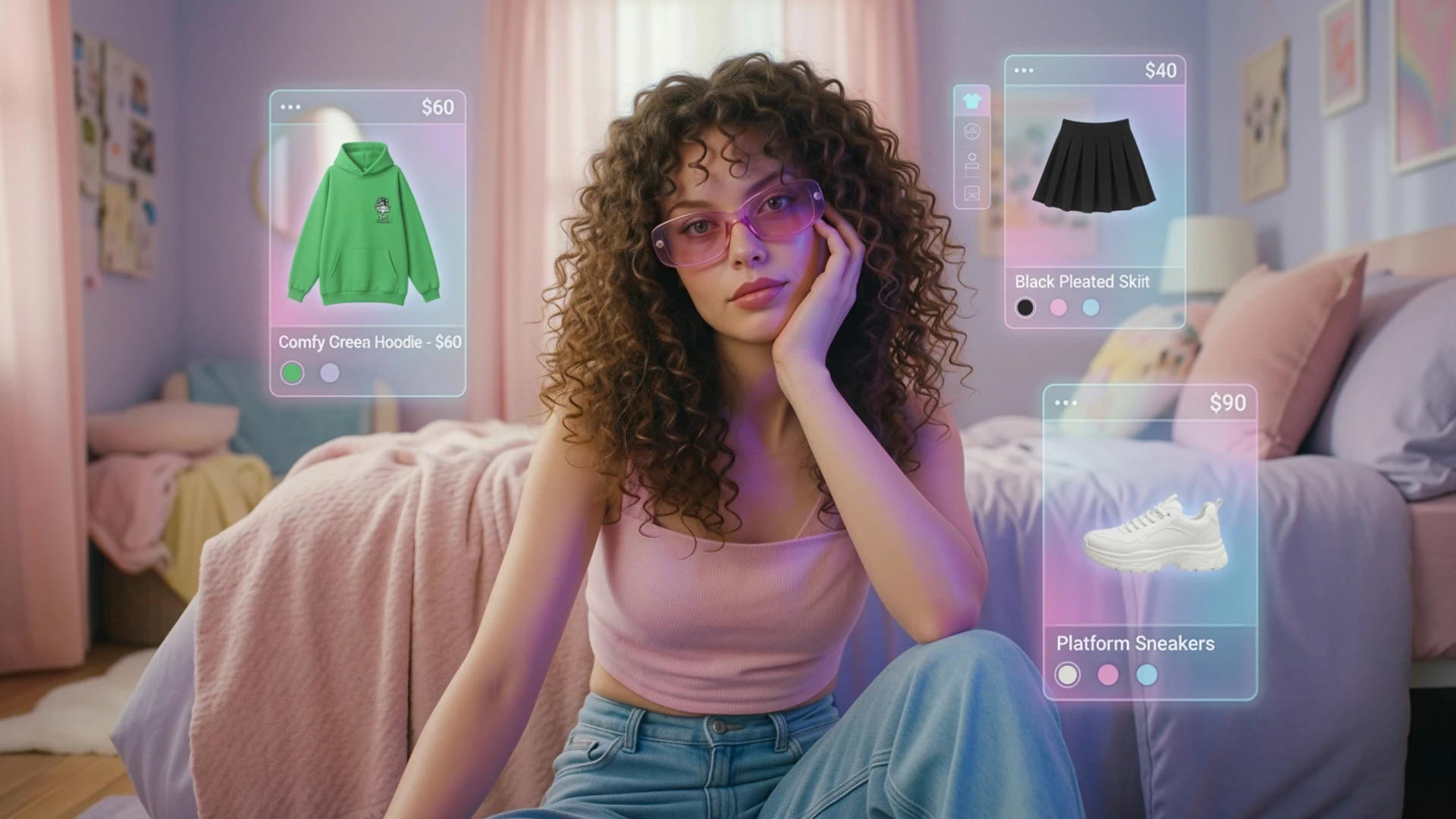
HEX Color Control for Brand Accuracy
FLUX.2 supports exact color matching using HEX codes—critical for branded content, product photography, and design work where color precision isn't optional.
How to Use HEX Codes
Include the keyword "color" or "hex" followed by the code. For stronger accuracy, describe the color alongside the HEX value.
Example:
"Luxury eyeshadow palette, glossy black compact, 6 shadow pans in 2 rows. Top row: hex #B76E79 mauve rose, hex #E8D5B7 champagne cream, hex #8B4789 deep plum. Bottom row: hex #CD7F32 bronze, hex #F8F6F0 pearl white, hex #800020 burgundy. High-end beauty photography, soft dramatic lighting, clean white background, f/8, macro detail."
Applications
Brand campaigns
Lock in your exact brand colors across every asset. No guessing, no approximation.
Product variants
Generate the same product in multiple colorways by swapping HEX codes while keeping everything else identical.
Color gradients
Create precise transitions by specifying start and end colors with their HEX values.
Example:
"Ceramic vase on living room table, gradient from #02eb3c lime green to #edfa3c bright yellow. Fresh flowers inside in #ff0088 hot pink. Modern interior, natural window light."
When you need color-perfect outputs—for client approvals, brand guidelines, or product catalogs—HEX codes eliminate the guesswork.
Structured Prompts for Complex Scenes
When you're generating detailed scenes with multiple elements—campaign visuals, product shots, UI mockups—structured prompts give you surgical control over every component.
How to Structure a Prompt
Break your prompt into clear sections:
- Scene — Overall location or environment
- Subjects — Each element in your image (what it is, how it looks, what it's doing, where it's positioned)
- Style — Artistic or photographic approach
- Color Palette — 3-5 dominant colors
- Lighting — Light source, direction, quality
- Mood — Emotional tone
- Background — Environmental details
- Composition — Framing technique (rule of thirds, centered, etc.)
- Camera — Angle, distance, focus, lens, aperture, ISO
- Effects — Post-processing touches (grain, flare, bloom)
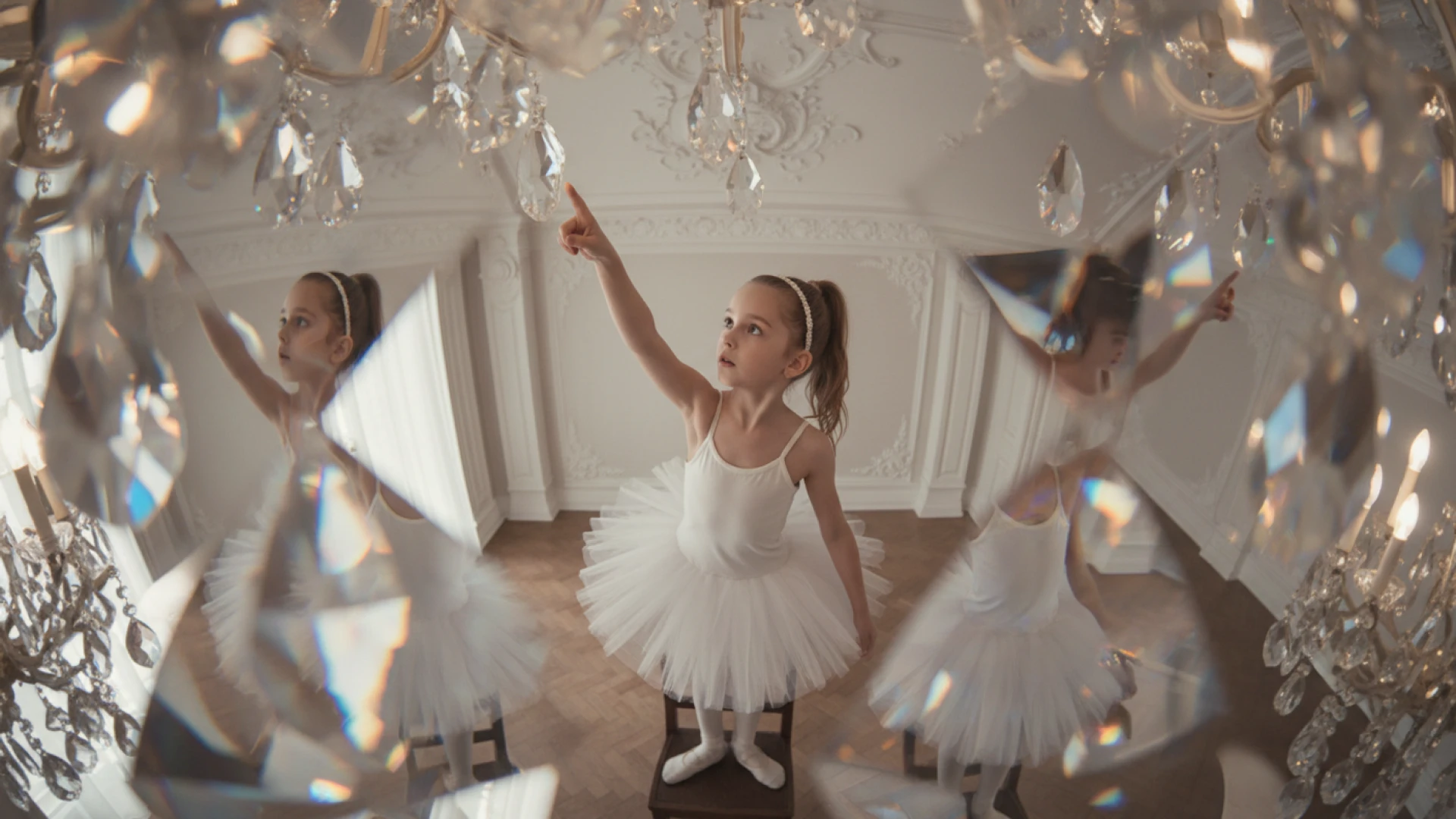
Example: Best FLUX.2 Prompts for Product Photography
Basic prompt:
"A black coffee mug"
Structured prompt:
"Professional studio product shot on polished concrete. Subject: minimalist ceramic coffee mug, matte black, steam rising from hot coffee, centered in frame. Style: ultra-realistic commercial photography. Colors: matte black, concrete gray, soft white highlights. Lighting: three-point softbox setup, diffused highlights, no harsh shadows. Mood: clean, minimal, professional. Background: polished concrete surface, neutral studio backdrop. Composition: rule of thirds. Camera: high angle, medium shot, sharp focus on steam and mug surface, 85mm lens, f/5.6, ISO 200."
This approach lets you iterate precisely. Want to change the color? Swap one line. Need a different angle? Adjust the camera section. Everything else stays locked.
Why This Matters in LTX
When you're building campaigns or storyboards, structured prompts make consistency easier. Generate your hero image, then modify specific elements while keeping the visual language intact. Save successful results as Elements and maintain that look across your entire project.
FLUX.2 Prompt Builder: JSON Structured Prompting
For complex scenes requiring precise control, FLUX.2 interprets structured JSON prompts. This format is ideal for production workflows, automation, and when you need to iterate on specific elements independently.
When to Use JSON
Use JSON for:
- Production workflows requiring consistent structure
- Complex scenes with multiple subjects
- Automation and programmatic generation
- When you need to modify single elements across iterations
Use natural language for:
- Quick iterations and creative exploration
- Simple, single-subject scenes
- Flexible creative workflows
FLUX.2 understands both formats equally well—choose based on your needs. You can paste JSON directly into the Gen Space prompt field, or write in natural language—FLUX.2 interprets both.
JSON Structure Example
Here's what a structured JSON prompt looks like:
{
"scene": "Professional studio product photography setup with polished concrete surface",
"subjects": [
{
"description": "Minimalist ceramic coffee mug with steam rising from hot coffee inside",
"position": "center foreground",
"color_palette": ["matte black ceramic"]
}
],
"style": "ultra-realistic product photography",
"color_palette": ["matte black", "concrete gray", "soft white highlights"],
"lighting": "three-point softbox, soft diffused highlights, no harsh shadows",
"mood": "clean, minimal, professional",
"background": "polished concrete surface, neutral studio backdrop",
"composition": "rule of thirds",
"camera": {
"angle": "high",
"distance": "medium shot",
"lens": "85mm",
"f_number": "f/5.6",
"iso": 200,
"focus": "sharp focus on steam and mug details"
}
}
Add a second mug by adding another object to the subject's array. Change camera angle by updating just the camera section.
Design & UI Prompts
FLUX.2 generates production-ready infographics, website mockups, and app interfaces. These outputs work as design references, client presentations, or starting points for development.
Infographics
FLUX.2 executes the visual design—you provide the content strategy. Include all data points, layout logic, and exact text in your prompt.
Structure:
- Visual style and main topic
- Layout flow (left to right, top to bottom, radial)
- Data visualizations by section (what, where, how it looks)
- Color palette and typography
- Text rendering (use quotes around exact copy)
Example:
"Educational weather infographic titled 'WHY FREIBURG IS SO SUNNY' in bold navy at top on cream background. Cross-section illustration: blue-grey mountains labeled 'VOSGES' on left, dark green mountains labeled 'BLACK FOREST' on right, sunny valley between them. Golden sun rays over valley with 'SUNSHINE POCKET' text. Blue arrow from left labeled 'MOIST AIR FROM WEST'. Orange sun icon top right with '1,800 HOURS'. City with church spire and colorful houses with solar panels in valley center, green vineyard terraces on hillsides. Bottom beige panel, three facts in clean sans-serif separated by vertical lines: 'Protected by two mountain ranges' / 'Creates Germany's sunniest microclimate' / 'Perfect for wine and solar energy'. Flat illustration style, soft gradients, educational poster aesthetic."
Website Mockups
Generate full landing pages, dashboards, or app screens. Include navigation, headlines, CTAs, layout sections, and exact text for buttons and labels.
FLUX.2 focuses on layout, hierarchy, and visual style. Treat the text as layout guidance rather than final, pixel-perfect typography.
Structure:
- Interface type and overall style
- Navigation and header elements (with exact text)
- Hero section (headline, subhead, CTA buttons)
- Content sections in layout order
- Design system (colors with HEX, fonts, spacing)
- Imagery style
- Mood and technical specs
Example:
"Modern meal-kit delivery homepage, clean DTC aesthetic. Top nav: 'Plans', 'Recipes', 'How it works', 'Login' in sans-serif. Hero left: bold headline 'Dinner, simplified.' Subhead below: 'Fresh ingredients. Easy recipes. Delivered weekly.' Two buttons: green rounded 'Get started' (#2ECC71), outlined 'See plans'. Hero right: vibrant food photography—fresh vegetables, stainless pans, colorful meal bowls. Below hero: trust badge '4.8/5 from 10k+ reviews' with gold stars, grayscale publication logo strip. Three icon cards: 'Save time', 'Reduce waste', 'Cook better'. Plan selector showing '2 meals / 3 meals / 4 meals' and '2 people / 4 people'. Recipe cards grid, 6 cards with food photos, '25-35 min' labels, 'Veggie' or 'Protein' badges. Footer with link columns, social icons. Warm natural lighting, subtle shadows, airy whitespace, 35mm f/5.6, professional food photography quality."
Why This Works for LTX Users
Design mockups integrate seamlessly into creative workflows. Use them for pitch decks, client approvals, or visual references when building video content in LTX. Generate UI screens, then animate them with LTX-2 for product demos or explainer videos.
Character & Story Prompts
FLUX.2 maintains visual consistency across sequential art, making it ideal for storyboards, comic strips, and campaign series where character continuity matters.
Comic Strip Framework
Structure each panel with five elements:
- Style — Comic aesthetic (superhero, manga, noir, indie)
- Character — Who they are + specific action in this panel
- Setting — Location and key background details
- Text — Dialogue or captions in quotes
- Mood — Emotional tone + lighting description
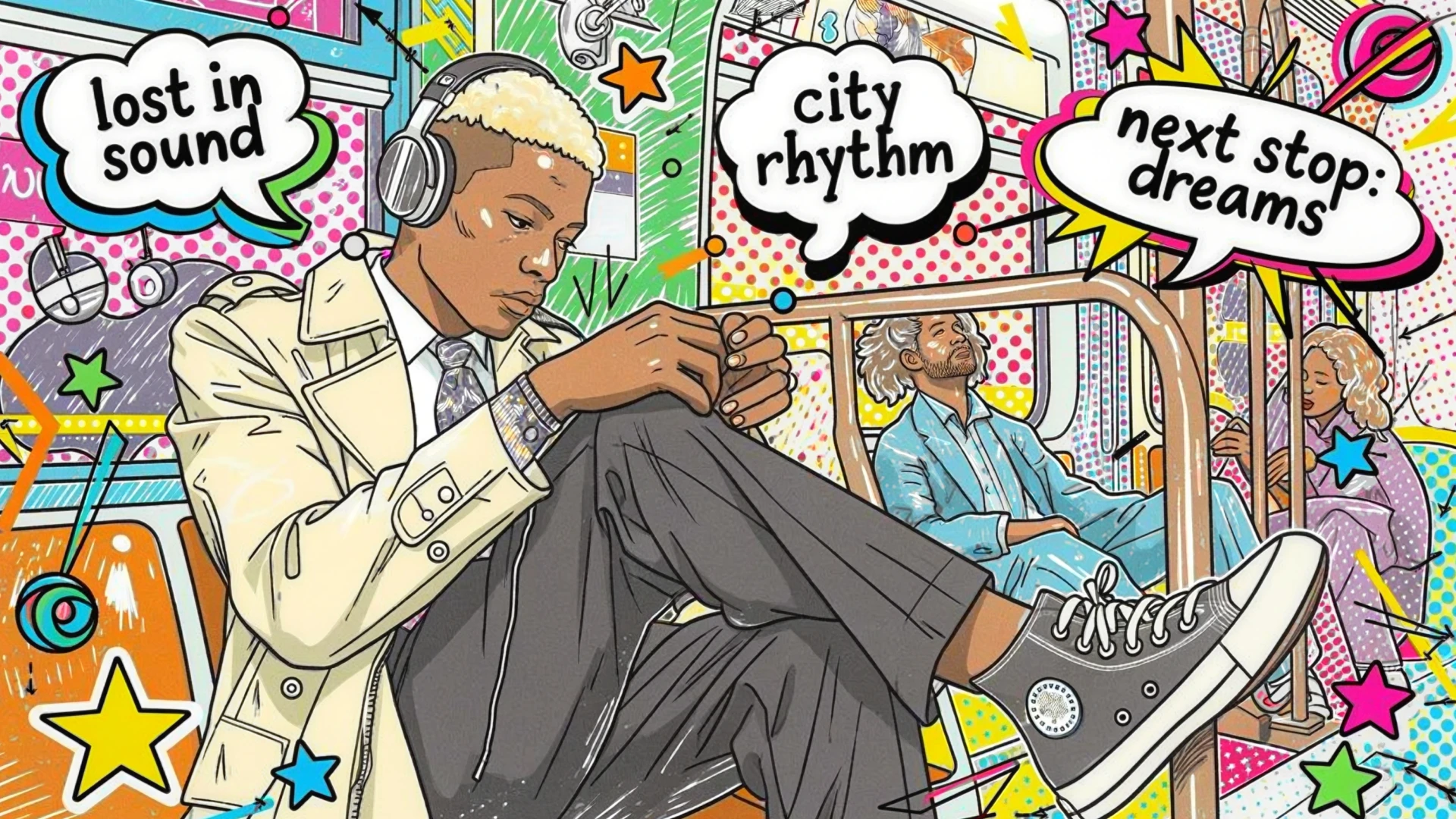
Example: Four-Panel Sequence
Panel 1:
"Classic superhero comic. Worried scientist typing frantically at glowing holographic keyboard, face lit blue. Massive server room, sparking circuits, red warning lights. Text: 'The AI models are corrupting! We need Diffusion Man!' Tense mood, dramatic blue and red tones."
Panel 2:
"Classic superhero comic with dynamic energy effects. Diffusion Man, 30s, brown skin, short fade, glasses, light blue shirt, athletic build, strong jaw—body glowing with deep purple, electric blue, hot pink gradients. Equations and neural network patterns flow around him. Small office, monitors showing errors. Text: 'When noise becomes signal, I am... DIFFUSION MAN!' Powerful transformation, dramatic backlight."
Panel 3:
"Classic superhero comic, explosive action. Diffusion Man—brown skin, short fade, gradient bodysuit purple to blue to pink, glowing neural network emblem, short cape, purple mask—extends hands forward, shooting beams at corrupted digital monsters. Digital cyberspace, floating data cubes, binary code. Text: 'Time to DENOISE this chaos!' Intense, action-packed with bright energy flashes."
Panel 4:
"Classic superhero comic, warm triumphant tones. Diffusion Man—gradient bodysuit, cape flowing, heroic smile—gives thumbs up to grateful scientist. Her monitors show green success indicators. Calm server room, soft blue lighting, orderly data streams. Text: 'You saved us, Diffusion Man!' Victorious, hopeful with golden sunset tones."
Maintaining Consistency
Establish detailed character description in panel one: age, skin tone, hair, clothing, build, distinctive features. Reference these exact details in every subsequent panel. Adjust only pose, expression, and action—core appearance stays locked.
Campaign Continuity in LTX
This technique extends beyond comics. Whether you're creating ad variants, product mockups, or video storyboards, FLUX.2 keeps your subject visually consistent from first frame to final render.
Multi-Reference Image Generation
FLUX.2 supports using multiple reference images in a single generation—essential for maintaining consistency across campaigns, combining style elements, or building complex composite scenes.
Multi-Reference Capabilities
FLUX.2 supports using multiple reference images per generation, commonly 6-10 depending on endpoint and resolution. As output resolution increases, the number of reference slots decreases due to total megapixel limits.
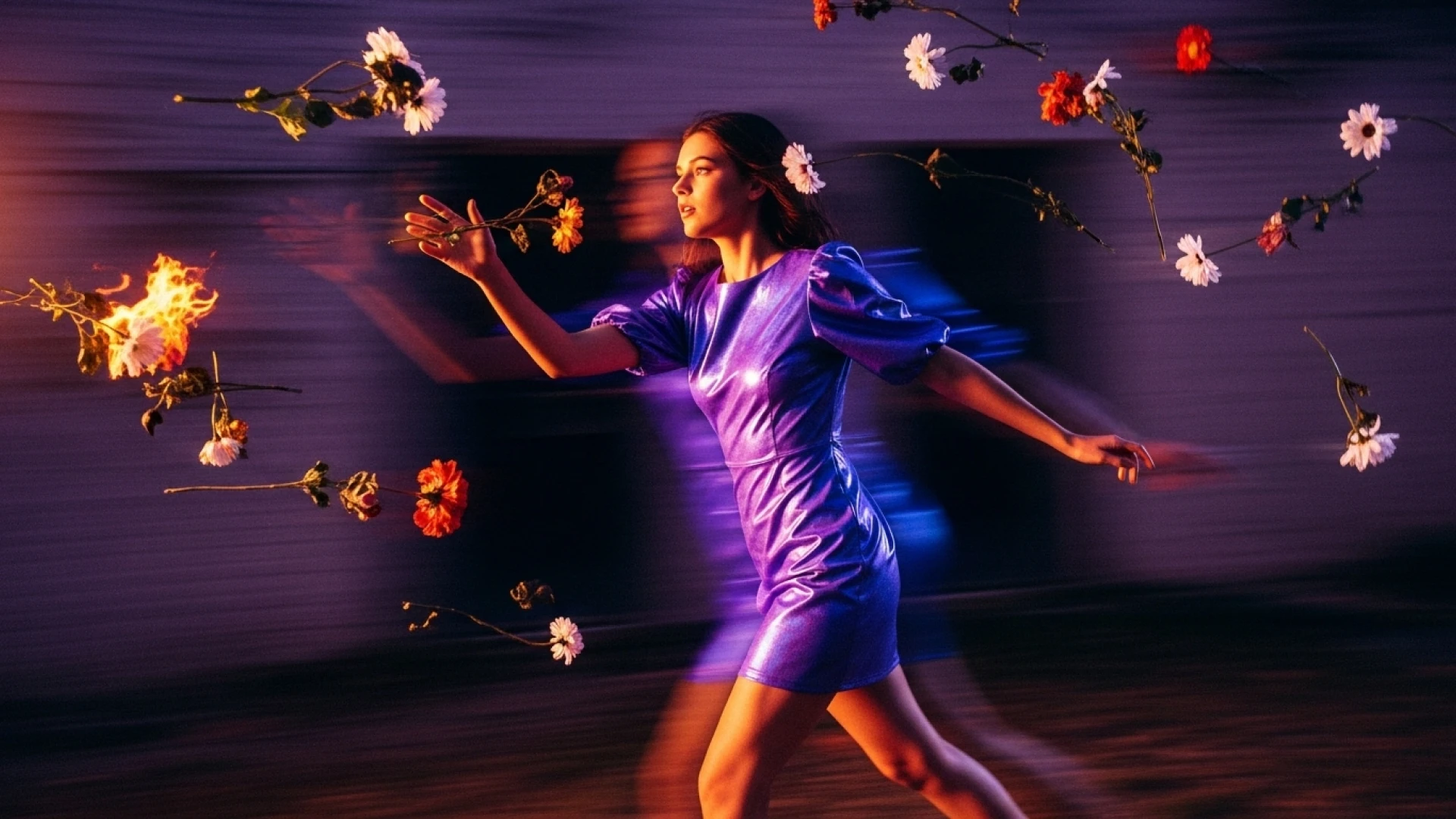
When to Use Multi-Reference
Fashion and editorial: Combine clothing items, accessories, and styling elements into cohesive looks
Product composites: Place multiple products together in branded scenes
Character consistency: Maintain identity across different poses and contexts
Interior design: Combine furniture and decor elements in room mockups
How to Structure Multi-Reference Prompts
Describe how each input should be used in your scene. Be explicit about the role of each reference.
Example structure:
- Reference image 1: use for clothing style
- Reference image 2: use for the model's face and expression
- Reference image 3: use for lighting and mood
Example: Fashion Editorial (Multiple References)
"A spiritual architectural photograph captured on expired Kodak Ektachrome 64 from 1987, 35mm lens at f/5.6. Model wearing the outfit from reference images, standing on stone steps before small forest chapel. Red creating stark contrast against weathered brown timber. Background: traditional Schwarzwald chapel with dark wood, carved door, bell tower, cemetery with wooden crosses. Dappled forest light, cross-processed Ektachrome with cyan-magenta split, warm wood tones pushed orange-brown, oversaturated red, crushed shadows, blown highlights, heavy grain. Sacred spaces meet fashion editorial, spiritual Schwarzwald mysticism."
The model intelligently combines clothing items, accessories, and style references from your inputs into a unified composition matching your scene description.
Best Practices
- Clearly specify which elements from which references to use
- Describe spatial relationships between combined elements
- Maintain consistent lighting and style direction across the scene
- Test with fewer references first, then add complexity
Multi-reference generation works seamlessly in LTX workflows—generate composite hero images, save them as Elements, then maintain that visual consistency as you build out campaigns or storyboards.
Stickers & Illustrations
FLUX.2 handles diverse illustration styles with clean execution. Define your aesthetic clearly and specify design elements like line work, color treatment, and effects.
Sticker Prompt Template
Include these elements:
- Style — kawaii, minimalist, vintage, hand-drawn, geometric
- Subject — What the sticker depicts
- Key details — Distinctive features
- Color palette — 2-4 main colors
- Line style — Smooth rounded, sharp precise, bold
- Effects — Shading, outlines, texture
Examples
Kawaii:
"Kawaii die-cut sticker of chubby orange cat with big sparkly eyes, happy smile, paws raised in greeting, heart-shaped pink nose. Smooth rounded lines, black outlines, soft gradient shading, pink cheeks."
Minimalist Geometric:
"Minimalist geometric sticker of mountain landscape, angular peaks, circular sun. Muted palette: navy blue, sage green, cream. Sharp precise lines, no outlines, flat solid colors, no shading."
Cubist:
"Playful cubist sticker of artist's palette where paint dabs are glowing AI thumbnails. Person holding stylus instead of brush. 'Prompt Picasso' in art deco typography. Colors: burnt sienna, ultramarine blue, cadmium yellow, ivory white. Bold modernist lines, art deco geometric patterns, semi-flat shading, subtle texture grain."
FLUX.2 handles everything from kawaii character designs to flat minimalism, art deco posters, hand-drawn aesthetics, geometric abstracts, retro styles, and bold pop art. Be specific about aesthetic, color approach, line treatment, and detail level.
Multi-Language Prompting
FLUX.2 understands prompts in multiple languages without requiring translation. Write in your native language and the model interprets and generates accordingly.
Examples
French:
"Un marché alimentaire dans la campagne normande, des marchands vendent divers légumes, fruits. Lever de soleil, temps un peu brumeux"
Thai:
"ตลาดอาหารเช้าในชนบทใกล้กรุงเทพฯ พ่อค้าแม่ค้ากำลังขายผักและผลไม้นานาชนิด บรรยากาศยามพระอาทิตย์ขึ้น มีหมอกจาง ๆ ปกคลุม สงบและอบอุ่น"
Korean:
"서울 도심의 옥상 정원, 저녁 노을이 지는 하늘 아래에서 사람들이 작은 등불을 켜고 있다. 화려한 네온사인이 멀리 반짝이고, 정원에는 다양한 꽃들이 피어 있다. 분위기는 따뜻하고 낭만적이다"
Write naturally in your preferred language—no translation needed. Maintain the same prompt structure (Subject + Action + Style + Context) and level of specificity regardless of language. Cultural and regional references work perfectly in native prompts.
FLUX.2 Best Practices: Quick Reference
Always include:
- Subject (who/what)
- Action/pose
- Style (photo / illustration / era)
- Context (setting, time, mood)
For pro results, add:
- Lighting (source + quality)
- Camera angle + framing
- Lens + aperture
- Focus depth
Design control:
- Color palette or HEX codes
- Composition (rule of thirds, centered, etc.)
- Mood (emotional tone)
- Effects (grain, flare, bloom)
Do:
- Lead with your main subject
- Be specific and visual
- Reuse structured prompts and tweak single lines
- Use HEX for brand colors
- Specify camera equipment for authentic photorealism
- Put exact text in quotation marks
Don't:
- Use negative prompts
- Mix conflicting styles
- Forget lighting and camera
- Expect the first generation to be final
- Bury critical information at the end
Master these techniques and FLUX.2 becomes a precision tool in your creative workflow—whether you're generating campaign assets in Gen Space and LTX, building storyboards with LTX-2, or creating brand-perfect visuals that maintain consistency across every touchpoint.


Maximize your creative potential with AI-powered tools
Maximize your creative potential with AI-powered tools






.png)



