.png)

TL;DR:
- AI product photography generates professional product images from text descriptions or basic photos, eliminating expensive studio shoots
- Key steps include preparing source images, writing detailed prompts, generating variations, and refining outputs for brand consistency
- AI reduces product photography costs by up to 90% while enabling unlimited backgrounds, angles, and lifestyle shots
- LTX Studio's image generation tools create consistent product visuals perfect for eCommerce, social media, and advertising campaigns
Product photography drives eCommerce success. High-quality images increase conversion rates, reduce returns, and build brand trust. But traditional product photography is expensive, time-consuming, and difficult to scale.
Professional studio shoots cost thousands of dollars per session. Changing backgrounds or angles requires reshooting. Testing different lifestyle settings means coordinating models, locations, and equipment.
AI product photography changes everything. Generate studio-quality product images in minutes without cameras, lighting setups, or post-production teams. Create unlimited variations for A/B testing. Place products in any environment instantly.
This guide shows you how to create professional AI product photos that convert, from preparation through final output.
{{blog-banner-static03}}
What Is AI Product Photography?
AI product photography uses machine learning and generative AI to create professional product images without traditional photography equipment or processes.
Instead of studio shoots with cameras, lighting, and post-production editing, AI generates product photos from text descriptions or enhances existing product images with new backgrounds, angles, or contexts.
How AI Product Photography Works
The process starts with input—either a basic product photo on a plain background or a detailed text description of what you want to create. AI analyzes this input and generates professional product imagery based on your specifications.
For existing product photos, AI can:
- Remove backgrounds and place products in new environments
- Adjust lighting and shadows realistically
- Change angles or perspectives
- Add props or lifestyle elements
For products that don't exist yet or conceptual images, AI generates complete scenes from descriptions alone.
The technology combines computer vision (understanding what's in images), generative AI (creating new visual content), and style transfer (applying specific aesthetic qualities) to produce results that match or exceed traditional photography quality.
Why AI Product Photography Matters for Brands
Traditional product photography creates bottlenecks that slow down eCommerce growth. You need to coordinate photographers, secure studio space, arrange product samples, wait for editing and revisions, and reshoot when you need different angles or backgrounds.
AI eliminates these constraints. Generate hundreds of product images in the time it takes to schedule one traditional shoot. Test different backgrounds, lighting setups, and lifestyle contexts without additional costs. Update imagery instantly when products change or when you need seasonal variations.
The speed and cost advantages are dramatic, but there's another benefit: consistency. AI can maintain exact visual style across thousands of product images, ensuring your entire catalog looks cohesive. Traditional photography with multiple shoots and photographers inevitably produces inconsistencies.
AI Product Photography vs. Traditional Product Photography
This comparison explains why major eCommerce brands and direct-to-consumer companies are rapidly adopting AI product photography workflows.
How to Make Good AI Product Photos
Creating professional AI product photos requires more than just uploading an image and hoping for the best. Follow these steps for consistently excellent results.
Prepare Your Source Material
Start with the best possible input. If you're working from existing product photos, use high-resolution images shot on clean backgrounds. The AI needs clear visual information about your product's shape, texture, and details.
Good source images should:
- Show the product clearly lit with no harsh shadows
- Be centered in frame with space around edges
- Shot at high resolution (minimum 1080px)
- Be captured on neutral backgrounds (white, gray, or easily removed colors)
If you're shooting source photos yourself, use natural lighting from windows or basic LED panels. Keep it simple—the AI will handle sophisticated lighting in the final output.
For products that exist only as concepts or prototypes, you can skip source photos entirely and work from detailed descriptions. This works particularly well for mockups, product line extensions, or pre-launch marketing.
.png)
Write Detailed Prompts
The quality of AI-generated product photos depends heavily on prompt quality. Vague descriptions produce generic results. Specific, detailed prompts generate professional images that match your vision.
Your prompt should describe the product clearly and specifically. Instead of "watch on table," write "luxury Swiss chronograph watch with black leather strap and silver case positioned on marble surface." Include details about desired background and setting: "minimalist modern interior with soft window light" or "outdoor cafe table in Paris with afternoon sun."
Specify lighting conditions precisely. "Soft natural light from left" or "dramatic side lighting with strong shadows" or "even studio lighting with white background." Mention the camera angle and framing you want: "overhead shot directly above product" or "eye-level three-quarter view" or "close-up detail shot of product features."
If you have aesthetic preferences, include them. "Cinematic color grading" or "bright and airy style" or "moody and dramatic atmosphere." These stylistic cues guide the AI toward your brand aesthetic.
Generate Multiple Variations
Never settle for the first output. Generate at least 5-10 variations to explore different possibilities and find the strongest image. AI generation includes randomness, so multiple attempts often yield dramatically different—and better—results.
Test different approaches:
- Various backgrounds to see which environment best showcases your product
- Different lighting setups from natural window light to dramatic studio lighting
- Multiple angles and perspectives
- Varied composition—tight product focus vs. lifestyle context
This iteration process is where AI product photography becomes truly powerful. In traditional photography, testing ten different setups would require hours of studio time and significant expense. With AI, it takes minutes and costs nothing beyond the initial generation.
Refine and Adjust
Once you identify strong candidates, refine them to perfection. Most AI image tools allow you to adjust specific elements without regenerating the entire image.
Common refinements include:
- Adjusting lighting intensity or direction
- Modifying background elements or colors
- Fine-tuning product positioning
- Enhancing details or textures
- Correcting any artifacts or inconsistencies
Some platforms like LTX Studio's image generator offer precise controls for these adjustments, letting you dial in exactly the look you want.
Pay particular attention to product accuracy. AI sometimes takes creative liberties with details. Verify that colors match your actual product, textures and materials look realistic, branding and logos appear correctly, and proportions and scale feel accurate.
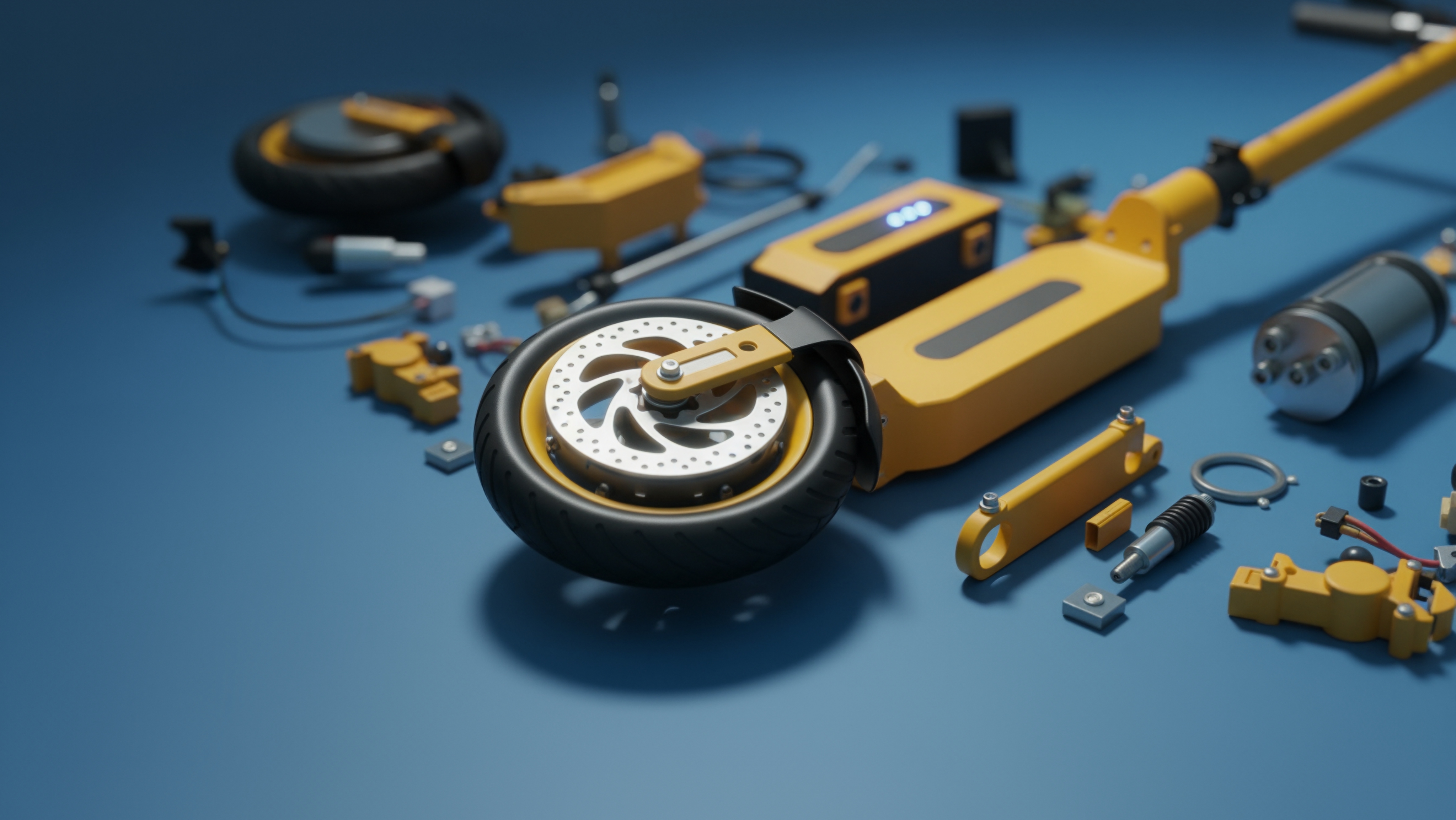
Maintain Brand Consistency
Professional product photography requires visual consistency across your entire catalog. Every image should feel like it belongs to the same brand family.
Establish clear guidelines for your AI-generated product photos:
- Consistent lighting style (natural, studio, dramatic)
- Background aesthetic (minimalist, lifestyle, editorial)
- Color palette and grading
- Composition and framing approach
Save these preferences and apply them systematically across all product imagery. LTX Studio's Elements system helps maintain this consistency by letting you save and reuse visual styles, backgrounds, and settings across projects. Generate one perfect product shot, save the style parameters, then apply the same aesthetic to your entire product line.
Optimize for Your Platform
Different sales channels need different image specifications. Optimize your AI-generated photos for each platform's requirements.
For eCommerce websites, create:
- High-resolution product images on white backgrounds for main listings
- Lifestyle shots showing products in use or context
- Detail shots highlighting key features or textures
- Size comparison images if relevant
Amazon, Shopify, and other platforms have specific image requirements—ensure your AI outputs meet those specs.
Social media platforms favor lifestyle and contextual imagery over sterile product shots. Generate images that work for:
- Instagram feeds and Stories (vertical format)
- Pinterest boards (vertical, longer format)
- Facebook posts and ads (horizontal or square)
- TikTok content (vertical, dynamic compositions)
For print materials like catalogs or magazines, generate images at higher resolution than digital use requires. Print demands sharper detail and better color accuracy than screens.
{{blog-banner-video03}}
How to Use LTX Studio for AI Product Photography
LTX Studio offers professional AI image generation capabilities that work seamlessly with its video production tools, making it ideal for brands that need both product photos and video marketing content.
Getting Started with Image Generation
Access LTX Studio's AI image generator through the platform's Gen Space. This is where you'll create all your product imagery before potentially incorporating it into video content or marketing materials.
The interface is designed for rapid iteration:
- Input your product description or upload an existing photo
- Specify your desired background and setting
- Adjust lighting and composition parameters
- Generate multiple variations instantly
The advantage of using LTX Studio for product photography becomes apparent when you need both images and video. Generate product photos, then use those same assets to create product demo videos, social media content, or advertising campaigns—all within one platform.
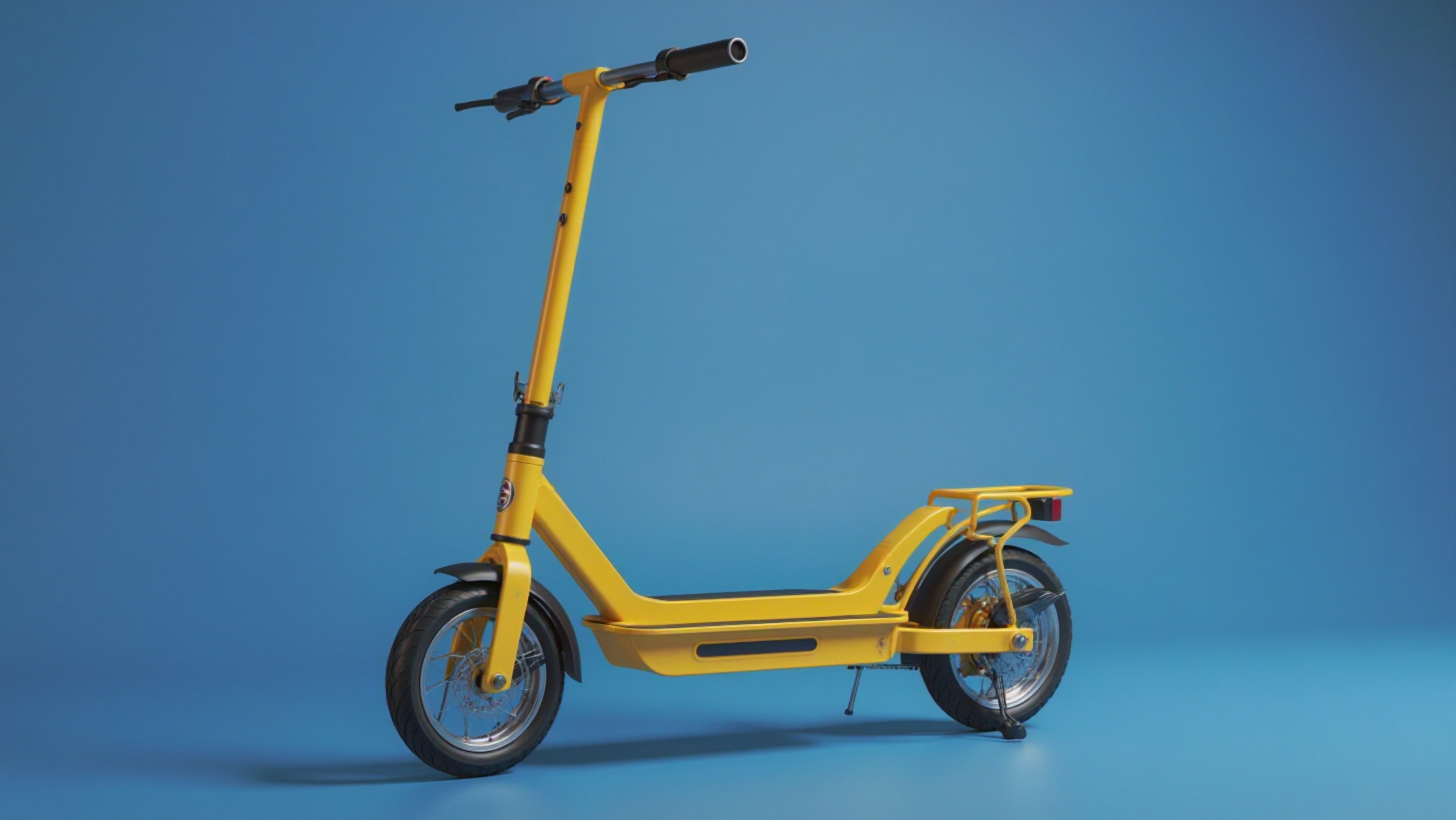
Creating Product Photos in LTX Studio
Start by describing your product in detail. The more specific you are, the better your results. Include physical characteristics like color, material, size, and distinctive features. Specify the desired setting or environment where the product should appear.
LTX Studio's AI interprets these descriptions and generates professional product imagery. You can refine the output by adjusting the prompt, regenerating with slight variations, or using the platform's editing tools to modify specific elements.
For existing product photos, upload your source image and use AI to:
- Change backgrounds
- Adjust lighting
- Add props or context
- Create lifestyle compositions
- Generate different angles and perspectives
This transforms basic product shots into professional marketing imagery without reshoots.
Building Product Marketing Campaigns
Product photos rarely exist in isolation. They're part of broader marketing campaigns that include social content, advertising, and video. LTX Studio's integrated workflow makes it easy to extend product imagery into complete campaigns.
Generate your core product photos, then use those images to create:
- Social media video content showing products in motion
- Advertising campaigns with consistent visual style
- Product demo videos for eCommerce pages
- Storyboards for longer-form content
This integration saves time and ensures visual consistency. The product imagery you create becomes the foundation for your entire marketing ecosystem, all managed within one platform.
Maintaining Visual Consistency Across Products
If you're managing a product catalog with dozens or hundreds of items, consistency matters enormously. Your entire catalog should look like it comes from one brand, not a patchwork of different visual styles.
LTX Studio's approach to consistency involves:
- Creating a visual template for your first product—defining lighting, background style, composition, and color grading
- Saving these parameters
- Applying the same style to every subsequent product photo you generate
This systematic approach ensures that whether you're photographing a single SKU or an entire product line, every image maintains the same professional aesthetic. Customers unconsciously respond to this visual coherence, perceiving brands with consistent imagery as more professional and trustworthy.
Exporting and Integrating with Your Workflow
Once you've generated and refined your product photos, export them in the formats your sales channels require. LTX Studio supports multiple export options:
- High-resolution images for print or detailed web use
- Optimized files for fast website loading
- Platform-specific sizes for social media and marketplaces
The platform also integrates with existing workflows. Export images directly, incorporate them into pitch decks for stakeholder presentations, or use them as starting points for video content creation.
This flexibility means AI product photography fits into your existing processes rather than requiring you to rebuild workflows around new tools.
AI Product Photography Best Practices
Generating good product photos with AI requires understanding both the technology's capabilities and its limitations.
Focus on Product Accuracy
AI is powerful but sometimes takes creative liberties. Always verify that generated images accurately represent your actual product. Check that:
- Colors match exactly
- Materials and textures look realistic
- Dimensions and proportions are correct
- Branding elements appear properly
If AI-generated photos misrepresent your product, they'll increase returns and damage customer trust. Accuracy comes first, even if it means additional refinement iterations.
Use Realistic Settings
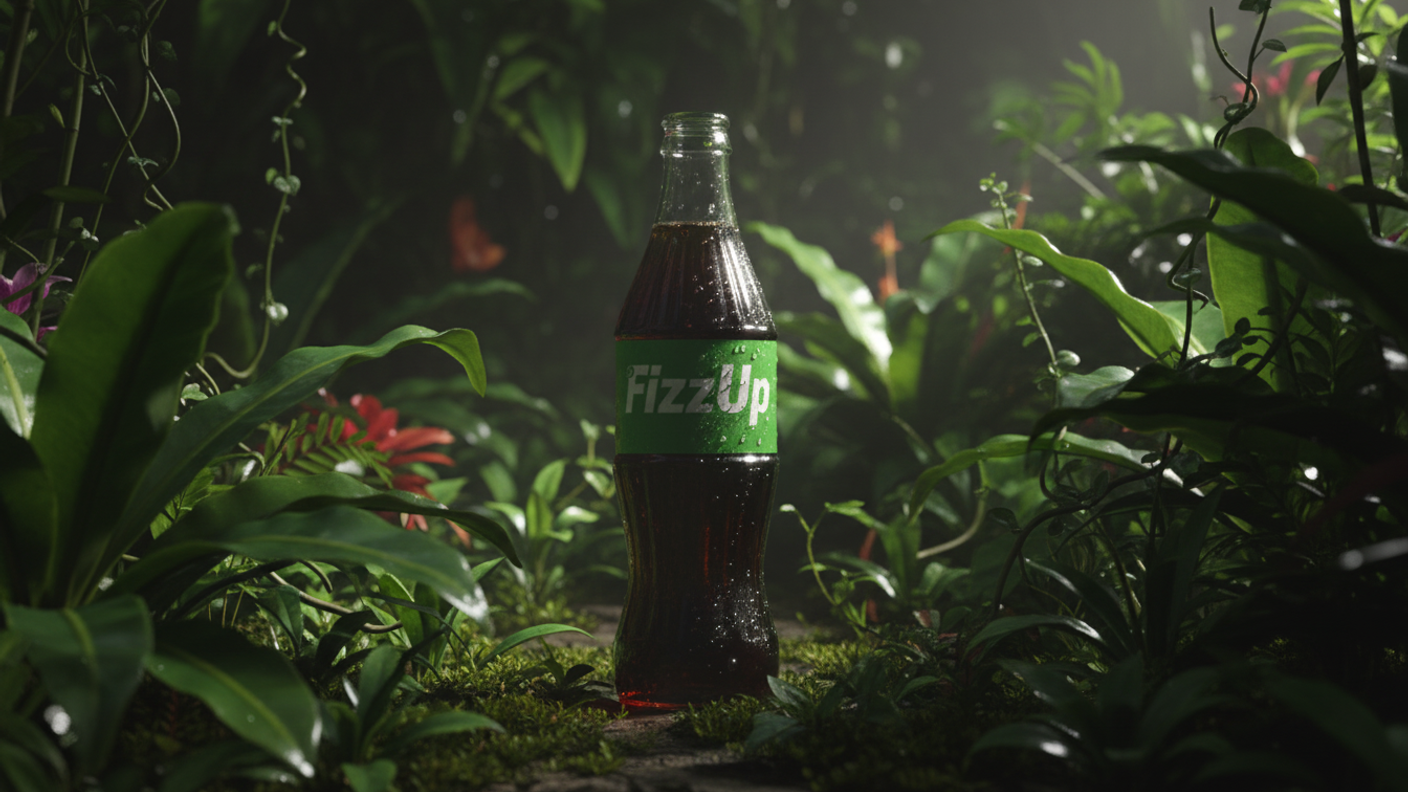
Products in impossible or unrealistic contexts undermine credibility. If you're showing a product in a lifestyle setting, make sure the environment makes sense. A camping product should appear outdoors in plausible outdoor settings, not in improbable locations.
The goal is to help customers imagine using your product in their own lives. Realistic contexts build that connection better than fantastical scenarios.
Test Performance with Real Customers
Generate multiple product photo variations and A/B test them in actual sales contexts. Track:
- Which images drive higher conversion rates
- Which reduce bounce rates on product pages
- Which generate more social engagement
Data tells you what works. Some AI-generated images might look beautiful but underperform compared to simpler alternatives. Test and iterate based on real customer behavior, not just aesthetic preferences.
Combine AI with Traditional Photography Strategically
AI product photography doesn't need to replace traditional photography entirely. Many brands use a hybrid approach:
- Traditional photography for hero shots and key campaign imagery
- AI-generated variations for A/B testing and optimization
- AI lifestyle images for social content and ads
- AI product line extensions before samples exist
This hybrid strategy gives you the authenticity of real photography where it matters most while leveraging AI's speed and cost advantages for high-volume needs.
Stay Updated on AI Capabilities
AI image generation technology improves rapidly. Features that seemed impossible six months ago become routine. Stay current with what's possible to continuously improve your product photography workflow.
Platforms like LTX Studio regularly add new capabilities. Check release notes and experiment with new features to keep your product imagery at the cutting edge.
Common AI Product Photography Use Cases
Understanding how other brands apply AI product photography helps you identify opportunities in your own workflow.
Product Catalog Photography
Generate consistent, professional photos for every item in your catalog. This is particularly valuable for brands with large SKU counts where traditional photography becomes prohibitively expensive. AI enables you to photograph hundreds of products in the time and cost of shooting ten traditionally.
Seasonal and Holiday Variations
Create seasonal versions of product photos without reshooting:
- Place summer products in beach settings for warm-weather campaigns
- Add holiday themes and decorations for seasonal promotions
- Generate back-to-school contexts for relevant products
- Create gift-giving scenes for holiday marketing
Lifestyle and Context Shots
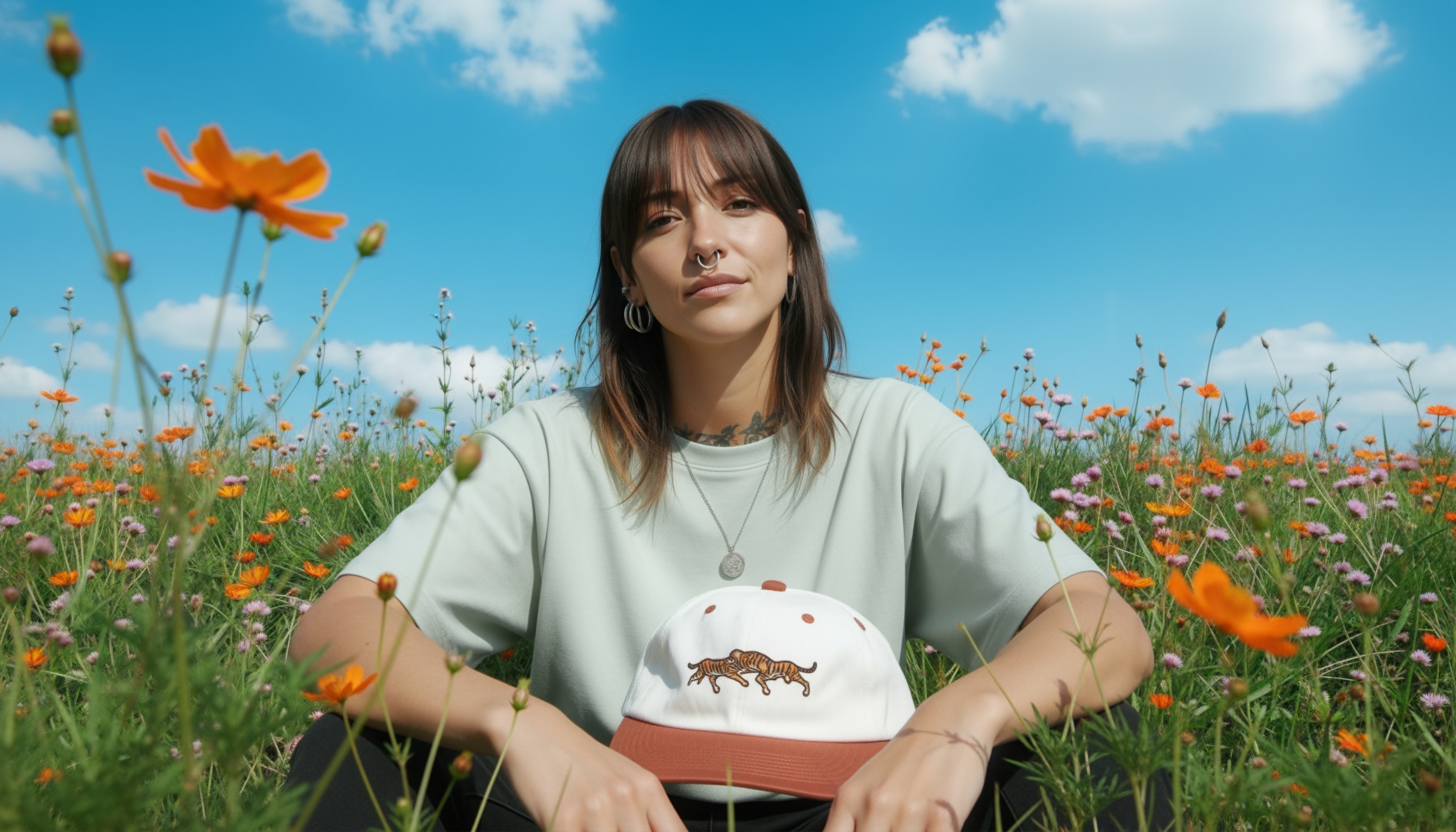
Show products in aspirational settings that help customers imagine ownership. AI makes it easy to generate these context-rich images without coordinating models, locations, and props:
- Fashion accessories appear in stylish urban settings
- Home goods look perfect in designer interiors
- Outdoor gear shows up in adventure scenarios
Product Mockups and Pre-Launch Marketing
Generate marketing imagery before products exist physically. This accelerates launch timelines and enables pre-orders with compelling visual content:
- Create mockups for investor presentations
- Test market response with pre-launch campaigns
- Build anticipation with hero images of upcoming products
International Market Customization
Adapt product imagery for different cultural contexts and markets without separate photoshoots:
- Show products in settings that resonate with local audiences
- Adjust styling to match regional preferences
- Create culturally relevant lifestyle contexts
A/B Testing and Optimization
Generate dozens of variations to test which product photography drives the best performance. Test different backgrounds, lighting styles, compositions, and contexts to identify what converts best for your specific products and audiences.
{{blog-banner-video07}}
Conclusion
AI product photography democratizes professional visual content. What used to require expensive equipment, studio space, and expert photographers now happens in minutes with accessible AI tools.
The technology enables brands of any size to compete visually with major eCommerce players. Create unlimited product variations, test different approaches without additional costs, maintain perfect consistency across catalogs, and respond instantly to seasonal or market changes.
LTX Studio's image generation tools make professional product photography accessible while integrating seamlessly with video marketing workflows. Generate product photos, then extend them into complete campaigns with video content, advertising, and social media assets—all from one platform.
Ready to transform your product photography? Start creating professional AI product images with LTX Studio and experience how AI accelerates your visual content workflow while reducing costs.
AI Product Photography FAQs
What is AI product photography and how does it work?
AI product photography uses machine learning and generative AI to create professional product images without traditional photography equipment. The technology generates images from text descriptions or enhances existing product photos by removing backgrounds, changing environments, adjusting lighting realistically, and adding props or lifestyle elements—all digitally without reshoots or studio setups, reducing costs up to 90% while enabling unlimited variations.
What are the best use cases for AI product photography?
The best use cases for AI product photography include generating consistent catalog images across large SKU counts, creating seasonal and holiday variations without reshoots, producing lifestyle and context shots showing products in aspirational settings, developing product mockups and pre-launch marketing before physical samples exist, customizing imagery for international markets and cultural contexts, and running A/B tests with dozens of background, lighting, and composition variations to optimize conversion rates.


Maximize your creative potential with AI-powered tools
Maximize your creative potential with AI-powered tools





.png&description=Discover how to do AI product photography. Get clear steps, tools, and techniques to make polished, realistic product photos in minutes.)


.webp)

.png)
.png)



